Search results
Query: audio scope
Links: 12 | Categories: 0
-
 Audio Spectrum Analyzer for Real-time, FFT, OscilloScope, Frequency counter, voltmeter, noise and distortion meter, phase shift meter. Multi-Tone Sound Frequency Sweep Generator. White, pink noise.
 -
 Shareware dual channel audio spectrum analyzer for Windows 2000/XP which can provide either a scrolling time-frequency display or a spectrum analyzer scope display in real time for any sound source connected to your sound card. Can be used for MTHELL, QRSS and DFCW by R S Horne
 -
 SigJenny turns your PC into a flexible and powerful audio signal generator for free. It can create multiple waveforms, sweep, fire single or repeating tone bursts. You can save your sound as a wav file, display a frequency response, use SigJenny a bit like an oscilloscope, and do a very good impression of a police car!
 -
 Eight-channel Audio Spectrum Analyzer is a set of Real-Time Multi-Channel Gauges for investigation of data accepted from any ADC you will want or 16-, 24- and 32-bit ADC of sound card. WDM drivers support. FFT Spectrum Analysis, OscilloScope, Frequency counter, AC/DC voltmeter, Signal-to-Noise Ratio, Signal-to-Noise and Distortion, Spurious-Free Dynamic Range, Effective Number Of Bits, Total Harmonic Distortion, Inter-Modulation Distortion, Phase Shift. Special modes of dual-channel FFT spectral analysis: Separate channels spectra, Spectra of digital sum, difference, product of two signals, Spectrum of digital product of original signal and its fundamental, Spectrum of Real and Complex Transfer Function, Cross Spectrum. Standart weighing of spectra according IEC and CCIR. Oscilloscope modes (for dual-channel ADC) are: original signals, sum, difference, dependence of one channel on another, amplitude distribution of input signals.
 -
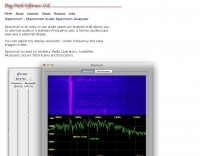 Macintosh audio spectrum analyzer that allows the user to view live audio in a standard frequency plot, a stereo oscilloscope view and a waterfall display
 -
 Audio Kit is a collection of four iphone applications which are essential for those working in audio and sound. A real time Spectrum Analyser, a Scope to display waveforms, an SPL Meter, and a sine wave Signal Generator.
 -
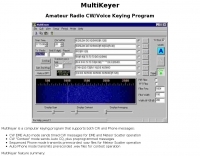 MultiKeyer is a dedicated computer keying program designed for amateur radio operators engaging in specialized operating activities such as Earth-Moon-Earth (EME) and Meteor Scatter, as well as general contest operations. It provides distinct modes for both CW and Phone transmissions, enabling automated message sequencing and playback of pre-recorded audio files. The software's interface shares a similar "look and feel" to the popular WSJT Meteor Scatter/EME program, facilitating ease of use for operators familiar with that platform. For CW operations, MultiKeyer offers an EME Auto mode for sending timed messages crucial for EME and Meteor Scatter, alongside a Contest mode that handles automatic CQ calls and preprogrammed messages. On the Phone side, it features a Sequenced Phone mode for transmitting prerecorded .wav files during Meteor Scatter events and an Auto Phone mode for contest use. The program leverages serial COM ports for CW and PTT signaling, and the soundcard for .wav file playback, with configurable PTT interrupt options. MultiKeyer integrates with TRX-Manager for PTT and CW keying, and can send callsigns for logging. It also supports WSJT-style "callsign.txt" files for lookups and adheres to the SO2R protocol for parallel port connections. Designed for Windows 98 and NT, it generally functions on Windows 95, ME, XP, and 2000, requiring a 133 MHz Pentium-class processor.
 -
 iSpectrum is a free spectrum analyzer for MacOS that allows you to display live audio in a standard frequency plot, waterfall display or in a stereo oscilloscope view. Used by ham radio operators, audiofiles, musicians, and Sound Technicians.
 -
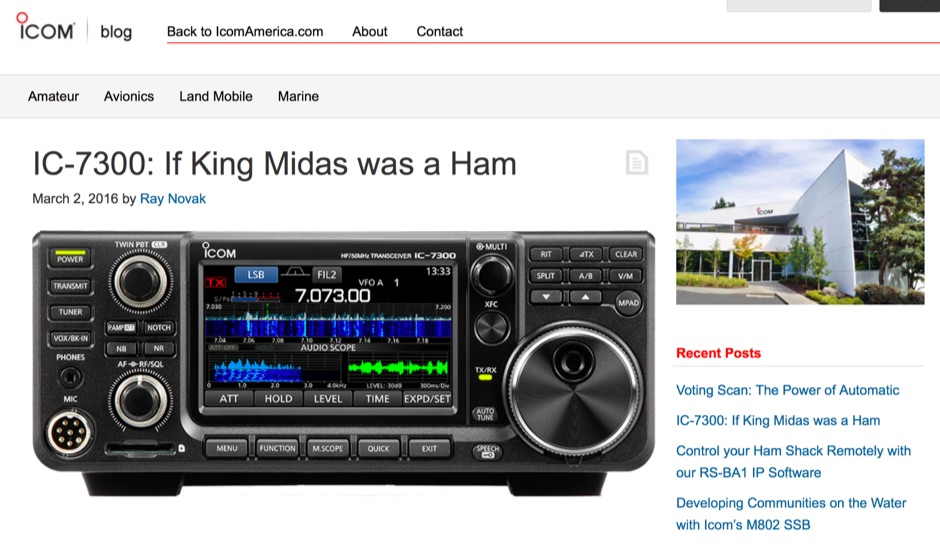 The Icom IC-7300 is a groundbreaking Software Defined Radio (SDR) transceiver that revolutionizes the way amateur radio operators interact with the spectrum. With its large 4.3-inch color TFT LCD touch screen, users can easily navigate through various functions, including real-time spectrum scope and high-resolution waterfall displays. This allows for quick adjustments and enhanced signal awareness, making it easier to find and engage in QSOs. The touch screen interface provides a modern approach to radio operation, replacing traditional buttons with virtual controls that can be accessed with a simple touch. In addition to its user-friendly interface, the IC-7300 boasts advanced features such as IF-DSP filtering, audio scope functions, and a multi-dial knob that combines tactile control with touch screen flexibility. These capabilities enable operators to visualize signals and make precise adjustments to their settings, ensuring optimal performance during contests or casual operating. The IC-7300 is designed for both beginners and experienced hams, making it a versatile addition to any shack. Its innovative design and functionality truly embody the spirit of modern amateur radio.
 -
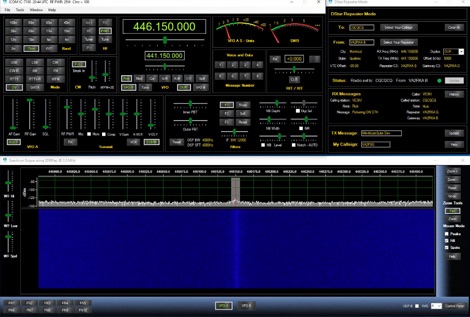 The Ultimate Control Software for the IC-7300, IC-7610, IC-7600, IC-7850, IC-7851 and Others is a control software suite that includes additional interesting features such as support for the built in Spectrum Scope, Audio monitors, Shortwave DB, CW Terminal, Clublog Spotting, Memory management, interface to Ham Radio Deluxe Logbook, DM780, n1mm+, log4om, DXLab and other. Runs on Windows OS, commercial licence.
 -
 open890 is a web-based UI for the Kenwood TS-890S amateur radio, and features good usability, clean design, and high-speed bandscope/audio scope displays, among other features not available either on the radio itself, or in the ARCP remote control software. It is currently only designed to interface with the TS-890 via a LAN (or wifi) connection, and not a USB/serial connection. It may work with the TS-990, as the command set is very similar, but is currently untested.
 -
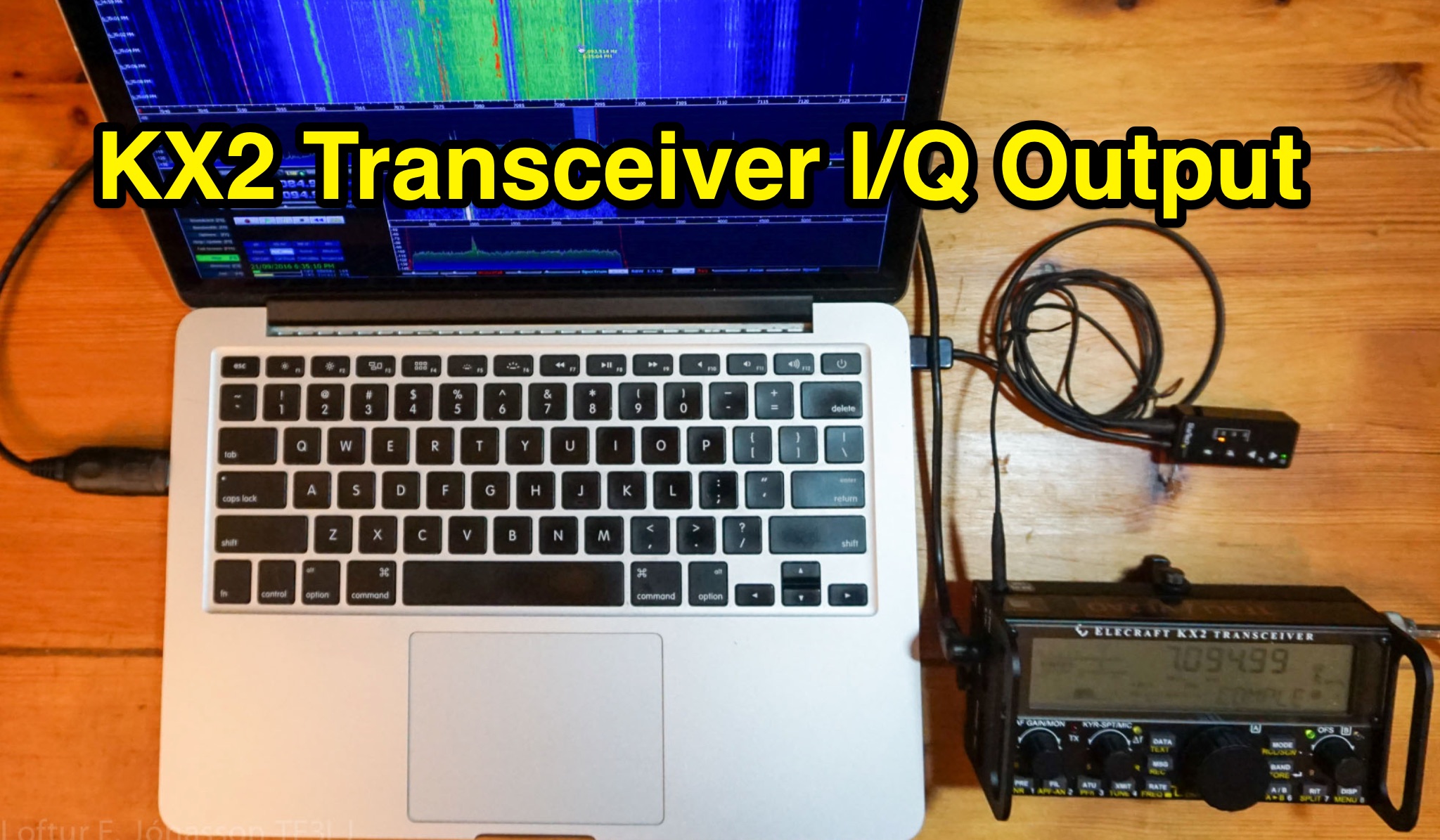 Learn how to add an audio I/Q output to your KX2 transceiver for use with a Spectrum Scope or external SDR software. The article provides a detailed guide on the circuit design and components needed, along with precautions to avoid signal degradation. Follow the instructions to enhance the functionality of your KX2 without compromising its performance.