Search results
Query: console sdr
Links: 5 | Categories: 0
-
 SDR-RADIO.com is a Windows console for SDR receivers and transceivers. Designed for the commercial, amateur radio and short-wave listener communities, the console provides a powerful interface for all SDR users. Many SDR owners have made their radios available over the internet. Just look at the Web Servers page for a list of the radios you can use. You do not need a licence to use this sodftware with RFSPACE, FUNcube Dongles, Soundcard (SoftRock) and low-end SDRs.
 -
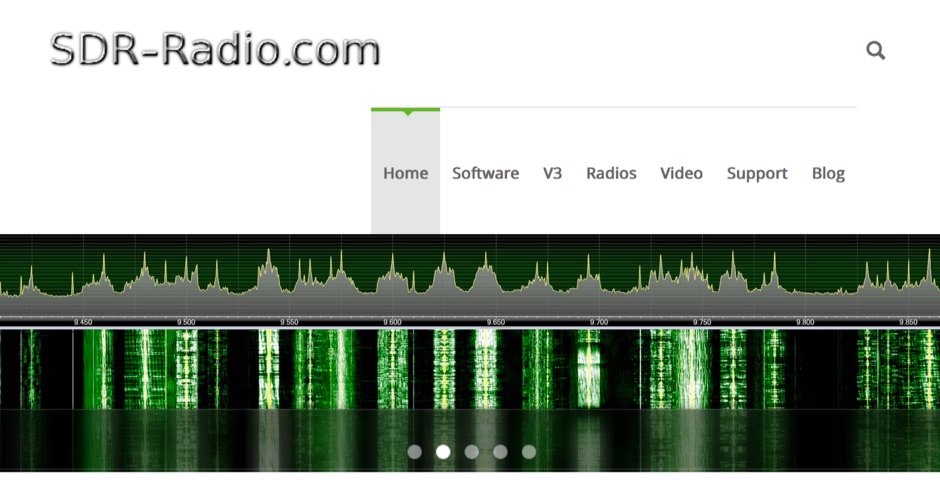 SDR-Radio.com is a Windows console for Software Defined Radio (SDR) receivers and transceivers. Designed for the commercial, government, amateur radio and short-wave listener communities, the software provides a powerful interface for all SDR users
 -
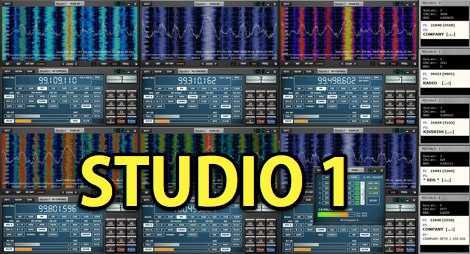 Studio 1 is a Paid windows SDR software defined radio application, supports Tmate and Tmate2 USB control consoles, for better tuning and control.
 -
 The author discusses ways to display VHF and higher bands using a K3/10 as transverter, NooElec Upconverter, SDR, and SDR-Console. He observed that the results were remarkable, with the tuned frequency visible at +/-100kHz. The K3 Interface Option (KXV3A) produces a buffered IF output at 8.213MHz, which is received using a NooElec NESDR SMArt SDR dongle and Ham It UP Upconverter. The SDR-Console program is utilized, with Omnirig synchronizing the SDR and K3. To configure the system, particular parameters are required, such as adjusting the IF frequency to 133.213MHz (125MHz + IF frequency) and inverting the spectrum. The Panadapter demonstrated ES activity at 10m, and modest software tweaks may be required for improved performance.
 -
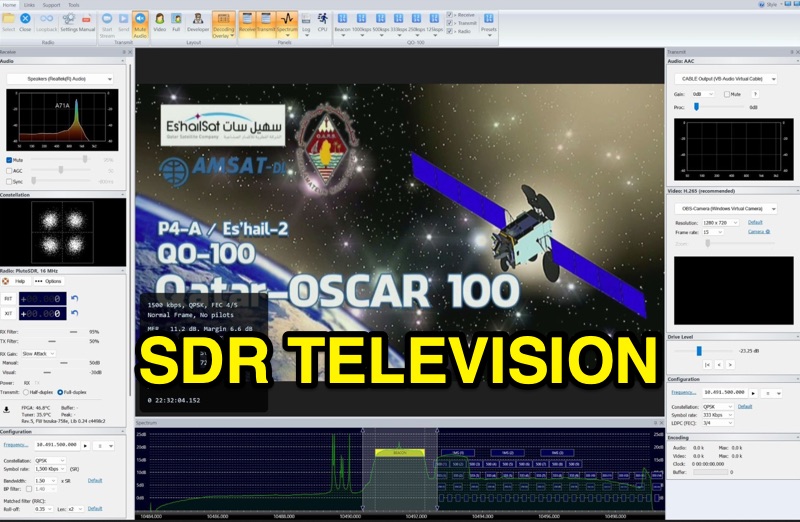 SDR Television v1.0 operates as a DVB-S2 / AAC / H264 / H265 program, specifically engineered for QO-100 satellite Digital Amateur Television (DATV) operations. It provides a full-duplex solution on modern x86 computers running Windows 10 or 11 (64-bit, 8+ cores, AVX2 support recommended), leveraging DLLs from _SDR Console_ for control of devices like _Pluto_ and _LibreSDR.TV_. The software requires installation of the SDR Radio kit for wideband mode support. Initial development focused on a proof-of-concept for QO-100, with future enhancements planned to include H266 / AV1 / Opus codecs and an improved cross-band user interface. The current stable release functions reliably for QO-100 DATV. Users must install the SDR Radio kit, followed by the SDR Television kit, into the same directory. Support inquiries are handled via the SDR-Radio.com mailing list, ensuring direct assistance for operational questions.