Search results
Query: qso analyzer
Links: 6 | Categories: 0
-
 This resource provides access to the 59+ software collection, specifically highlighting the **59+ CW** module. The software enables the generation of Morse code signals for transmission through a COM port to a transceiver, or for audio output via a computer speaker, facilitating both keying and listening practice. Users can customize various parameters, including CW speed, tone frequency, dash/dot ratios, and PTT line delay, alongside defining keyboard shortcuts for common QSO fields such as callsign, QTH, name, and RST. The collection also includes the 59+ Logbook, which operates smoothly on Windows XP according to testing notes, though the CW application experienced startup issues on the same OS. The software was originally designed for older Windows operating systems, specifically Windows 95, 98, ME, and 2000. It is noted that the original idealog.net site is no longer active, and development for the 59+ suite appears to be discontinued. Analyzer and converter modules within the collection require registration and do not function in trial mode.
 -
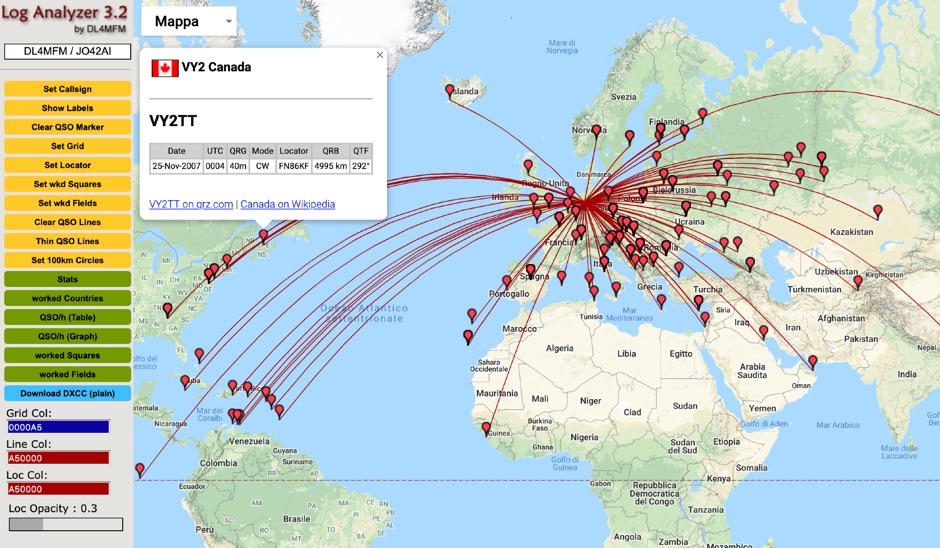 QSO Map Deactivated Due to a new pricing structure for Google Maps APIs (since March 1, 2025), the map function is no longer free to use. For this reason, the QSO Map has been deactivated.
 -
 Over 45 years of amateur radio experience inform the homebrew projects detailed on this personal website, with a particular focus on microwave frequencies. The site showcases a 24 GHz transverter and a more recent 47 GHz transverter, demonstrating practical construction techniques for extreme high-frequency operation. These projects often involve custom circuit design and careful component selection to achieve stable performance at millimeter-wave bands. Key projects include a _harmonic converter_ for frequency measurement and a tracking spectrum analyzer, essential tools for microwave experimenters. The site also documents a CW sidetone generator and a TX/RX sequencer, illustrating fundamental building blocks for radio equipment. Details on a digital frequency meter and an S-meter/dBm meter provide insights into test equipment construction. Specific achievements, such as a **24 GHz** tropo QSO with DK3SE in 2021, highlight the operational success of these homebrewed systems. The content reflects a long-standing dedication to self-sufficiency in amateur radio, providing practical examples for those interested in building their own gear.
 -
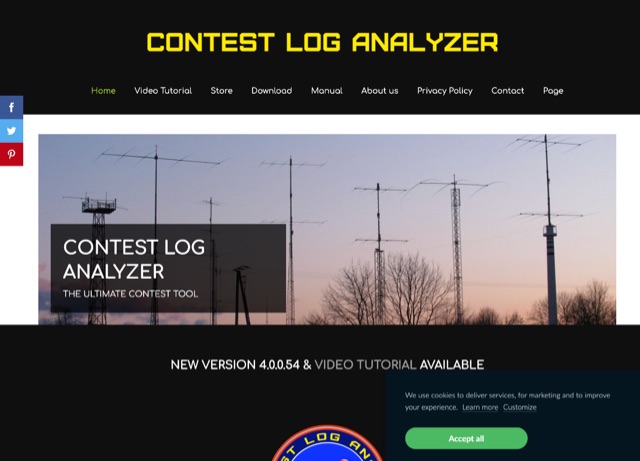 The complete software suite to Edit, Analyze, Generate Statistics, View multiple logs simultaneously, Map QSOs, Import and Export to Cabrillo or ADIF files. The Contest Log Analyzer has been developed as a complete database management application, where you can create separate Databases, containing several Logs, a convenient way to save, in one place only, all your log files that accumulate over the years. It runs on Mac and Windows, and it is a commercial product.
 -
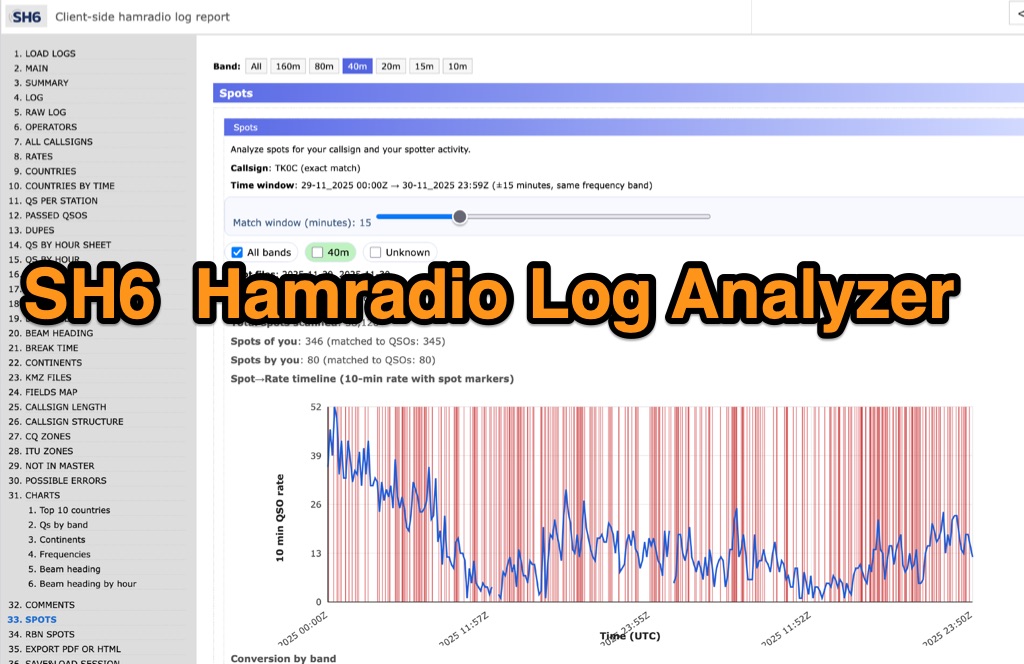 SH6 is a versatile, browser-based utility designed for the detailed analysis and visualization of amateur radio contest logs. Supporting standard formats such as Cabrillo and ADIF, the tool allows operators to upload personal files via drag-and-drop or access a searchable public archive containing over one million logs. Key capabilities include comprehensive performance metrics, offering summaries of band breakdowns, QSO rates, and beam headings. Furthermore, SH6 provides advanced geographic visualization through interactive maps, analyzing contacts by country, zone, and continent. A standout feature is the side-by-side comparison mode, enabling users to contrast two distinct logs for strategic assessment. SH6 transforms raw log data into actionable insights regarding operator performance without requiring software installation.
 -
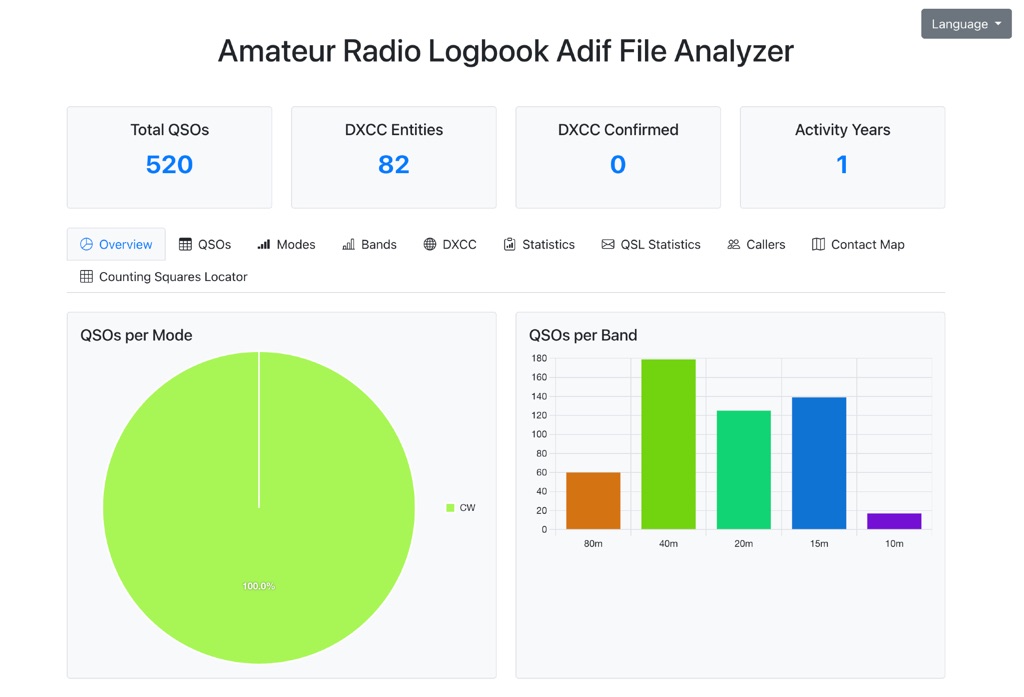 The Amateur Radio Logbook ADIF File Analyzer available at loganalyzer.sv5fri.eu is a convenient web-based tool that allows you to upload your ADIF log and instantly generate a visual map of your QSO contacts along with detailed statistics—by band, mode, time, grid squares, DXCC, and more. It provides an intuitive overview of your operating patterns and performance without requiring any software installation.