Elecraft KX2 WSJT-X FT8 Configuration for Windows 10 without External Soundcard
Configure Elecraft KX2 for FT8 with WSJT-X on Windows 10 without an external soundcard.
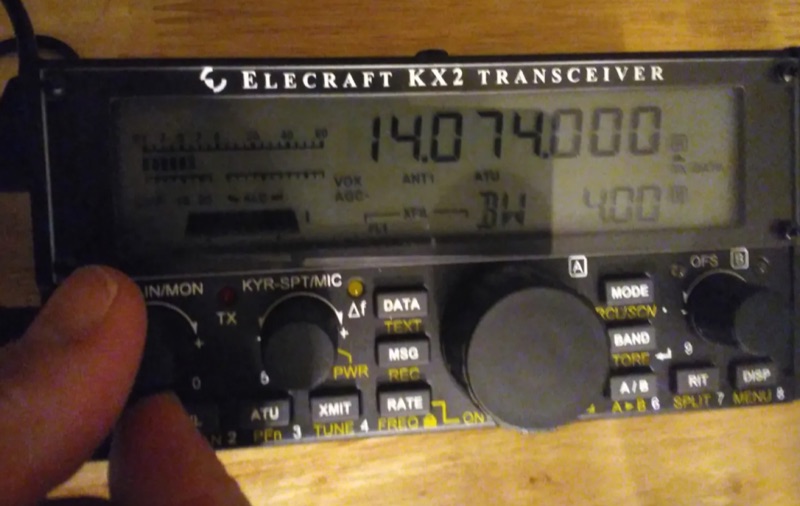
Description
Approximately 15 watts of RF output can be achieved by carefully adjusting the Elecraft KX2 transceiver's settings for digital mode operation with WSJT-X. This configuration guide focuses on direct integration with a Windows 10 laptop, eliminating the need for an external soundcard. It details the precise menu settings within the KX2, such as Menu 38 (DATA A), Menu 39 (DATA B), and Menu 40 (DATA C), which control audio input, output, and data mode activation, respectively. The process also covers critical adjustments within WSJT-X, including selecting the correct audio input/output devices and configuring the CAT control interface for the KX2.
Successful setup involves verifying proper transmit power on the KX2's RF meter and troubleshooting common issues like incorrect SSB transmission settings. The guide emphasizes using the KX2's internal soundcard capabilities, leveraging its USB interface for audio and CAT control. Specific attention is given to ensuring the KX2's internal soundcard is recognized and properly selected within Windows 10 sound settings and WSJT-X.
This methodology enables operators to establish a functional FT8 station with minimal external hardware, streamlining the setup for portable or QRP operations. It provides step-by-step instructions for both radio and software adjustments, ensuring reliable digital mode communication.