Search results
Query: CW macros
Links: 4 | Categories: 0
-
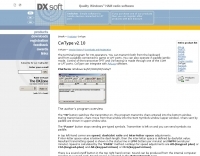 CwType v2.35 provides a dedicated terminal interface for **CW operators**, facilitating Morse code transmission from a Windows PC. Users can input characters via the keyboard or a connected paddle, supporting iambic keying. The software manages transceiver control, including PTT and CW keying, through COM or LPT ports. It offers adjustable speed, dash/dot ratio, and inter-letter spacing, with real-time speed display in LPM and WPM calculated by the "PARIS" method. The program includes features like MOX mode for automatic TX on/off, configurable weighting to compensate for transceiver element clipping, and programmable F-key macros for sending predefined text or special sequences. CwType can integrate with logging software such as AALog (V1.0.3 and later) for data transfer, and supports various character sets including English, Russian, and Swedish. A beacon mode is also available, executing the Alt-F12 macro periodically at a user-defined interval. Audio output for monitoring can be routed through the internal PC speaker or a sound card, with options for sine waveform and smooth envelope generation for SSB transmitters. The software is compatible with **Windows XP/Vista/7/8/10** and is distributed as freeware.
 -
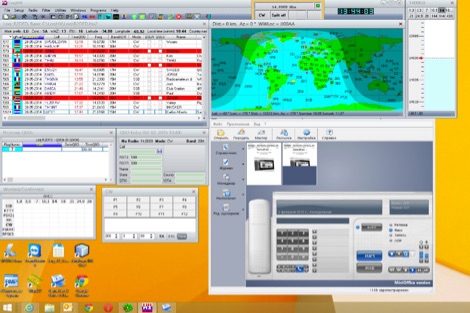 Operating a modern amateur radio station often involves integrating various software tools, and LogHX aims to provide a unified environment for Windows users. The software facilitates comprehensive QSO accounting, allowing operators to track contacts and manage both e-QSL and traditional paper QSL exchanges, including via QSL managers or direct methods. It also offers real-time QSO preview and integrates with popular callbook data for quick lookups. LogHX supports various logbook database searches and maintains statistics for numerous awards, a critical feature for serious DXers and contesters. The program handles logbook import and export in widely used formats such as _ADIF_ and _Cabrillo_, ensuring compatibility with other logging applications. Furthermore, it interoperates with Telnet clusters and third-party ham radio software, enhancing its utility in a networked shack environment. Key functionalities include antenna rotator control, editable macros for PSK, RTTY, CW, and SSB operations, and CAT control via _OmniRig_ or direct interfaces. Embedded modules like MMVari, MMTTY, and CWServer streamline digital mode operations, while its multi-window structure allows users to customize their screen layout, preserving valuable monitor space.
 -
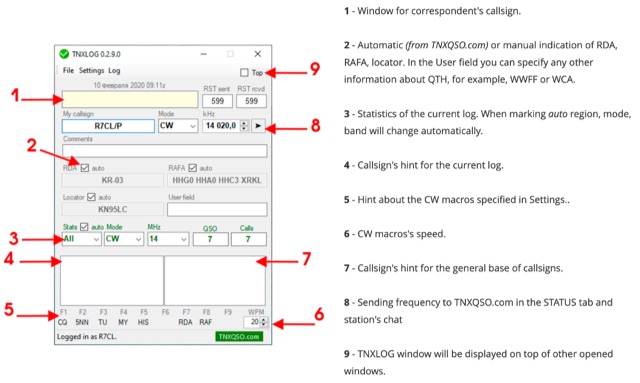 TNXLOG is a specialized logging application designed to complement the TNXQSO.com online service, focusing on real-time data exchange rather than serving as a standalone general-purpose logbook. The software facilitates the transmission of current **QSOs** to the TNXQSO.com server and simultaneously retrieves relevant geographical data such as RDA, Locator, and RAFA from the same server. It maintains real-time QSO statistics, providing operators with immediate feedback on their activity. Additionally, the application supports working with **CW macros** via a COM port, streamlining Morse code operations during contacts. This utility is specifically tailored for users of the TNXQSO.com service, enhancing their operational experience by automating data synchronization and providing instant access to location-specific information. Its design prioritizes integration with the online platform, making it a companion tool for those engaged in specific award programs or regional operating activities that benefit from real-time data exchange and statistics. The software's functionality is distinct from traditional logbook programs, emphasizing its role in a connected operating environment.
 -
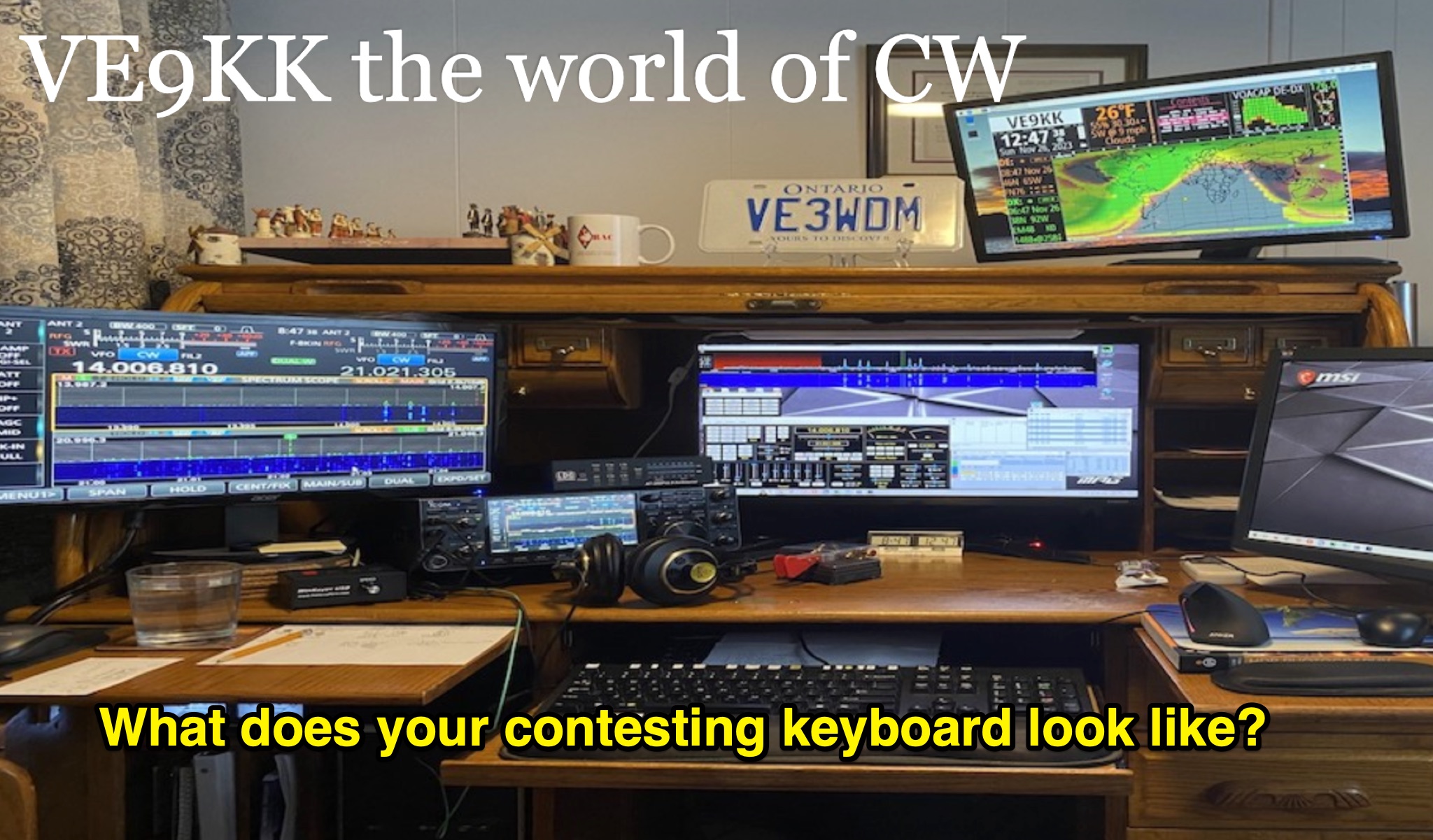 Learn how to optimize your keyboard setup for CW contesting in amateur radio. Discover the importance of macros, keyboard combinations, and single keys for efficient contesting. Find out how a mechanical key system like the Lenovo full-sized preferred pro 2 keyboard can enhance your contesting experience. Explore tips on avoiding accidental key presses and maximizing your speed during contests. Dive into macro setup details, including key functions like STOP, CQ, and X. Improve your contesting skills and efficiency with the right keyboard setup tailored for CW operators.