Search results
Query: dx cluster widget
Links: 3 | Categories: 0
-
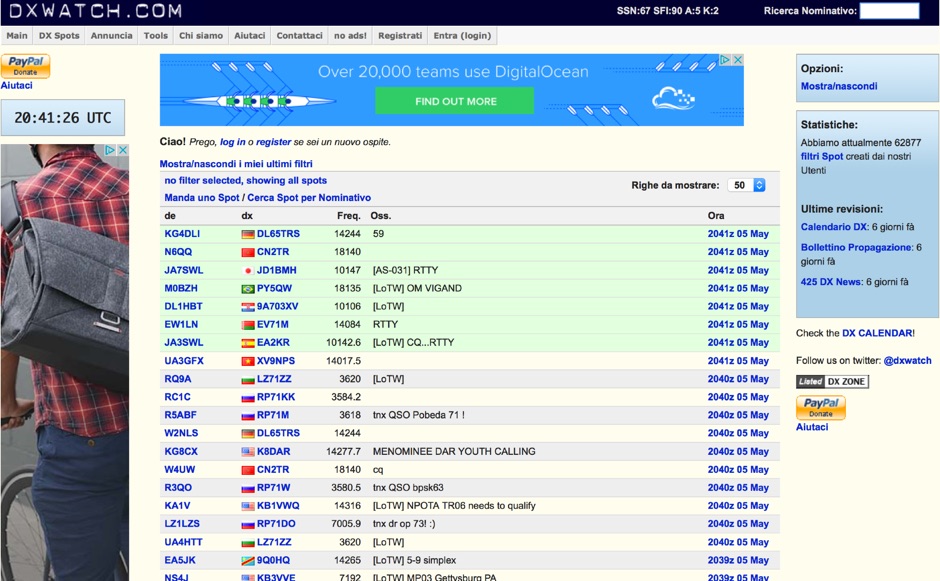 DX clusters aggregate real-time amateur radio spot data, enabling operators to identify active stations and propagation conditions across various bands and modes. DXWatch offers a web-based interface for this essential operating tool, allowing users to filter spots based on specific criteria such as band, mode, or callsign. The service integrates features like a customizable filter system and an external widget for embedding spot data on other platforms, enhancing its utility for DXers and contesters. Operators can access worldwide spot data, with options to zoom into specific regions like the US, Europe, or the North Atlantic, facilitating targeted DXing efforts. The platform also includes a watchlist feature for registered users, enabling personalized tracking of desired stations or entities. Real-time data on solar flux index (SFI), A-index, and K-index are displayed, providing crucial propagation insights alongside the DX spots.
 -
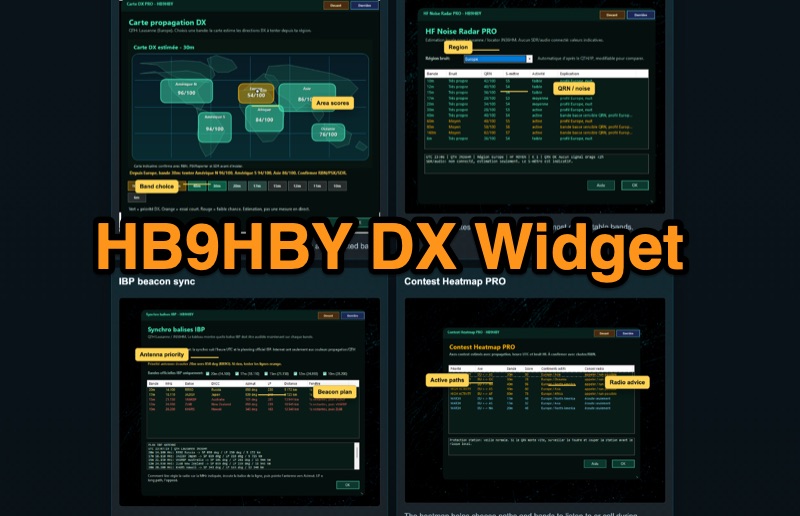 Demonstrates the _Widget DX HB9HBY_ software, a compact desktop application for amateur radio operators, providing essential real-time information. The widget displays UTC time, current HF propagation conditions, local weather, and thunderstorm risk. It also integrates radio-related links and offers advanced PRO functions, such as a DX map, HF noise radar, IBP beacon synchronization, contest heatmap, aurora radar, and a rare DX radar. The software is available for Windows 10/11 and Linux, with a macOS version planned for future release, and supports both French and English interfaces. Author HB9HBY highlights the widget's simple installation process and automatic update capabilities, which can be silent for minor fixes or include notifications for significant changes. The free version provides core functionalities, while a 15-day free trial unlocks the PRO features. A lifetime PRO license is available for a one-time payment of CHF 10, activating advanced tools that help operators make quicker decisions at the station by correlating propagation, UTC, DX activity, and local conditions, though results remain indicative and require confirmation via listening or tools like _RBN_ or _PSKReporter_.
 -
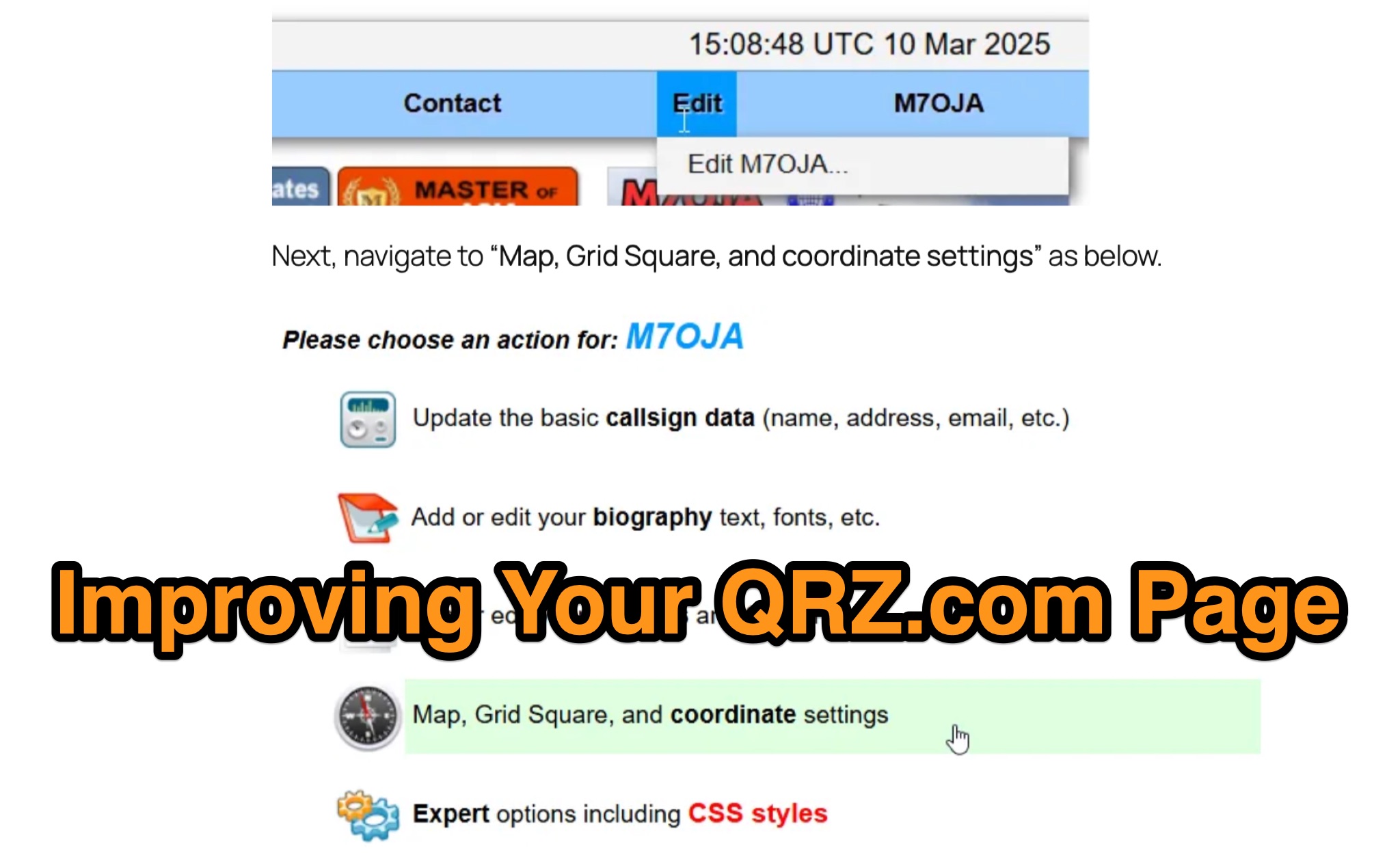 Optimizing a QRZ.com page involves adding essential callsign data, ensuring correct _Maidenhead Gridsquare_ and DXCC information in the Detail tab, and populating the Biography section with relevant station details. Operators should include their operating conditions, specific country references like WAB square, club affiliations, and detailed QSL information, specifying preferences for electronic confirmations (e.g., _LoTW_, Clublog) and paper QSLs (direct, bureau, SASE). The guide emphasizes the importance of accurate data for electronic logging software integration, which fetches Gridsquare, DXCC, and CQ/ITU zones to populate contact logs correctly. Further enhancements include leveraging the QRZ.com photo gallery for images and setting a primary image that logging software like _Log4OM_ can display. Advanced customization involves embedding external services via HTML source code. Examples include integrating HamAlert for DX Cluster spots, Clublog for log searches and Online QSL Requesting (OQRS), and Parks on the Air (POTA) statistics widgets from WD4DAN. Additionally, live weather information from Weather&Radar and solar data banners from HamQSL can be embedded, providing real-time environmental context for visitors to the QRZ page. These embedded tools require creating accounts on respective platforms and often involve copying specific source code snippets into the QRZ biography's HTML editor, ensuring callsign placeholders are updated.