Search results
Query: Elecraft
Links: 105 | Categories: 5
-
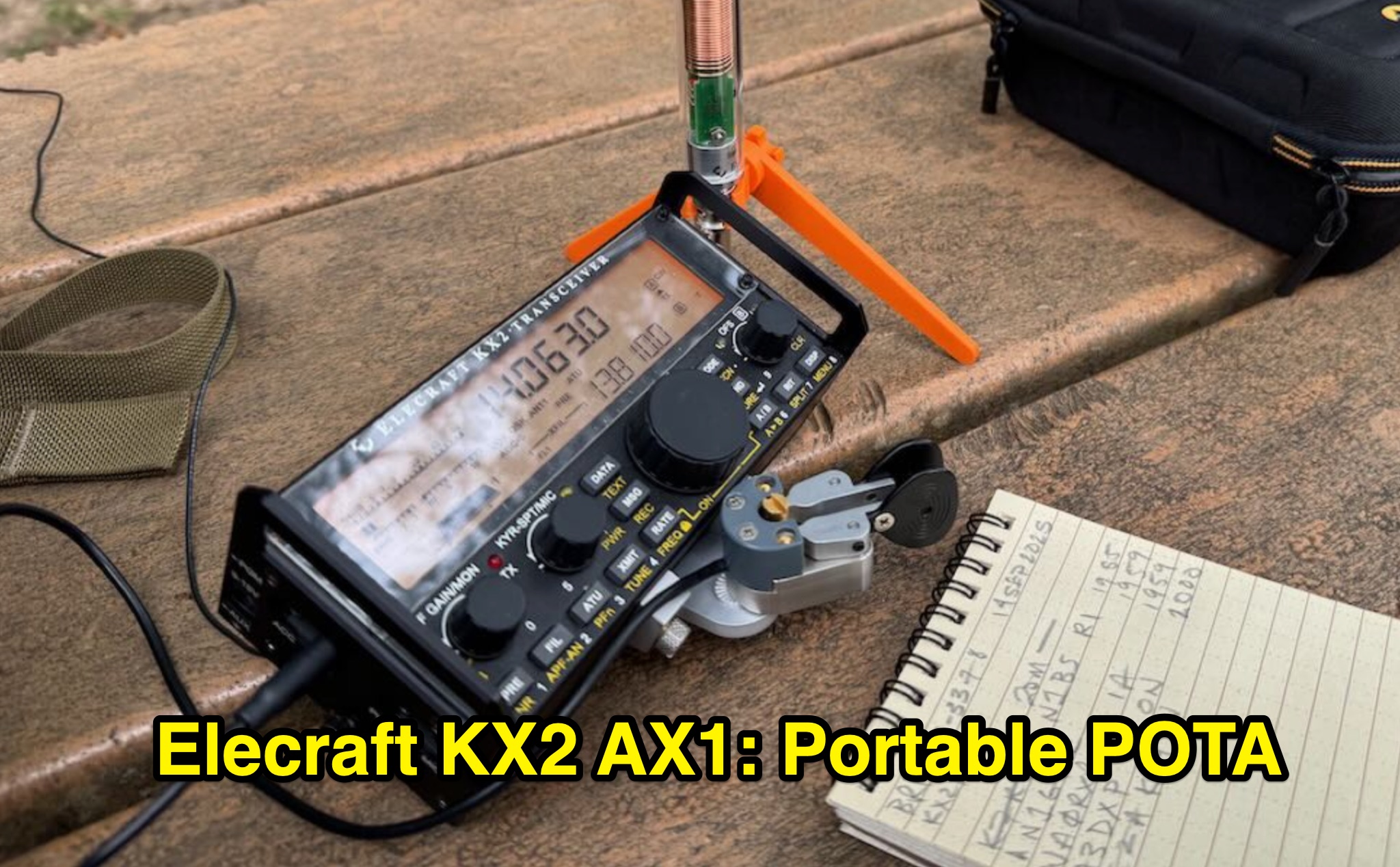 The Elecraft KX2 and AX1 portable field kit is reviewed for its efficacy in rapid Parks On The Air (POTA) activations, focusing on a specific outing by _K4SWL_. The resource details the setup, including the _Elecraft KX2_ transceiver, _AX1_ antenna with a 3D-printed bipod, _Begali Adventure Dual_ paddles, and various accessories like the Windcamp X2 Side Rails and Tufteln KX2 Protective Cover. It outlines the practical considerations for a quick deployment, such as avoiding tree-thrown lines due to back pain, and emphasizes the minimal setup time required to get on the air. The activation described involved 11 contacts logged on 20 meters within 14 minutes, demonstrating the system's efficiency for "grab-and-go" operations. A QSO map visualizes the contact locations, and an unedited video documents the entire activation process. The review highlights the kit's reliability and compact nature, making it suitable for urban parks or situations where rapid deployment and minimal footprint are essential. The author expresses appreciation for the kit's tidy organization and consistent performance over several years of portable use.
 -
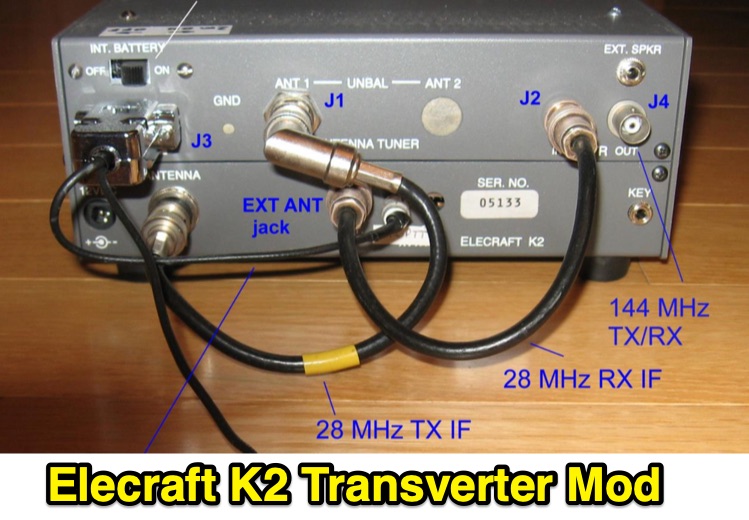 Demonstrates the conversion of an _Elecraft K2_ QRP HF transceiver to serve as a 2-meter Intermediate Frequency (IF) rig for microwave transverters, addressing the obsolescence of older _Yaesu FT-290R_ units. The project integrates a _DEMI 144-28DC_ transverter board, configured for a 28 MHz IF, and details the necessary modifications to the K2, including the installation of the K160M module for a separate receive-only antenna input and the KSB2 SSB module for voice operation. The modified K2 provides a stable 1-watt output for the 2m IF, utilizing the QRP antenna jack for transmit and the K160M input for receive, with a custom PTT control circuit. The article outlines the physical integration and electrical interfacing, including the design of an internal attenuator for the 28 MHz IF output and a control circuit for the 144 MHz interface. It also covers the construction of a medium power amplifier using an _MGA-31389 MMIC_ to boost the 2m output to 100 mW, matching the original FT-290R performance. Performance measurements for the amplifier, including output power versus input power and gain versus frequency, are presented. The project culminates in a fully integrated solution, with schematics and photos illustrating the internal wiring and external connectors. The modified K2, dubbed the "K290R," was successfully deployed in the 2017 _ARRL 10 GHz and Up Contest_ with a _Kuhne 10 GHz_ transverter, demonstrating reliable operation for CW and SSB modes.
 -
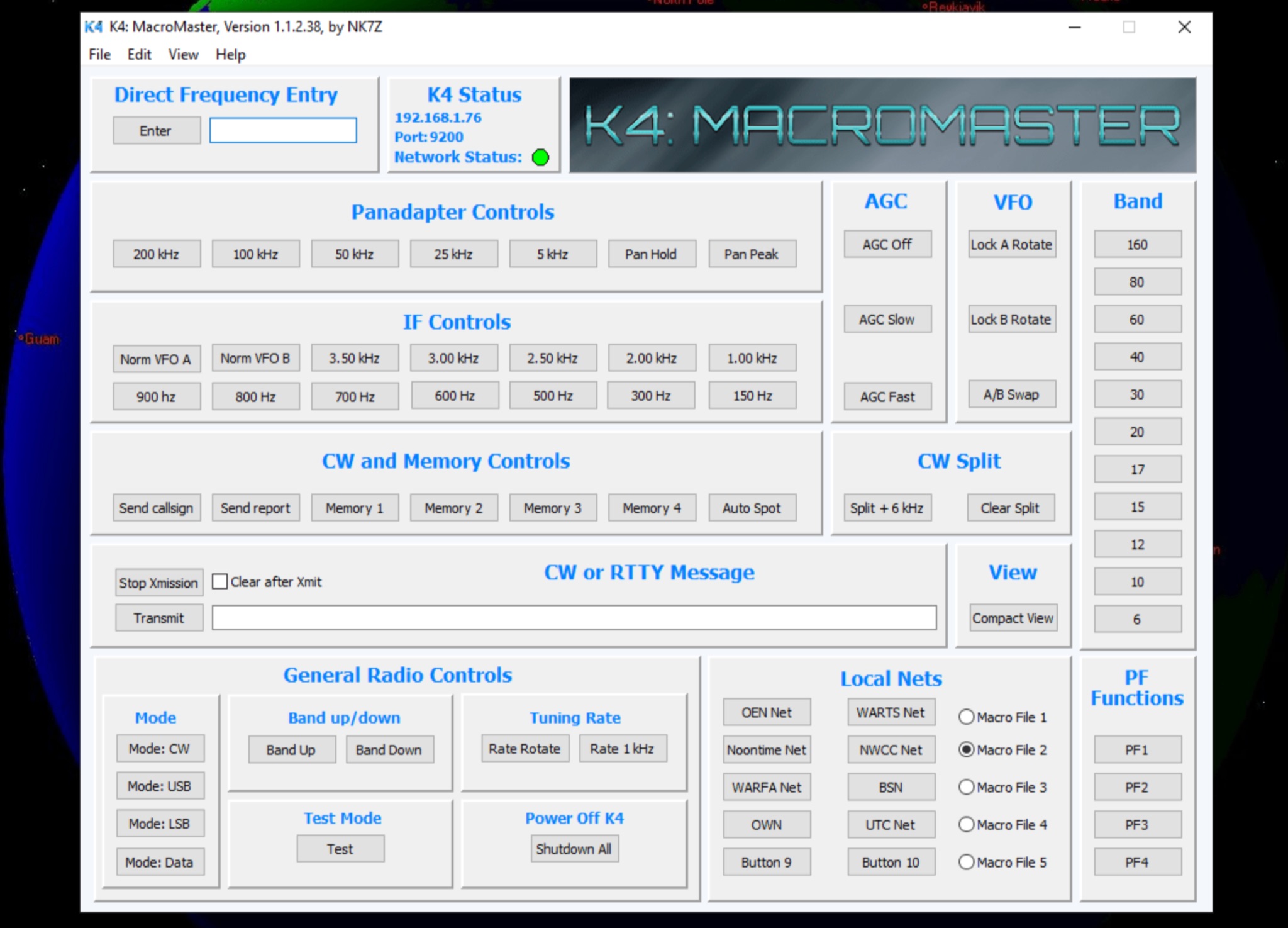 This page provides a detailed review and setup guide for the K4 MacroMaster program, designed for Elecraft K4 and K4D radio users. The program allows users to easily program, test, and implement macro commands through Ethernet or Wifi connection. Users can create up to fifty user programmable macros in groups of 10, called Macro Clusters. The software includes an editor for creating, storing, and naming clusters by function, as well as a hint feature for quick reference. This resource is valuable for hams looking to streamline their radio operations with customized macro commands.
 -
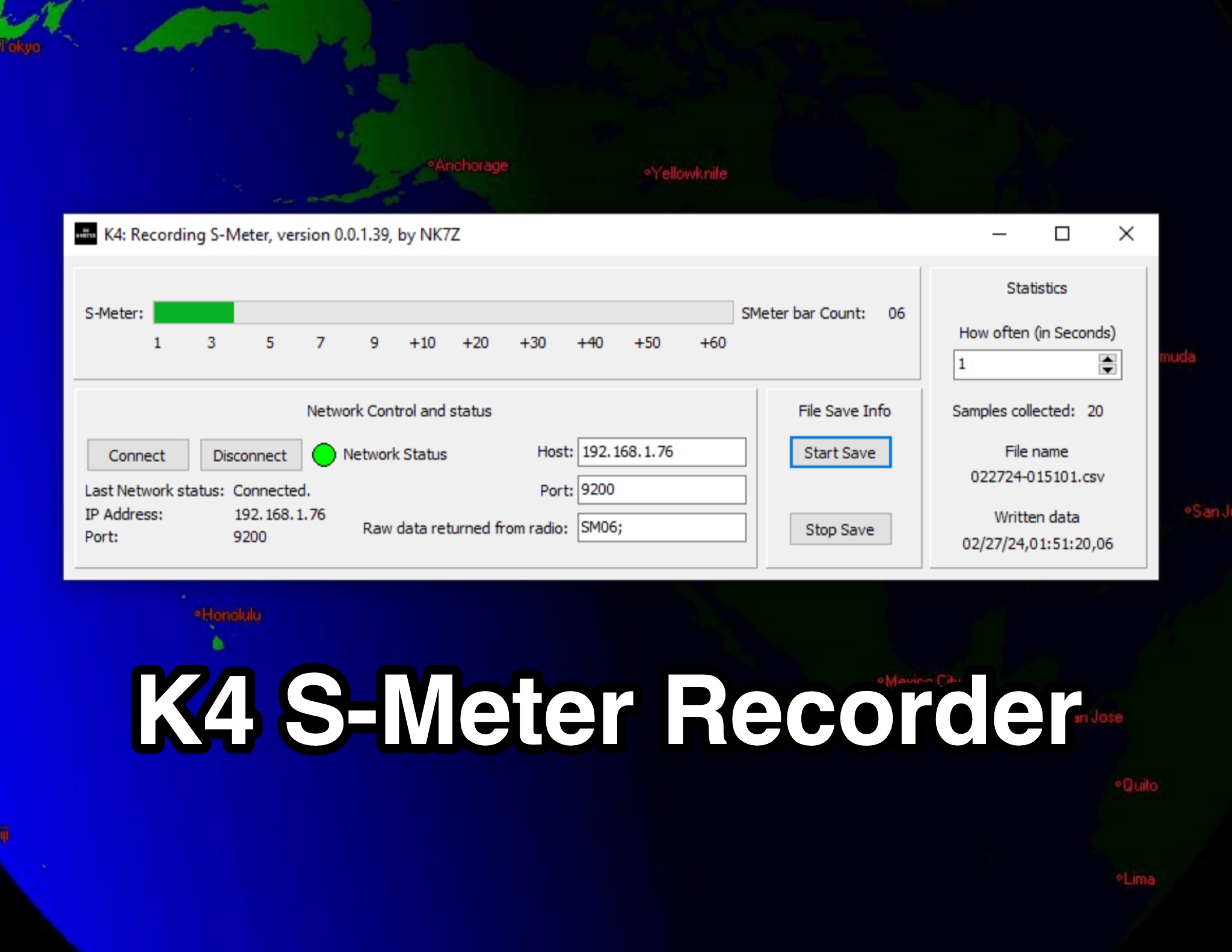 This page presents the K4 S-Meter Recorder, a tool designed for the Elecraft K4 radio by hams. The tool collects S-Meter readings and saves them to a CSV file, allowing users to create graphs of RFI over time. These graphs are valuable during RFI hunting, aiding in pinpointing the source. Visitors can view the program's interface, download it at their own risk, and subscribe to the blog for updates. The page provides insights into the K4 S-Meter Recorder's functionality and usage for ham radio operators seeking to manage RFI effectively.
 -
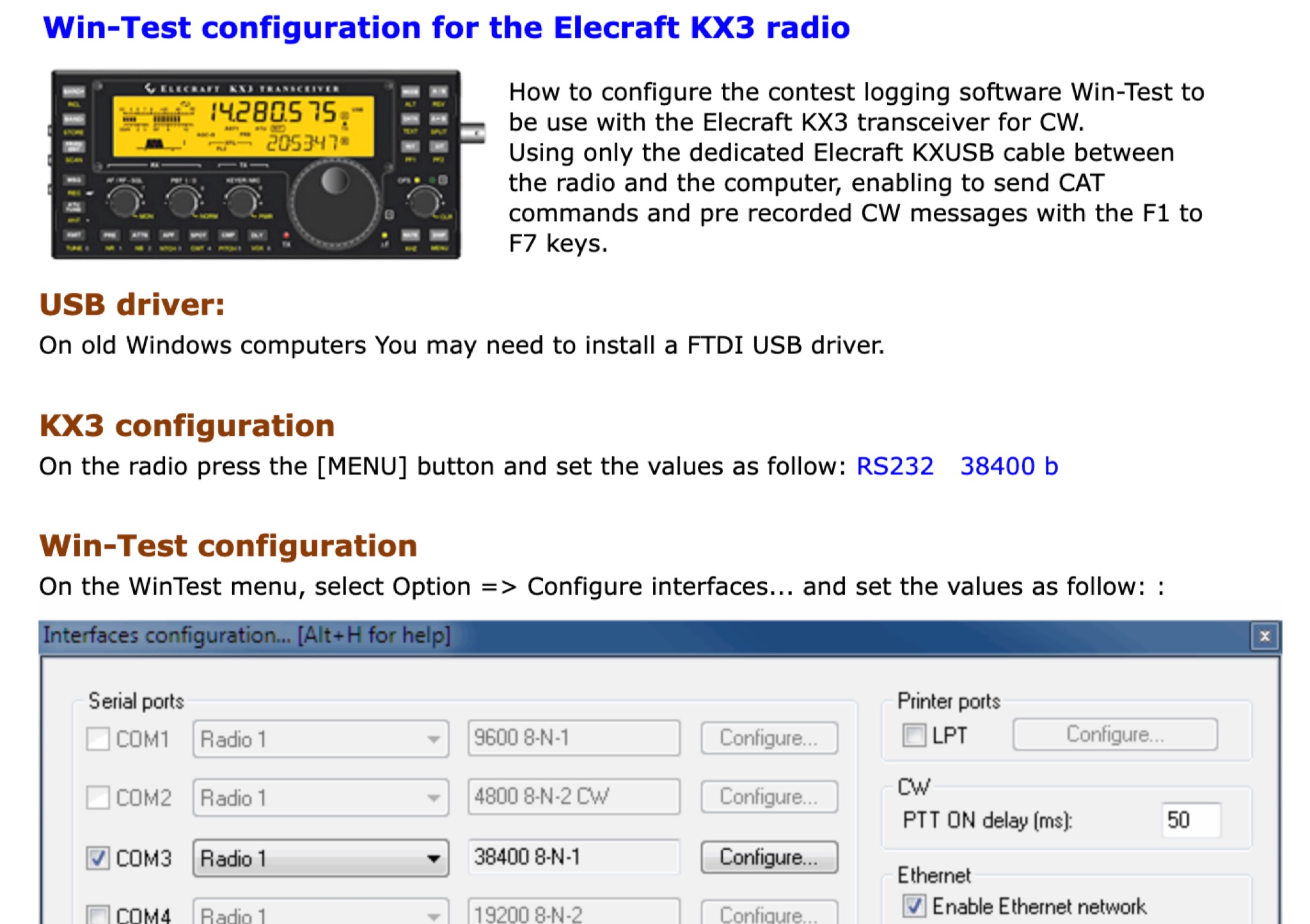 This page provides a detailed instructions on how to setup the KX3 transceiver with the Win-Test software. How to configure the contest logging software Win-Test to be use with the Elecraft KX3 transceiver for CW. Using only the dedicated Elecraft KXUSB cable between the radio and the computer, enabling to send CAT commands and pre recorded CW messages with the F1 to F7 keys.