Search results
Query: transceiver interface
Links: 104 | Categories: 2
-
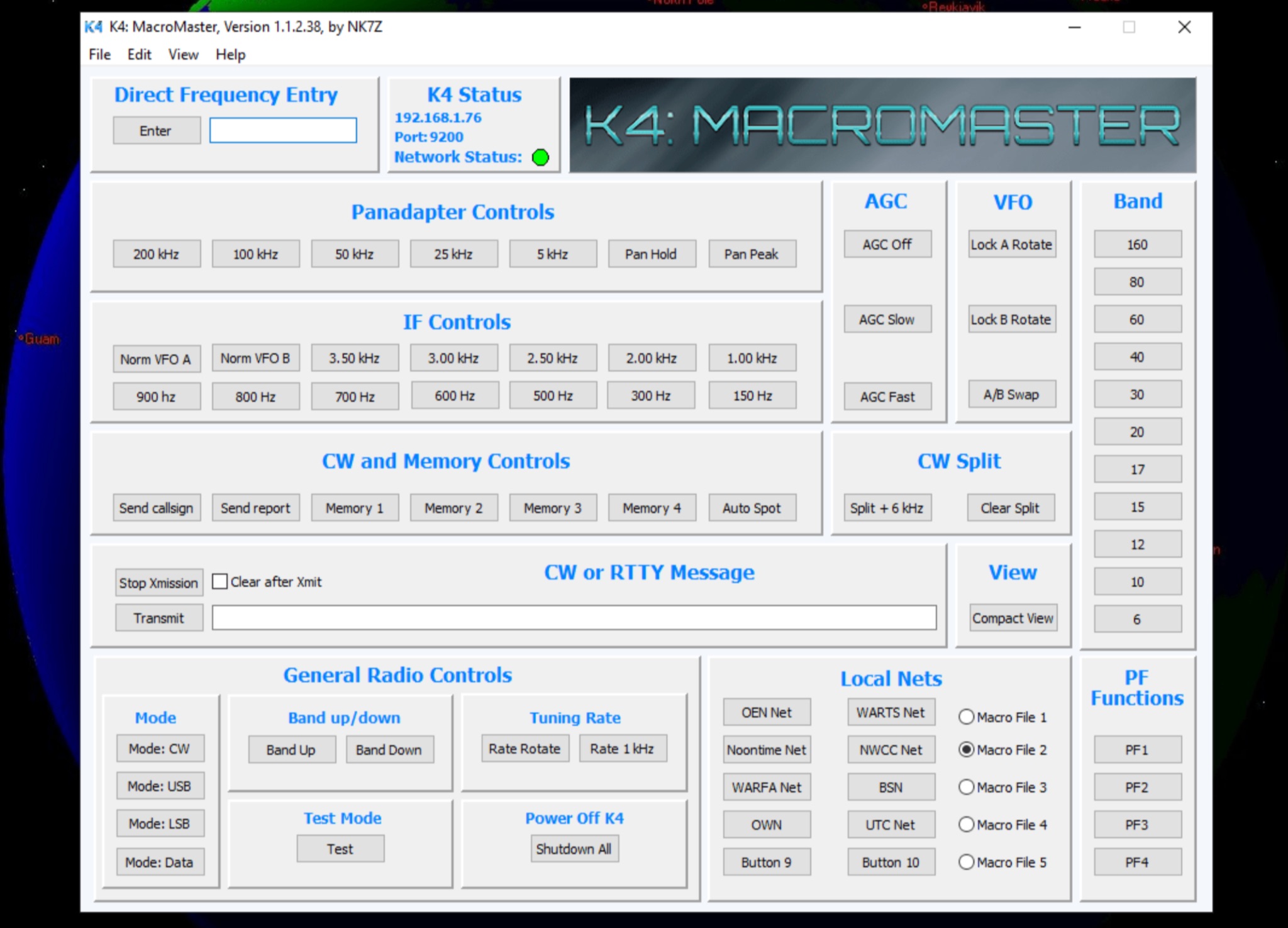 The K4 MacroMaster program facilitates the creation and deployment of macro commands for the Elecraft K4 and K4D transceivers. It provides a structured interface for hams to program up to fifty user-defined macros, organized into five **Macro Clusters** of ten commands each. The software connects to the transceiver via Ethernet or Wi-Fi, allowing for seamless command injection and operational streamlining. The resource details the program's **macro editor**, which supports the creation, storage, and naming of these clusters by their functional purpose. A built-in hint feature offers quick reference for command syntax and usage, aiding in efficient macro development. The review section covers the installation process, initial configuration steps, and practical application scenarios for the K4 MacroMaster, including examples of common macro functions like band changes, mode selections, and contest logging integrations. Operational benefits highlighted include enhanced workflow automation and reduced manual input during demanding operating conditions, such as DXing or contesting.
-
 Eight specific user interface limitations are identified in the Yaesu FTdx10 transceiver's firmware, drawing on the author's extensive software engineering background and experience with Icom IC-705 and IC-7300 interfaces. The analysis highlights issues such as the main dial Lock button disabling the RX/TX Clarifier, which impedes net control and pile-up operations. It also points out the FTdx10's spectrum scope display modes lack a "Scroll-F" equivalent for efficient band scanning, a feature common in Icom radios. Further points address the inability to access screen-based settings during transmit, the need for improved antenna tuner behavior with an option to reset settings and intelligent segment recall, and limitations when using an external mouse, such as the scroll wheel not functioning as the main dial or function knob. The author also notes the lack of automatic power reduction when using external LDG tuners and the CW decoder's all-caps display, which hinders readability. These observations aim to guide Yaesu in enhancing the FTdx10's user experience, leveraging its strong receiver performance and advanced features.
-
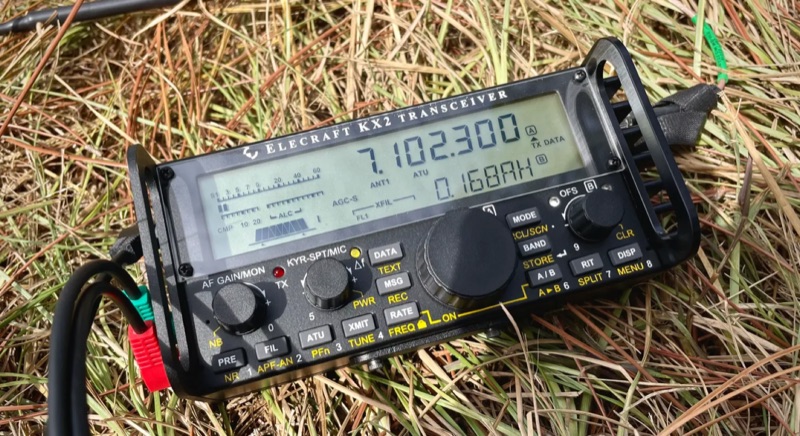 The Elecraft KX2 portable HF transceiver, weighing exceptionally light due to its stamped sheet metal exoskeleton, integrates a 2.5 AH internal lithium-ion battery and an internal tuner, significantly reducing the need for external accessories in a portable HF kit. An add-on board released earlier allows for internal charging, enhancing convenience for field operations. The transceiver's power consumption is efficient, making the internal battery practical for extended use, and its compact form factor is a key advantage for operators prioritizing minimal weight and bulk. Initial user interactions with the KX2 involved familiarization with controls and resolving an audio distortion issue, which was traced to a monitor function left active by a previous owner, quickly rectified by consulting the well-written manual. The resource also notes a Digirig interface issue, resolved by correcting jumper settings, enabling serial rig control. The KX2's data mode operation, while described as an afterthought, is found usable, though it shares mic gain settings between the hand mic and data interface, requiring careful computer audio output adjustment. A notable characteristic of the KX2's data handling is the lack of receive audio monitoring when a data mode interface is connected via the headphone jack, necessitating reliance on waterfall displays for channel clearance. This contrasts with traditional methods of listening for clear channels. The article also mentions the KX2's use of pin diode switching for silent TX during data operations and suggests further work on TX/RX EQ and voice compression settings to optimize 10W voice performance.
-
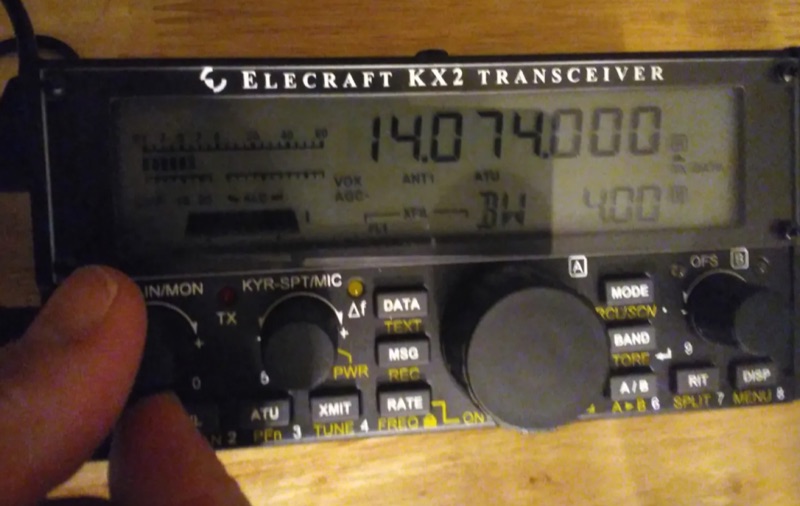 Approximately 15 watts of RF output can be achieved by carefully adjusting the **Elecraft KX2** transceiver's settings for digital mode operation with **WSJT-X**. This configuration guide focuses on direct integration with a Windows 10 laptop, eliminating the need for an external soundcard. It details the precise menu settings within the KX2, such as Menu 38 (DATA A), Menu 39 (DATA B), and Menu 40 (DATA C), which control audio input, output, and data mode activation, respectively. The process also covers critical adjustments within WSJT-X, including selecting the correct audio input/output devices and configuring the CAT control interface for the KX2. Successful setup involves verifying proper transmit power on the KX2's RF meter and troubleshooting common issues like incorrect SSB transmission settings. The guide emphasizes using the KX2's internal soundcard capabilities, leveraging its USB interface for audio and CAT control. Specific attention is given to ensuring the KX2's internal soundcard is recognized and properly selected within Windows 10 sound settings and WSJT-X. This methodology enables operators to establish a functional FT8 station with minimal external hardware, streamlining the setup for portable or QRP operations. It provides step-by-step instructions for both radio and software adjustments, ensuring reliable digital mode communication.