Search results
Query: HamAlert
Links: 3 | Categories: 0
-
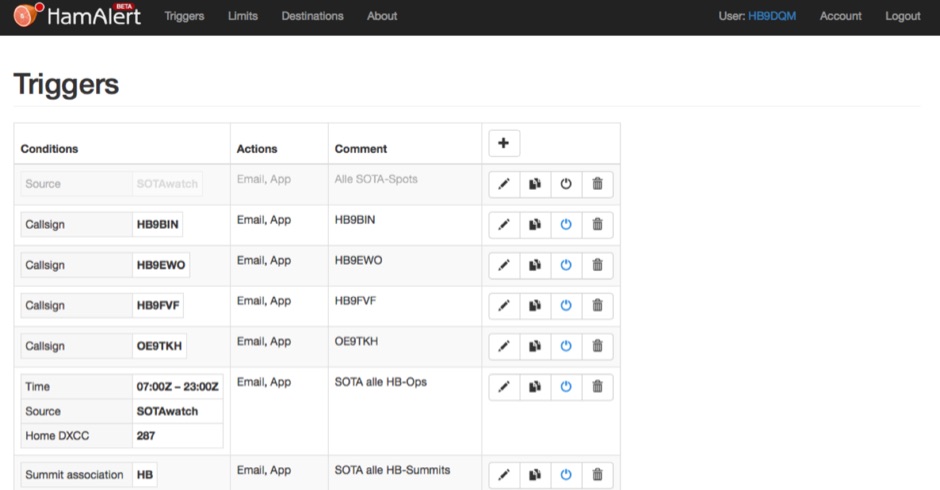 HamAlert let you receive Push,SMS,Email notifications for Cluster,RBN,SOTAwatch spots, with customizable filtering based on many criteria including DXCC, SOTA and WWFF references, CQ zones
 -
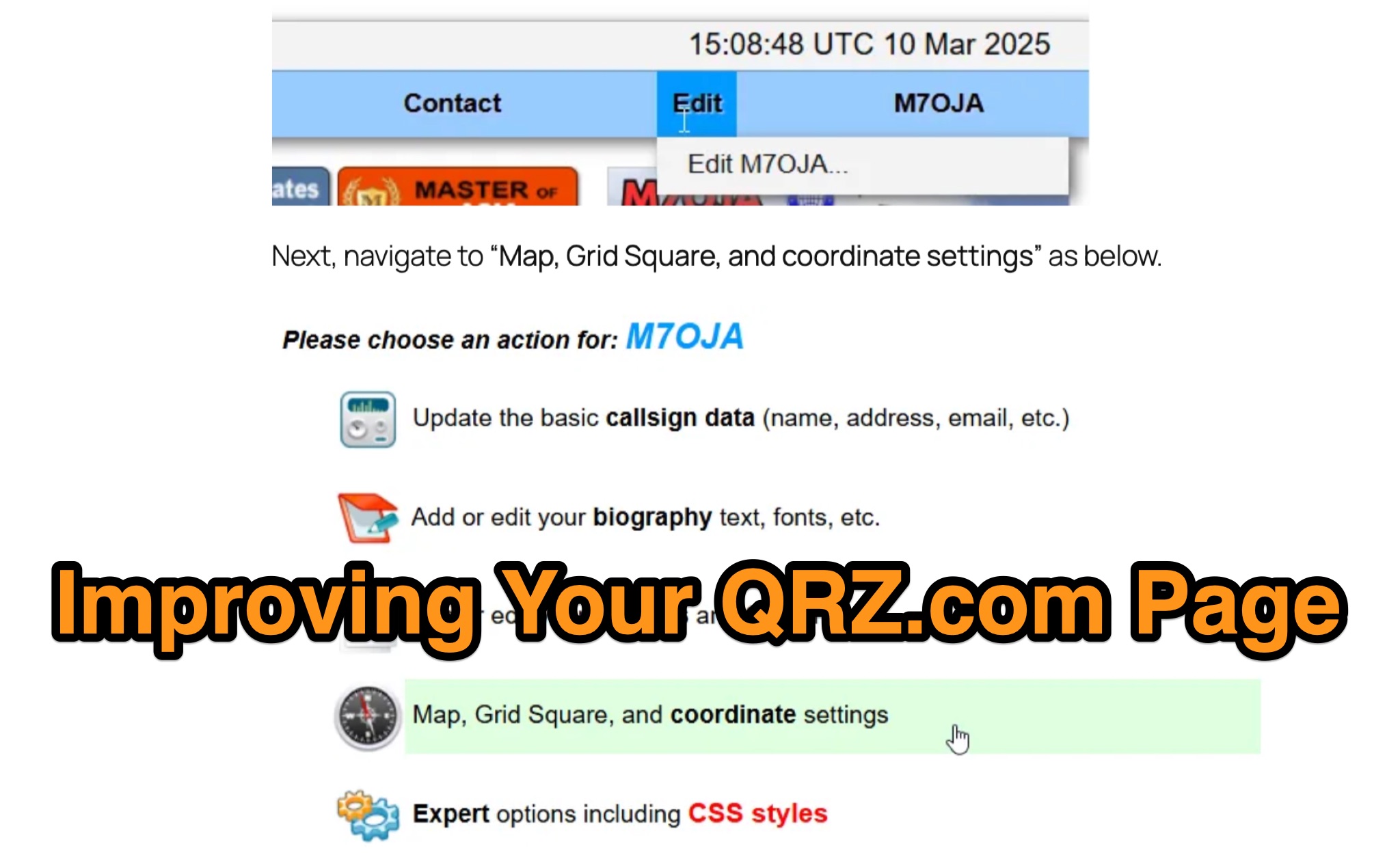 Optimizing a QRZ.com page involves adding essential callsign data, ensuring correct _Maidenhead Gridsquare_ and DXCC information in the Detail tab, and populating the Biography section with relevant station details. Operators should include their operating conditions, specific country references like WAB square, club affiliations, and detailed QSL information, specifying preferences for electronic confirmations (e.g., _LoTW_, Clublog) and paper QSLs (direct, bureau, SASE). The guide emphasizes the importance of accurate data for electronic logging software integration, which fetches Gridsquare, DXCC, and CQ/ITU zones to populate contact logs correctly. Further enhancements include leveraging the QRZ.com photo gallery for images and setting a primary image that logging software like _Log4OM_ can display. Advanced customization involves embedding external services via HTML source code. Examples include integrating HamAlert for DX Cluster spots, Clublog for log searches and Online QSL Requesting (OQRS), and Parks on the Air (POTA) statistics widgets from WD4DAN. Additionally, live weather information from Weather&Radar and solar data banners from HamQSL can be embedded, providing real-time environmental context for visitors to the QRZ page. These embedded tools require creating accounts on respective platforms and often involve copying specific source code snippets into the QRZ biography's HTML editor, ensuring callsign placeholders are updated.
 -
 The HamAlert Cluster Client is a Windows program developed by OE3IDE to connect to the HamAlert system created by Manuel Kasper (HB9DQM). This system notifies users of new spots using various criteria through app notifications, SMS, Threema, and Telnet. The HamAlert Cluster Client enhances this functionality by providing taskbar notifications on Windows 10 and 11 PCs. The program is easy to use, requiring no installation—just download, unpack, and start. It includes features like a logfile for tracking activities.