Search results
Query: cw translate
Links: 7 | Categories: 0
-
 KN-Q10 Assembly Manual four band (3.5, 7, 14 & 21MHz) 5W SSB/CW transceiver kit Translated by BD6CR/4,
 -
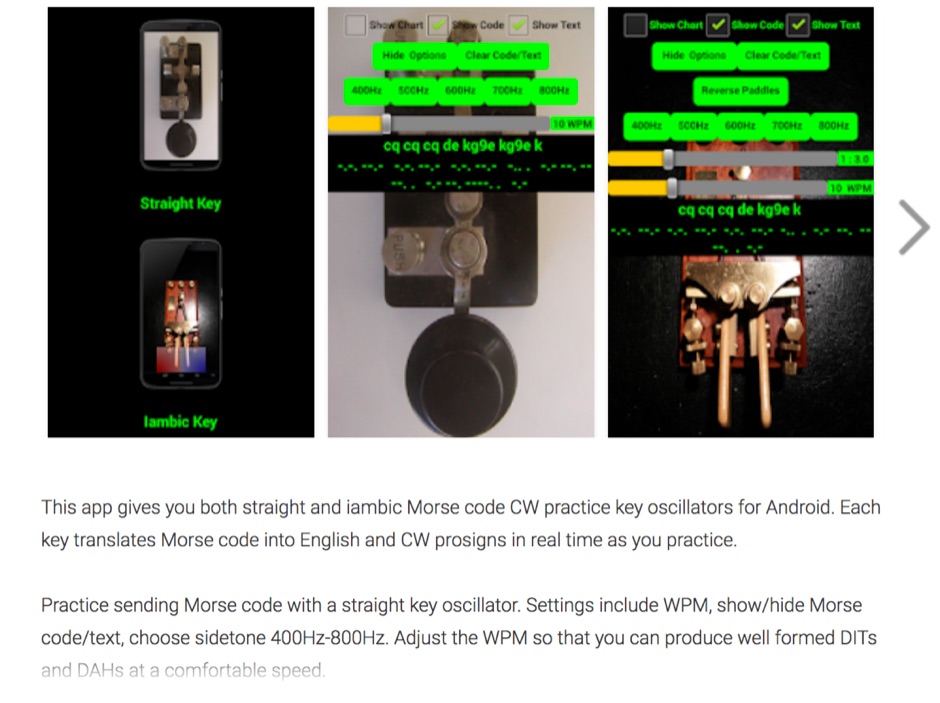 Iambic and Straight key amateur ham radio CW Morse code practice oscillators for Android. This Android app gives you both straight and iambic CW Morse code practice key oscillators. Each key translates Morse code into English and CW prosigns in real time as you practice. Practice sending Morse code with a straight key oscillator. Settings include WPM, show/hide Morse code/text, choose sidetone 400Hz-800Hz. Adjust the WPM so that you can produce well formed DITs and DAHs at a comfortable speed.
 -
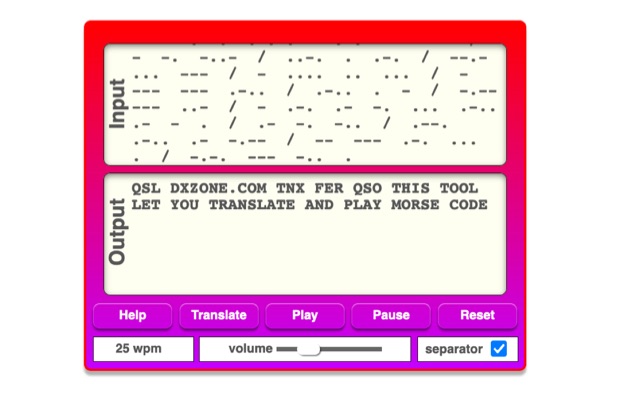 The online Morse code translator and decoder provides functionality for converting plain text into Morse code and decoding Morse code back into text. Users can input text directly into a designated box for translation to Morse, with the tool ignoring characters that lack a Morse equivalent. Conversely, Morse code can be entered using periods for dots and minus signs for dashes, requiring a single space to separate letters and a forward slash to delineate words. The interface also supports direct Morse input via a button, where a half-second pause separates letters and a 1.5-second pause separates words. The resource details the historical context of Morse code, noting its invention by _Samuel F.B. Morse_ in the 1830s for telegraphy, and its continued use by amateur radio operators for recreational purposes and emergency signaling, such as the **SOS distress signal**. Guidance on learning Morse code suggests using online translators for practice and listening to amateur radio transmissions. The tool offers an audio playback feature for translated Morse, allowing users to hear the code at various words per minute (WPM) settings. It also includes a visual chart to aid in memorizing the dot and dash sequences for the alphabet.
 -
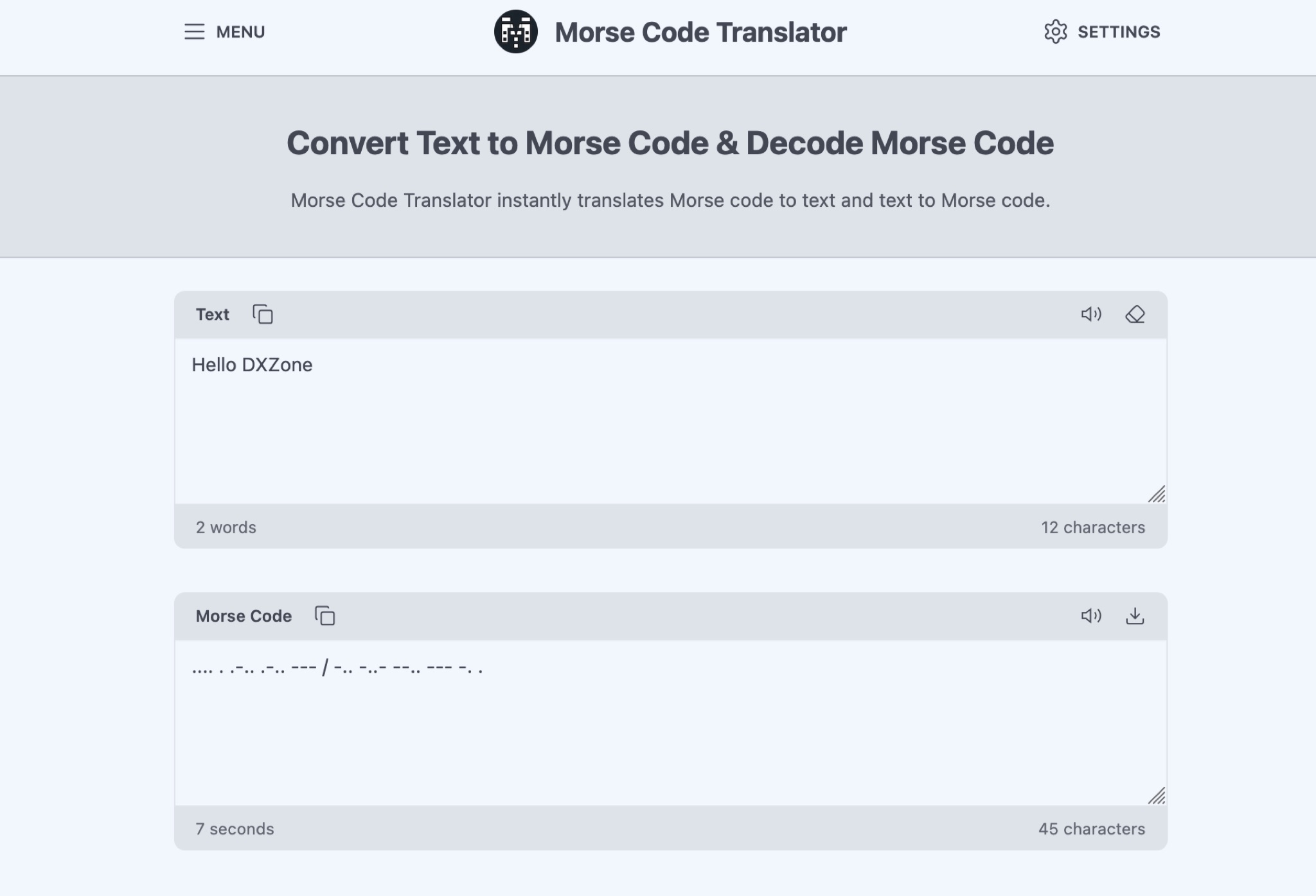 The Morse Code Translator allows anyone to easily convert text into Morse code and vice versa. Simply enter the text to translate or Morse code to decode. This tool is useful for amateur radio operators, scouts, educators, or anyone interested in learning Morse code for educational, professional, or recreational purposes. Discover hidden messages, learn the Morse code alphabet, and practice decoding signals. The tool offers advanced options like adjusting frequency, words per minute, characters, and spacing. Experience Morse code visually with the light translator. Explore the history and uses of Morse code, from military and emergency communications to fun secret messages among friends.
 -
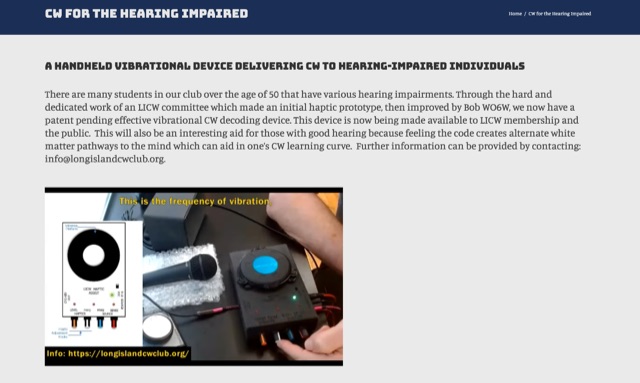 The resource details a novel approach to Morse code (CW) reception for hearing-impaired operators, focusing on a handheld device that translates CW signals into tactile vibrations. It explains how this device allows users to perceive the patterns of dots and dashes through physical feedback from a shaker, addressing the challenges of auditory discrimination for those with hearing loss. The content highlights the potential for this tactile method to aid in CW learning and interpretation, even suggesting benefits for operators with normal hearing by providing an alternative sensory input. The article also mentions the device's _patent-pending_ status and its availability to members of the _Long Island CW Club_ and the general public. It provides contact information for further inquiries about this innovative tool.
 -
 Morse News reads RSS/Atom messages and translates them into Morse code, playable as CW radio tones, spark-gap sounds, telegraph clicks, or via a physical telegraph sounder. It supports Farnsworth effects, natural American Morse timing, and realistic audio enhancements. Twitter integration allows user-generated Morse messages.
 -
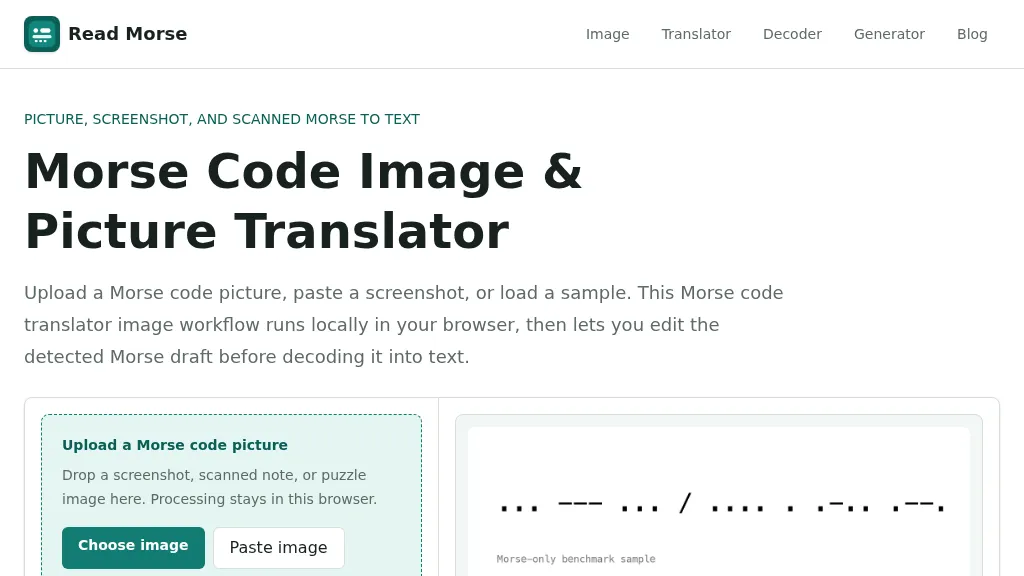 Decoding Morse code from visual sources like screenshots, scanned documents, or photographs presents unique challenges compared to audio-based reception. This web-based utility addresses these by allowing users to upload or paste images containing Morse code, which is then processed entirely within the user's browser, ensuring privacy. The tool identifies individual marks, classifying them as dots or dashes, and estimates letter and word spacing to generate an editable Morse draft. Users can refine the detection by utilizing controls for cropping, rotation, contrast boosting, and manual threshold adjustment, which are crucial for overcoming issues like low contrast, skewed baselines, or extraneous graphics. After the initial detection, the generated Morse draft, such as _... --- ... / .... . .-.. .--?_, can be manually corrected before being translated into plain text. The system provides confidence indicators and warnings to highlight potential ambiguities in the decoded output, prompting users to review and make necessary edits. This specialized approach differs from general OCR engines by focusing on the distinct patterns of Morse marks and gaps, rather than attempting to read standard alphanumeric characters. The tool supports common image formats like PNG, JPG, JPEG, and WebP, and includes sample images for benchmarking its performance, demonstrating its capability to handle various image qualities and complexities.