Search results
Query: farnsworth method
Links: 8 | Categories: 0
-
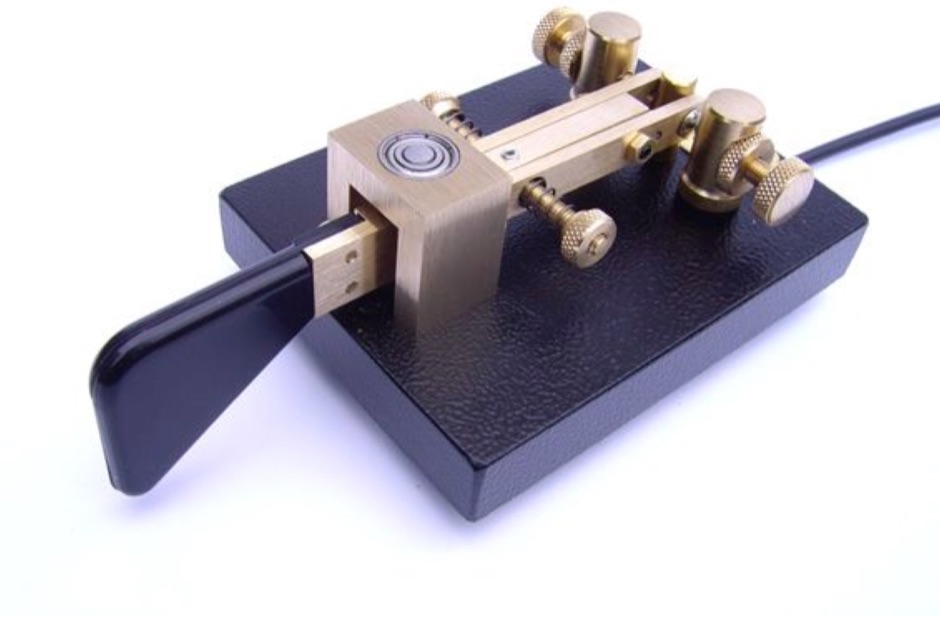 WB8FSV's guide demonstrates essential techniques for new CW operators to initiate and manage Morse Code contacts on the amateur bands. Jack Wagoner shares his extensive experience, offering practical advice on locating stations, responding to CQs, and initiating your own CQ calls. The resource explains how to effectively manage QRM and QRN, utilize common CW abbreviations and Q signals, and accurately log QSOs using GMT/UTC. It also addresses common operational challenges such as zero beating, dealing with one-way skip propagation, and gracefully concluding a contact. Wagoner includes a detailed site map outlining sections on learning the code, operating techniques, and specific scenarios like tail-ending a QSO or breaking into ongoing conversations. The guide emphasizes the importance of proper spacing in Morse Code and suggests techniques for increasing code speed, such as the Farnsworth method of listening to faster CW with extended pauses, and engaging in on-the-air contacts. It also touches on equipment considerations like the utility of dual VFOs and different keyer types, drawing from real-world operating scenarios on bands like 40 meters CW.
-
 Easy to use CW Trainer for Linux. Adaptable for both the Koch and Farnsworth method of learning CW. Makes random tests or can read text from a file
-
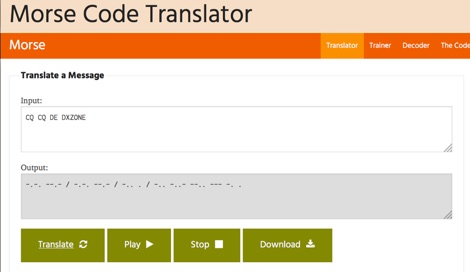 One hundred and fifty words per minute (WPM) is a configurable speed setting in this online Morse code translator, which facilitates bidirectional conversion between plain text and **Continuous Wave (CW)**. Users can input text to generate corresponding Morse code, or enter Morse code using dots and dashes to receive a text translation. The tool supports various alphabets, including Latin, Cyrillic, Ukrainian, Hebrew, and Arabic, broadening its utility for international communication. The platform offers multiple output methods for the generated Morse code, including audible playback, visual flashing, and device vibration. Advanced configuration options allow for precise control over the sound's pitch (frequency), volume, and overall speed, including a **Farnsworth speed** setting. This flexibility enables users to customize the learning or communication experience to their specific needs. Additional features include the ability to save the generated Morse code audio as a WAV file and to create shareable links for messages, which can be sent with or without the accompanying text. The interface is entirely web-based, built with HTML5 and JavaScript, ensuring broad compatibility across modern browsers.
-
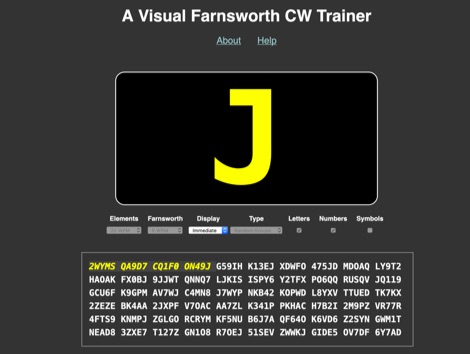 This trainer is a small personal project designed to play with learning morse code through the Farnsworth method. The main difference between this trainer and others is that I am experimenting with visual reinforcement by displaying the character currently being sent. It is my hope that this will help form a stronger link between the sound of CW and the meaning of the sound. This page should work in any modern desktop or mobile browser,
-
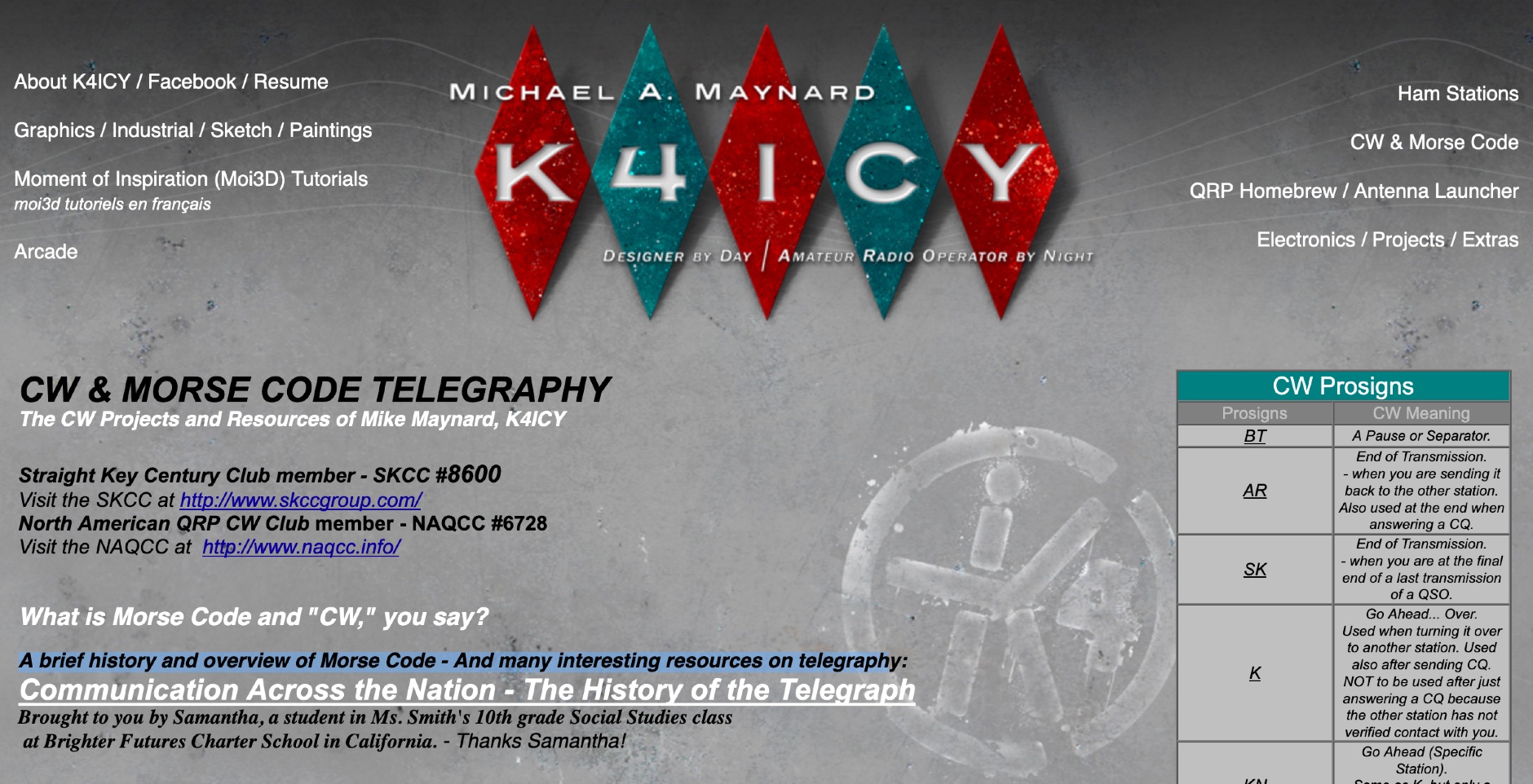 Details the history and evolution of **Continuous Wave (CW)** radiotelegraphy, tracing its origins from 1800s railroad telegraphy using Samuel F.B. Morse's electrical code pulses to its exclusive use with spark-gap transmitters in early radio. Explains how vacuum tube oscillators enabled pure, efficient CW signals, forming the backbone for modern digital communication modes. The resource emphasizes that Morse code remains relevant in amateur radio, valued for its ability to penetrate adverse atmospheric conditions and its role in QRP operations. It outlines effective Morse code learning methodologies, specifically endorsing the **Koch** and **Farnsworth** methods, which prioritize learning by sound at higher character speeds (e.g., 20 WPM) with extended inter-character spacing (e.g., 5 WPM). The content stresses the importance of mastering individual characters with 90% accuracy before progressing. It also provides an extensive overview of CW key types, including the Straight Key, Side-Swiper (Cootie), Semi-Automatic Key (Bug), Dual-Lever Paddle (Iambic), and Single-Lever Paddle, detailing their operational characteristics, typical sending speeds (e.g., 20-100+ WPM), and construction considerations. Furthermore, the page presents several homebrew projects, such as a $10 Cootie key, an ultra-simple code oscillator, an Arduino-based CW decoder capable of 70 WPM, and a 4-stage CW audio filter. It also highlights QRP rig builds like the SW+40 and portable setups for POTA/SOTA, and lists prominent CW clubs like the Straight Key Century Club (SKCC) and the American QRP CW Club (NAQCC).
-
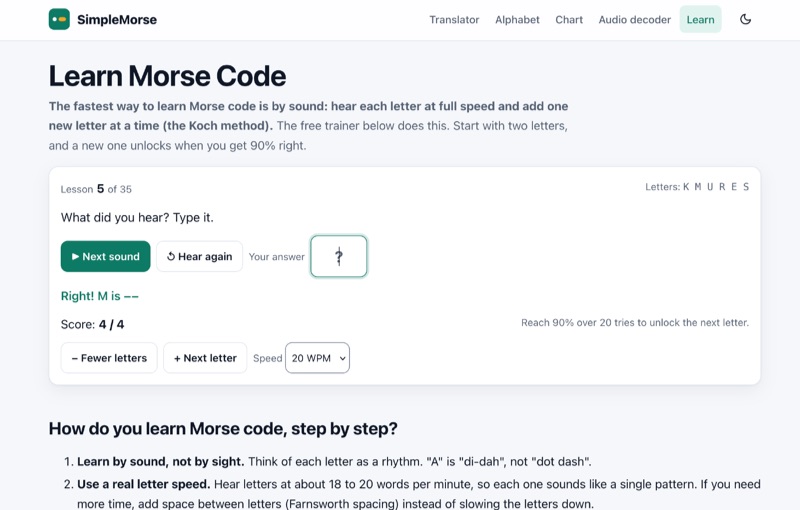 For radio amateurs seeking to master Morse code, this online resource provides a structured learning environment centered on the _Koch method_. It introduces characters sequentially, requiring a **90% accuracy** threshold over 20 attempts to advance to the next character. The platform emphasizes learning by sound, not visual memorization, allowing users to adjust character speed from 15 WPM up to **25 WPM**, with a recommendation for 18 to 20 WPM character speed utilizing _Farnsworth spacing_ for overall slower reception. The resource outlines a practical four-week practice regimen, guiding learners through the 35 lessons and progressing to decoding short words. It integrates supplementary tools such as a Morse translator with a tap key, an audio decoder for microphone input or files, and a printable alphabet chart. User progress is saved locally in the browser, facilitating consistent daily practice sessions of 10 to 20 minutes.
-
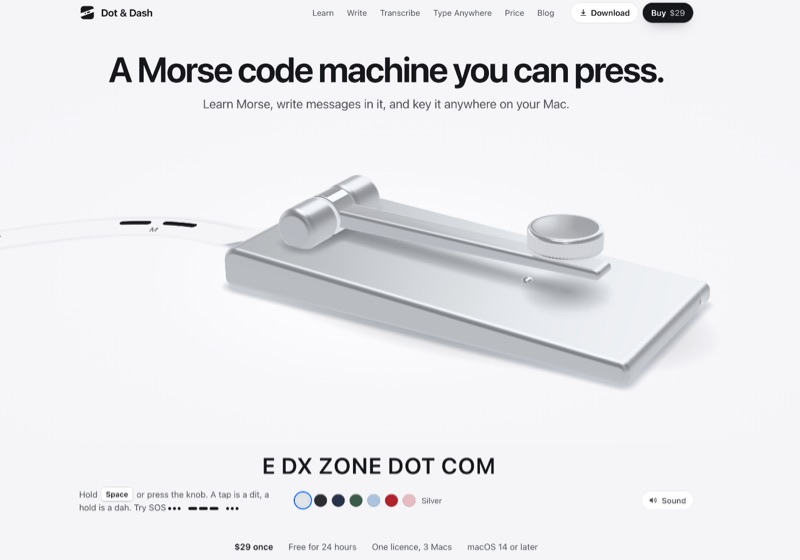 Dot & Dash is a macOS application for learning and practicing Morse code, providing an interactive environment for aspiring CW operators. The software features **twenty short chapters** that guide users from basic characters like E and T to the full alphabet, figures, punctuation, and common _prosigns_. Users learn by keying characters and words, with a daily five-minute review system to reinforce learning. The application allows users to compose messages, which the virtual machine then sends, or to key messages themselves and observe real-time decoding. It supports various input methods, including holding the Space bar, using a virtual knob, or connecting a USB key/keyer that emulates keyboard input. Operators can adjust sending speeds from **5 to 40 WPM** and apply _Farnsworth spacing_. Further capabilities include converting Morse code to text and vice-versa, and a "Type Anywhere" feature that enables keying Morse directly into other Mac applications. The software operates offline and offers a 24-hour free trial before requiring a one-time purchase for full functionality.
-
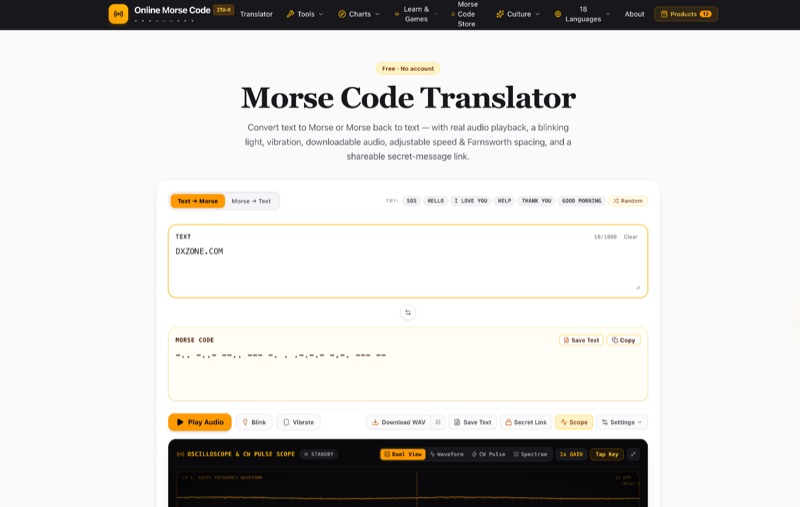 The Online Morse Code Translator provides real-time conversion of plain text to Morse code and Morse code back to text, strictly adhering to the ITU-R M.1677-1 international standard. Users can adjust the audio playback speed up to 30+ WPM, customize the tone pitch from 300 Hz to 1,000 Hz, and utilize Farnsworth spacing for effective learning. The platform offers versatile output options, including authentic sine tone or telegraph sounder audio, visual light-flash simulation, and tactile vibration for mobile devices, expanding its utility beyond basic translation. Beyond direct text-to-Morse and Morse-to-text functions, the tool integrates specialized decoders for analyzing Morse code from audio recordings and images. It also allows users to download generated Morse audio as WAV files for offline practice or create shareable secret-message links. The resource details the translator's client-side mechanism, operational modes, and fundamental principles of Morse code. Comprehensive sections cover Morse code history, various international and historical code variants like American Morse and Wabun Code, and real-world applications in amateur radio, aviation, and assistive technology. An extensive FAQ addresses common queries regarding timing rules (e.g., dot = 1 unit, dash = 3 units), emergency signaling (SOS), and learning methodologies.