Search results
Query: virtual serial ports
Links: 8 | Categories: 1
Categories
-
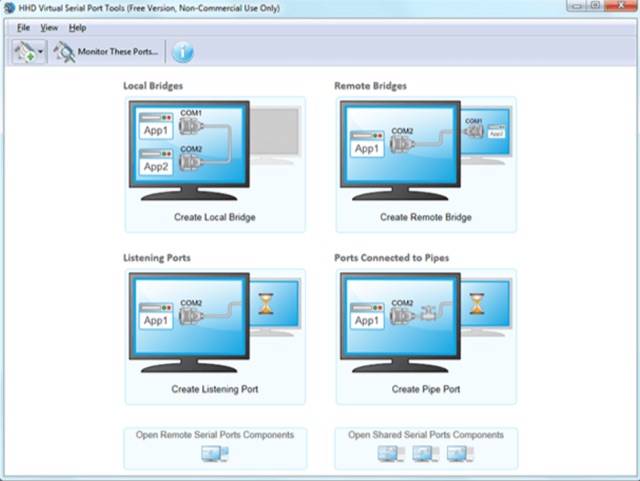 Windows user-mode application, which allows you to create software virtual serial ports and emulate physical serial ports behavior. It operates exclusively in user-mode, therefore it is more stable and uses less memory, processor and operating system resources than any competitive products.
 -
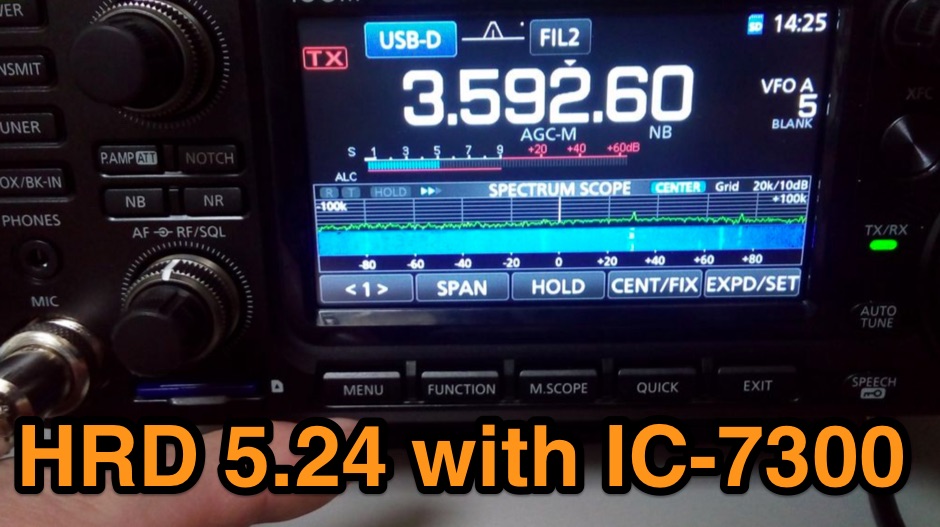 The Icom IC-7300 is a popular HF transceiver among amateur radio operators, known for its advanced features and ease of use. However, integrating it with software like Ham Radio Deluxe (HRD) can be challenging due to compatibility issues. This guide provides step-by-step instructions on how to configure the IC-7300 to work seamlessly with HRD 5.24, the last freeware version available. It covers the installation of necessary drivers, setting up virtual COM ports, and configuring audio settings for digital modes. To begin, users must download and install the Icom USB driver, which creates a virtual serial COM port for communication between the radio and the computer. The guide details how to check for this new port and adjust the CI-V address settings to ensure proper communication. It also explains how to set up the soundcard settings in HRD for digital modes, allowing operators to transmit and receive audio effectively. Following these instructions will enable IC-7300 owners to maximize their radio's capabilities with HRD.
 -
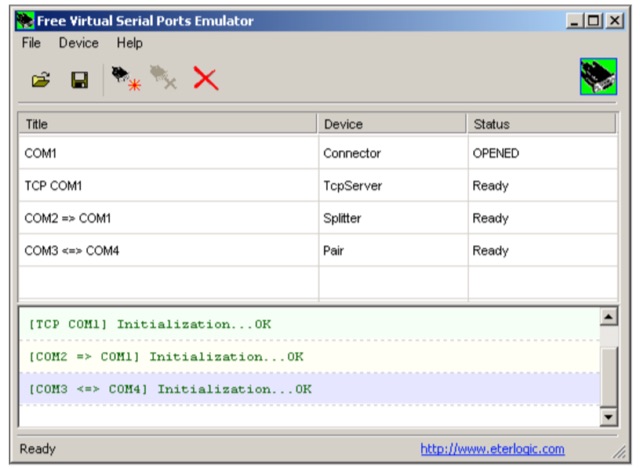 Virtual Serial Ports Emulator for Windows. Virtual Serial Ports Emulator tool (and VSPE API) is free on 32 bit platform and can be used with no charge for any purpose. No registration or activation key is required.
 -
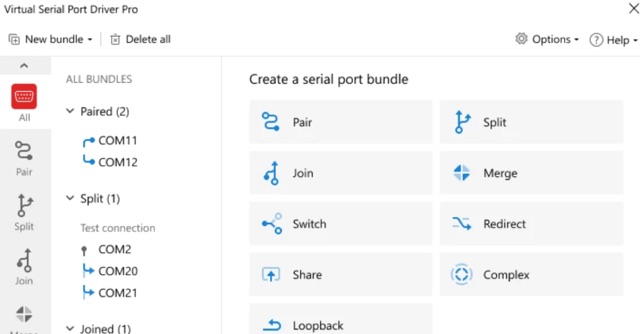 Software to create virtual com ports when you need to assing different serial ports and you have just one COM port on your PC. Commercial version
 -
 The RTL-SDR tuner dongle is a popular tool for amateur radio enthusiasts, transforming a $10 device into a wide-band software-defined radio. This guide outlines using the RTL-SDR as a full-band pan-adapter for conventional receivers, focusing on hardware setup and software integration with HDSDR. Future sections will address RTL-SDR performance compared to native receivers, enhancing digital mode operations with virtual serial ports and audio cables.
 -
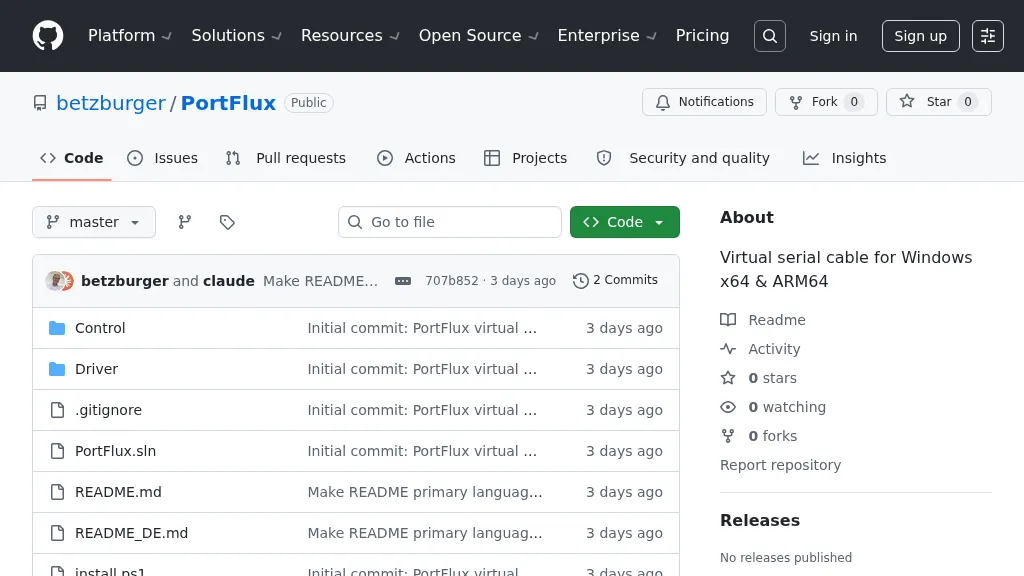 PortFlux provides a software-defined virtual serial cable solution for Windows operating systems, specifically supporting x64 and ARM64 architectures. It facilitates the creation of paired virtual COM ports, allowing two distinct applications to communicate as if connected by a physical null-modem cable. The utility is designed to bridge data streams between software requiring serial port access, such as logging programs, rig control applications, or digital mode clients, without the need for physical hardware interfaces. This software addresses the common challenge of connecting multiple ham radio applications that each demand exclusive access to a single physical serial port. By establishing virtual pairs, PortFlux enables simultaneous operation of, for instance, a contest logger and a digital mode program, both interacting with a single transceiver via a shared virtual link. The GitHub repository includes source code, offering transparency and the potential for community contributions or custom modifications.
 -
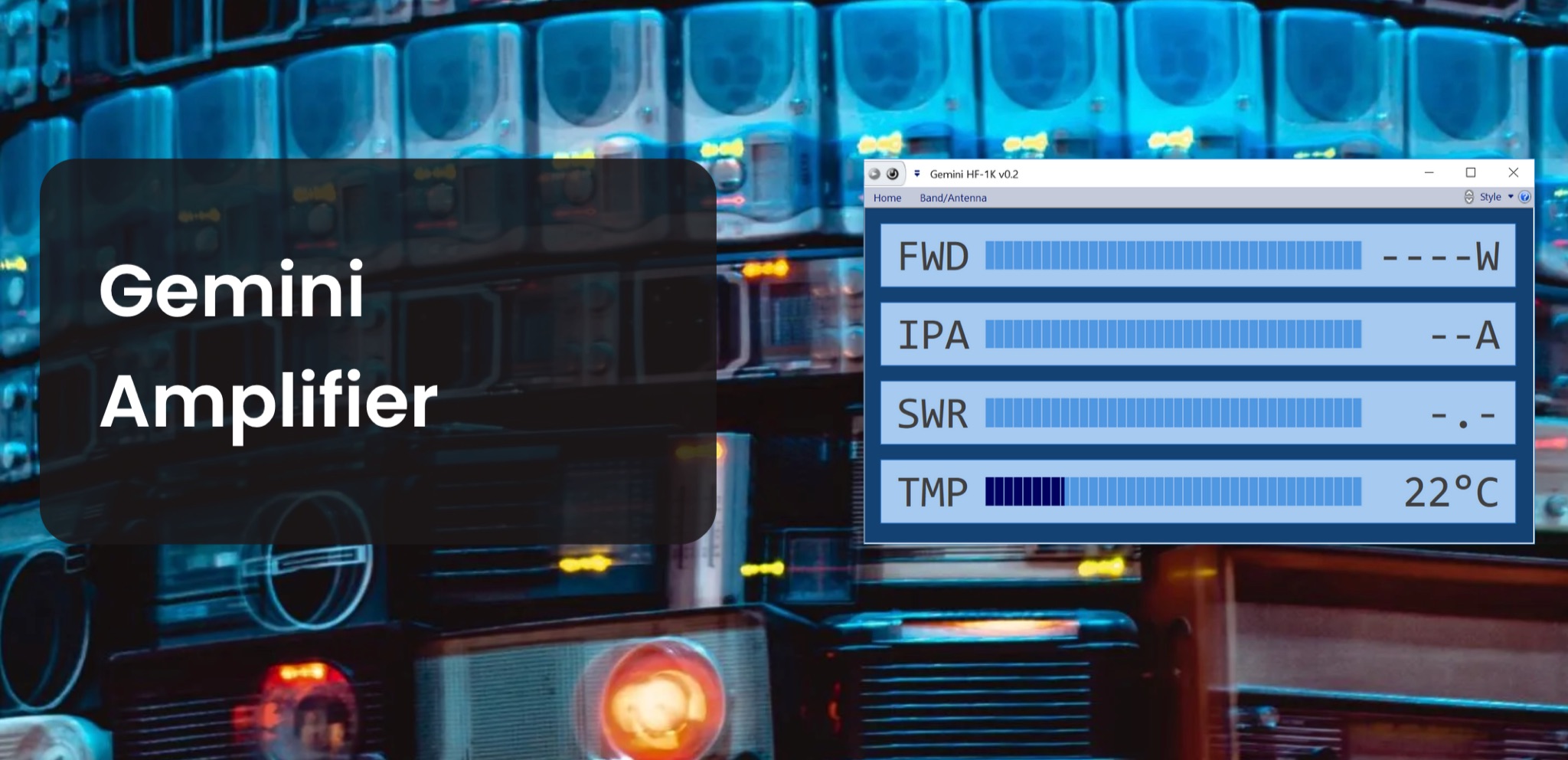 The Gemini Amplifier Remote Control software operates on Windows 7 and above, facilitating remote management of the Gemini HF-1K and DX-1200 amplifiers. Users connect via Ethernet, configuring the amplifier's IP address through the front panel. The software allows seamless band and antenna selection, saving settings for each band without requiring transmission. Integration with _OmniRig_ from Afreet Software, Inc. enables automatic band adjustments based on the radio's frequency changes. Users can configure serial or virtual serial connections, with tracking options accessible through the ribbon bar. The software supports speech functionality, enhancing accessibility for operators. Firmware updates, such as version 2.5Ee, introduce features like background datalogging and power output control, uploaded via FTP. Version 1.2.0 allows users to offload internal parameter data for support purposes. The firmware upload process requires the amplifier's IP address and port 21, taking approximately 90 seconds. Users are encouraged to upgrade to the latest firmware for improved performance and remote diagnostics.
 -
 Details the Virtual COM Port (VCP) drivers for Silicon Labs CP210x USB to UART Bridge devices, which are crucial for establishing serial communication between a host system and CP210x-based hardware. It covers driver availability for Windows, macOS, Linux, and Android, highlighting the necessity of these drivers for operating CP210x products as a virtual COM port. The resource also mentions the option for direct access drivers and references _Application Note 197_ for comprehensive serial communication guidance. The page specifies that the CP210x Manufacturing DLL and Runtime DLL have been updated, requiring their use with v6.0 and later of the Windows VCP Driver, impacting specific application note software downloads like AN144SW.zip. It notes that Linux 3.x.x and 4.x.x driver versions are maintained within the _Linux kernel tree_ at www.kernel.org, ensuring ongoing support. Legacy OS software is also provided for users requiring support for 5.x drivers, ensuring broad compatibility.