Setting Up OpenWebRX with the RTL-SDR V4 Dongle on Raspberry Pi
Description
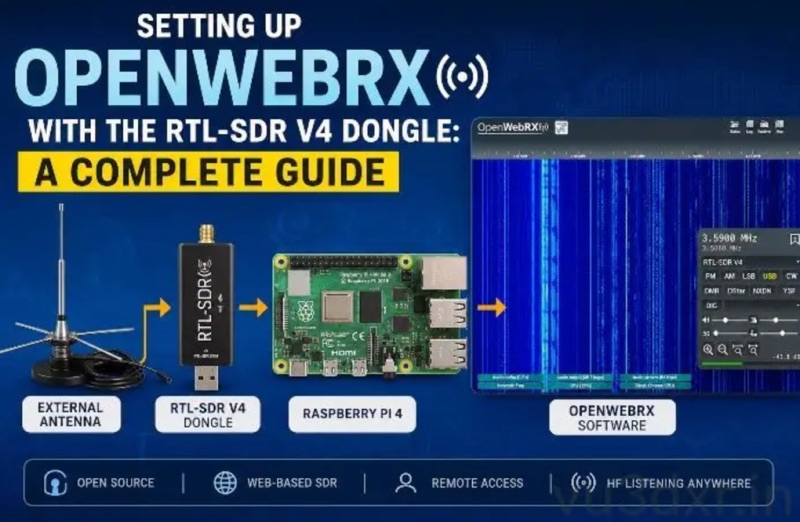
This guide details how to set up an OpenWebRX software defined radio (SDR) receiver using an RTL-SDR V4 dongle on a Raspberry Pi or similar small computer. The resulting SDR receiver is accessible via a web interface, featuring a live waterfall display and demodulation for AM, FM, SSB, and CW. It can be configured for public sharing or private network use. The RTL-SDR V4 dongle offers direct sampling improvements for HF, a tuning range of approximately 500 kHz to 1.7 GHz (covering HF, VHF, UHF, and microwave amateur allocations), improved front-end filtering, and a built-in software-switchable bias tee. The guide covers two installation methods for OpenWebRX: using an official Raspberry Pi image or a Docker installation. It also provides recommendations for Raspberry Pi models (3/3B+, 4, Zero 2 W), antenna and placement tips, and troubleshooting common issues. OpenWebRX is an open-source, browser-based SDR software package.