Search results
Query: decode ads b
Links: 10 | Categories: 0
-
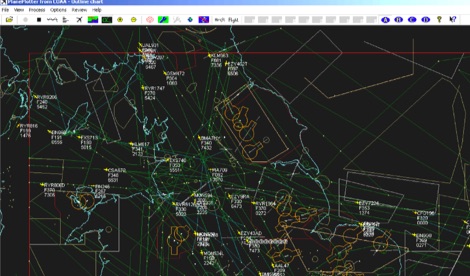 PlanePlotter is a windows decoder of live digital position reports from aircraft and plots them on a chart. Using PlanePlotter, you can see a radar-like display of all those aircraft around you that are transmitting the appropriate digital messages including ACARS, ADS-B and HFDL. Full Trial available for 21 days.
 -
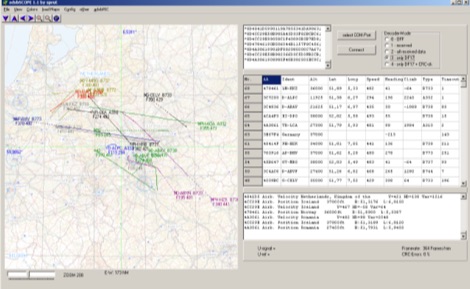 adsbScope is a freeware Windows application designed for processing _ADS-B_ (Automatic Dependent Surveillance-Broadcast) frames received from a compatible decoder. It identifies aircraft, calculates their real-time positions, and presents flight parameters in both alphanumeric tables and a graphical display. The software interfaces via a virtual COM port, receiving raw frames to provide detailed situational awareness, including a global coordinate grid, continental coastlines, over 4,000 **airport** locations, and major cities. Users can overlay OpenStreetMap tiles and view world state boundaries, with each tracked aircraft rendered with labels showing altitude, speed, heading, squawk code, and flight identifiers. When paired with the adsbPIC-decoder, adsbScope enables advanced hardware control, allowing users to toggle data filters for specific frames like DF17/18/19, adjust analog signal thresholds for reception fine-tuning, and manage system resets or bootloader activation directly from the PC. This functionality provides a customizable toolkit for hobbyist radar listeners, offering a robust alternative to commercial tools for processing aircraft data. The software displays up to **1090 MHz** transponder data and can track aircraft up to 250 nautical miles.
 -
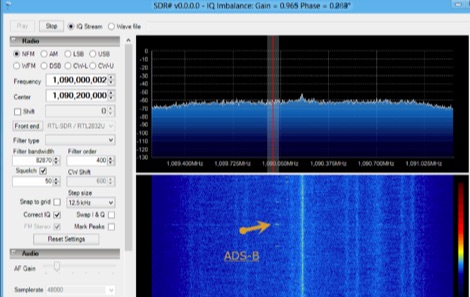 Free Windows ADS-B decoder for RTL-SDR dongles included in SDR#. It allow to broadcast data locally or to radar software sever such as Planeplotter, Virtual Radar Server, adsbSCOPE.
 -
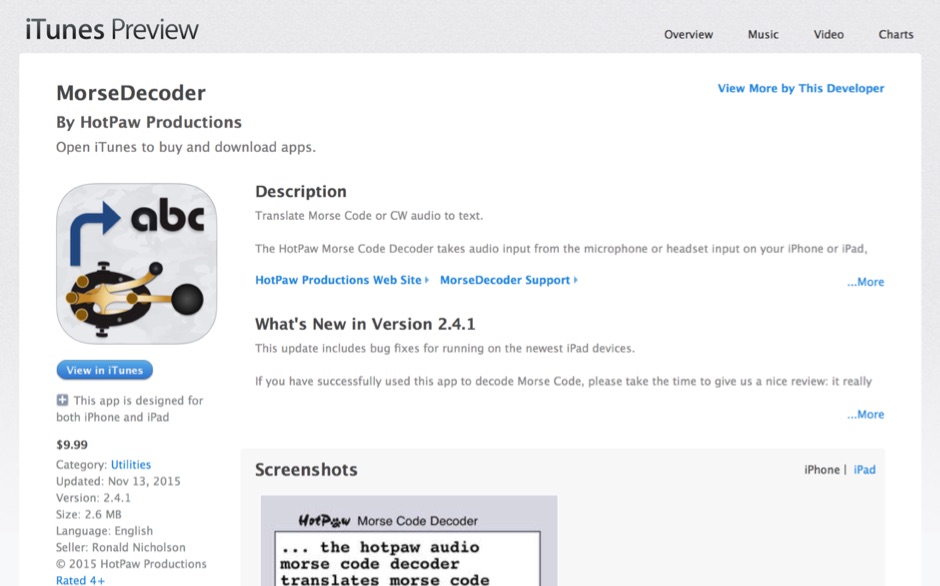 HotPaw MorseDecoder, an iOS application, provides real-time translation of Morse Code audio signals into plain text, leveraging the device's microphone or headset input. It incorporates a DSP narrow-band audio filter, adjustable from 300 to 2400 Hz, to mitigate background noise and QRM, enhancing signal clarity for decoding. The application offers both an automatic decoding mode and manual controls for fine-tuning parameters such as audio filter frequency, WPM dot/dash speed, noise threshold, and Farnsworth timing. The WPM detection automatically adapts from 8 to 40 WPM, with a QRQ High Speed mode extending this range to 30-80 WPM for faster code. A built-in spectrogram aids in identifying the precise audio frequency of the CW tones. User feedback indicates effective performance with various transceivers like the Yaesu FT-857 and Icom IC-R8600, particularly when manual settings are optimized. The app's ability to visually tune stations within the passband and decode speeds beyond an operator's manual capability has proven beneficial during contests and general QRP operation.
 -
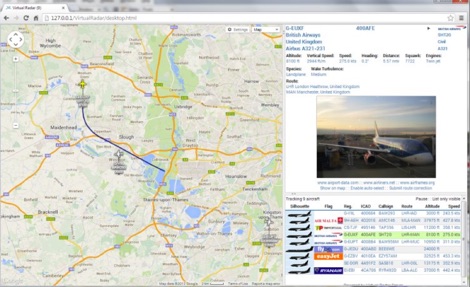 Virtual Radar Server is a free windows decoder of ADS-B signals received by several radio receivers and support even networked data feed. The Server publish a Google Maps-based display of aircraft positions and flight list
 -
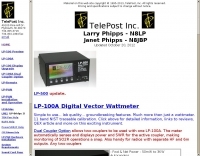 Digital Vector Wattmeters, Dummy loads, software defined panadapter systems, SteppIR Tuning Relay, Digital SWR meters, LP-Pan Pan Adapter IQ Decoder for SDR based panadapter system
 -
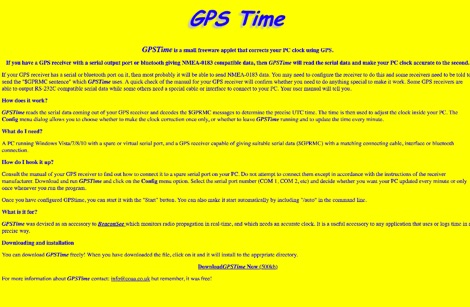 GPSTime is a small freeware applet that corrects your PC clock using GPS. GPSTime reads the serial data coming out of your GPS receiver and decodes the $GPRMC messages to determine the precise UTC time. Works on Windows Vista/7/8/10 with PC with serial ports.
 -
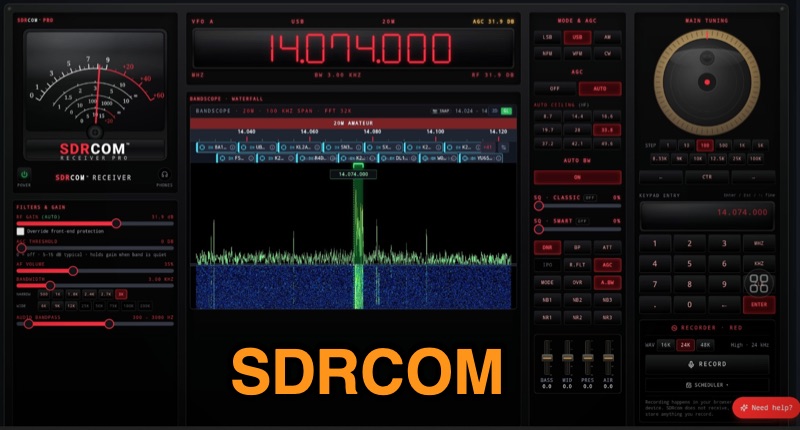 The SDRcom platform provides a unique browser-native Software Defined Radio experience, emulating a traditional radio with a physical VFO dial, switches, and an analog meter. It integrates a high-resolution 64k FFT waterfall display, supporting essential modes like AM, FM, SSB, and CW. The **SDRcom Blue** version interfaces with SDRplay® receivers via a local WebSocket, while the free **Red Lite** version supports RTL-SDR V3/V4 dongles through WebUSB, including basic audio EQ and 100 memory slots, along with FT8 decoding. For advanced operators, the Red Pro version expands capabilities with 1000 memory slots, upgraded high-resolution waterfalls, and enhanced W4PAH FT8, FT4, and WSPR decoder engines. It also incorporates 4-band DSP noise reduction and an intelligent band scanner, proving beneficial for weak-signal work. The Network edition extends functionality to access hundreds of global remote SDRs, and an ADS-B aircraft decoding feature with 3D positioning and mapping is also available. All SDRcom applications are designed to run directly in a web browser, eliminating the need for any software installation. This approach simplifies access and setup for radio enthusiasts, from casual SWLs to dedicated digital mode operators, allowing immediate engagement with the airwaves.
 -
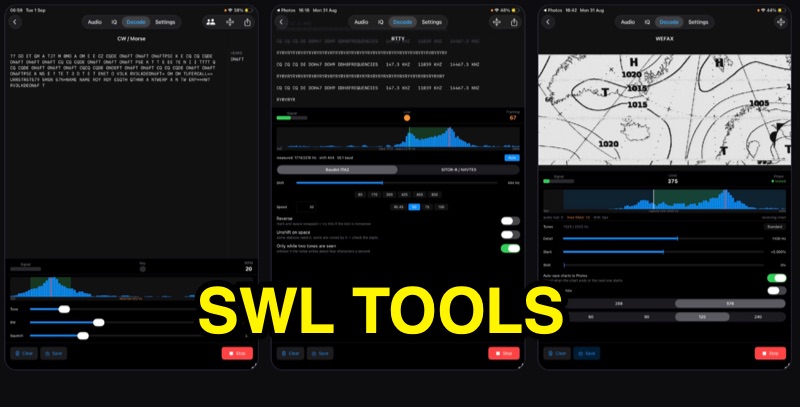 SWLTools, an iOS application for iPhone and iPad running iOS 17+, provides real-time decoding of various digital modes. It automatically locks onto CW tones, measures sending speed, and collects callsigns, distinguishing valid entries from misreads for a reliable log. For RTTY and SITOR-B, the app allows users to set shift and speed, then automatically tunes to the two tones for text reception, supporting marine bulletins, press agencies, and NAVTEX. The application also decodes WEFAX, building charts line by line for direct saving to the photo library, and processes ACARS aircraft messages, including CRC checks for data integrity and mapping of position reports. Beyond decoding, SWLTools integrates a GPU-accelerated FFT spectrum analyzer, a scrolling waterfall display with frequency cursors, and an adjustable FIR bandpass filter to isolate signals. It supports IQ signal analysis from receivers via two-channel audio interfaces, correcting mirror images. Flexible audio input options include the built-in microphone, USB audio dongles, and Bluetooth sources, with diagnostics for audio routing and buffer status. The app records audio, plays it back, and converts recordings into shareable videos, while decoded texts and charts are also savable and shareable, with all timestamps in UTC.
 -
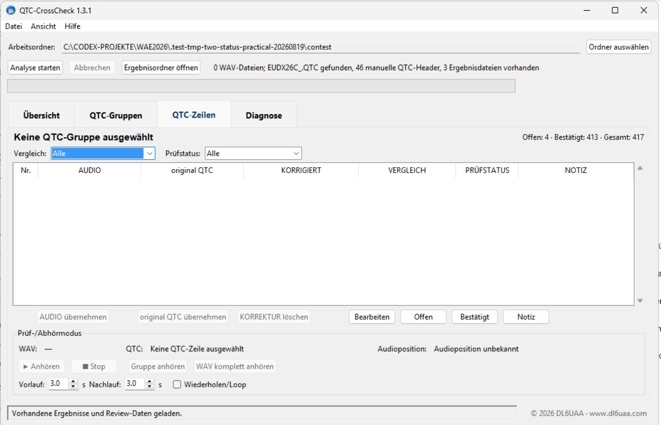 QTC-CrossCheck 1.5.0 is a free offline Windows tool for reviewing WAEDC CW QTC traffic. It analyzes QTC groups from local WAV recordings and supports comparison with UCXLog QTC data. Integrated audio playback helps verify individual QTC rows and resolve discrepancies. The portable application requires no installation or internet connection. Download the Windows ZIP archive and extract it fully before running QTC-CrossCheck.exe. A SHA-256 checksum is provided for download verification.