Search results
Query: qso clock
Links: 5 | Categories: 0
-
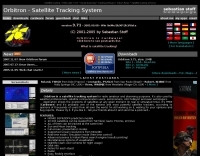 Orbitron, a cardware application, provides robust satellite tracking capabilities for radio amateurs and visual observers alike. It leverages NORAD SGP4/SDP4 prediction models to accurately display satellite positions in real-time or simulation, accommodating up to 20,000 objects loaded from _TLE files_. The software includes an advanced search engine for satellite passes and _Iridium flares_, offering printable results for planning observations or QSO attempts. Sebastian Stoff's creation supports various visualization options, including a 'Nightlife' dark color scheme for nocturnal use, and integrates a database of cities and satellite frequencies. Users can synchronize their PC clock via NTP and update TLE data over HTTP, with ZIP support. The application also features rotor and radio control capabilities, either built-in or through user-defined drivers, which is particularly useful for automating antenna pointing during satellite passes. Its interface is designed for ease of use, making satellite tracking accessible even for beginners. First released in 2005, Orbitron 3.71 runs on Windows 9x/Me/2k/XP/2k3/Vista and can operate on Linux via _Wine emulation_, requiring minimal system resources. The software's precision relies on periodic TLE updates, especially for low-Earth orbit objects, to account for orbital decay and maneuvers by satellites like the ISS or Soyuz.
 -
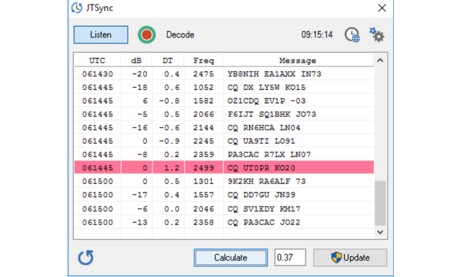 JTSync is a simple utility that provides the ability to synchronize your computer clock over a network with world-wide NTP servers. When the Internet connection is not available, JTSync allows you to make time adjustments based on decoded QSOs within the WSJT-X application.
 -
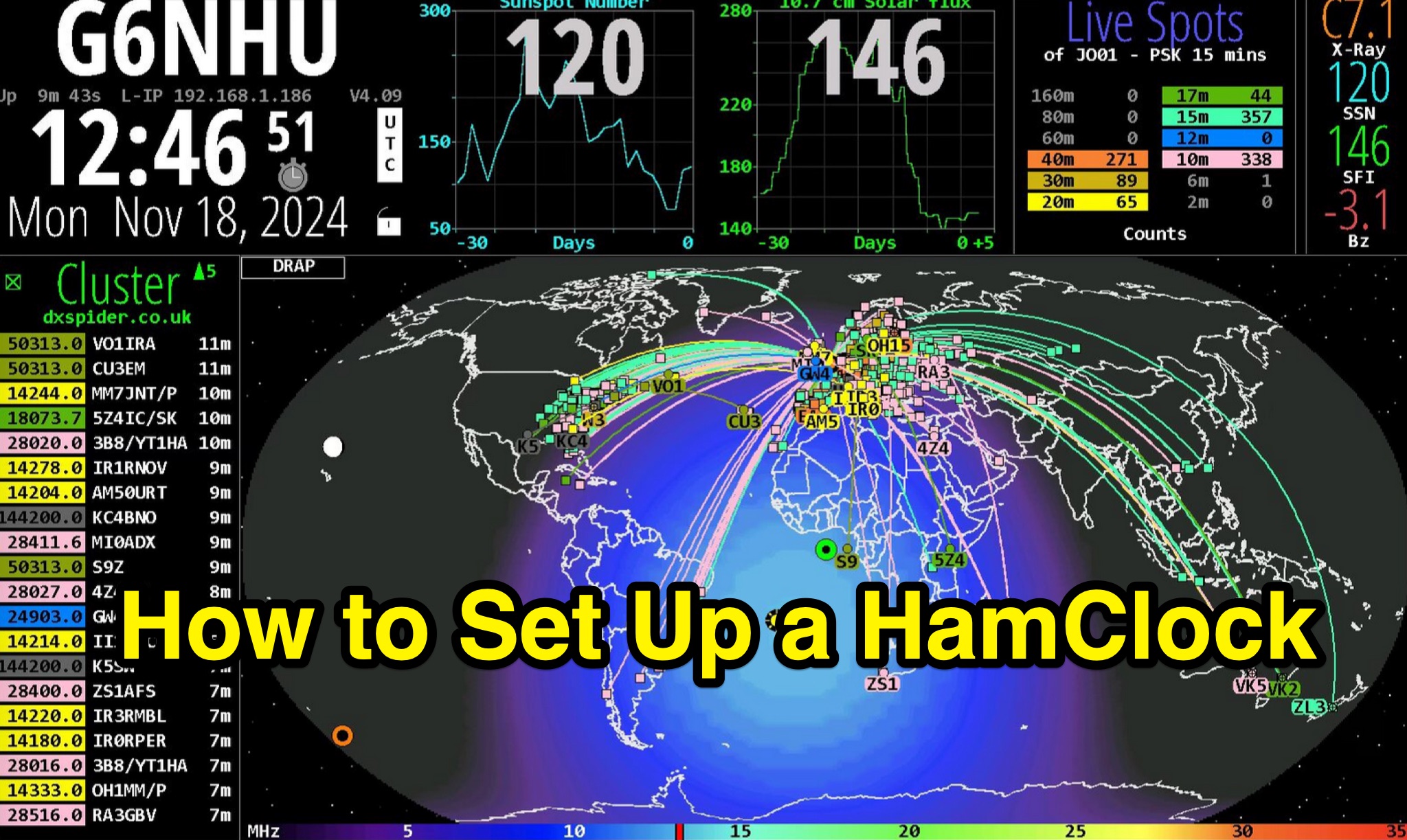 Demonstrates the complete process of setting up a _HamClock_ for an amateur radio shack, utilizing a Raspberry Pi and the HamClock 4.21 software. The guide meticulously covers hardware recommendations, including specific Raspberry Pi models like the Pi 4, suitable SD cards, power supplies, and display options. It provides step-by-step instructions for preparing the SD card with Raspberry Pi OS, performing initial system updates, and executing the HamClock installation script. Detailed configuration steps are outlined for HamClock's seven setup pages, addressing callsign, grid square, DX Cluster settings (e.g., `dxspider.co.uk` port **7300**), map centering, and crucial features like automatic space weather map rotation and auto-upgrades. The resource further explains how to customize HamClock's display panels, such as replacing default panels with a large DX Cluster display or a dedicated Space Weather panel. It illustrates configuring the Live Spots panel to show _PSKReporter_ data, filtering spots by grid square and time (e.g., **15 minutes**), and selecting specific bands for monitoring. The author, G6NHU, shares personal preferences for map types, recommending the DRAP style with Robinson projection for optimal amateur radio utility. Additionally, the guide provides specific DX Cluster filtering commands to manage spot overload, including methods to exclude data modes like FT8 and FT4, ensuring a cleaner display of relevant DX activity.
 -
 Provides access to a robust DX cluster node, G6NHU-2, running DX Spider software, which facilitates real-time amateur radio contact spotting across HF bands. This service is engineered for high reliability and low latency, ensuring rapid dissemination of DX spots from a global network of interconnected nodes. It features multiple redundant links to prevent data loss and maintain continuous operation, even if individual connections drop. The cluster integrates directly with the Reverse Beacon Network (RBN), allowing users to enable or disable skimmer spots for specific modes like CW, RTTY, FT8, and FT4. It also offers an extensive one-year spot history, significantly longer than most other DX clusters, which typically retain only a month of data. The node supports various lookup commands for callsign information, beam headings, QSL routing, and FCC database lookups, enhancing operational efficiency for DXers and contesters. Additionally, it permits self-spotting, a feature increasingly relevant in modern contests, and provides detailed instructions for connecting popular logging software such as N1MM+, HamRadioDeluxe, MacLoggerDX, LOG4OM2, Logger32, and N3FJP's Amateur Contact Log.
 -
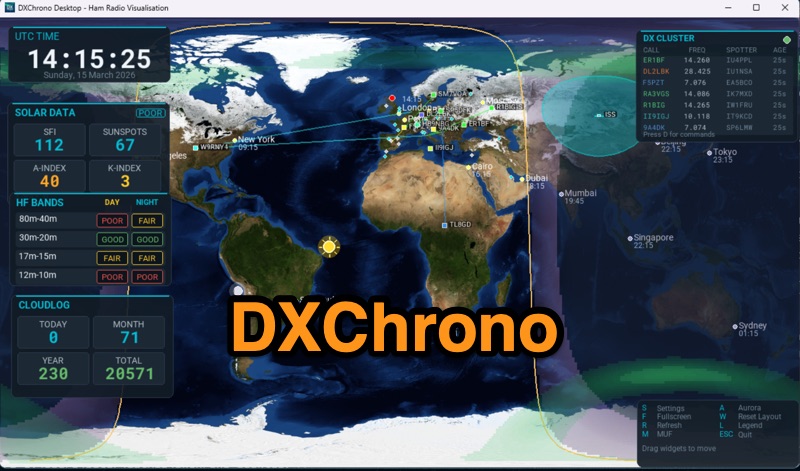 DXChrono Desktop presents a comprehensive suite of real-time amateur radio data, including NOAA solar indices, HF band conditions, and a worldwide _F5LEN tropo_ overlay for VHF openings. It integrates live spots from Telnet DX Cluster, PSK Reporter, and Reverse Beacon Network, displaying them on a dynamic 3D globe or 2D flat map. Additional features include aurora and MUF layers, QTH display with optional cities and grid/CQ/ITU layers, and dedicated support for SOTA and POTA activations. The software also offers a Watch List for callsign alerts and Sun/Moon Az/El widgets for satellite and EME operations. The application provides extensive contest and logging context through integration with _N1MM Logger+_ UDP, Cloudlog API, QRZ Logbook, and ADIF file support, allowing recent QSOs to be mapped directly. A Special Event mode is available for club stations, enhancing field day operations. DXChrono Desktop runs on Windows, macOS, Linux, and Raspberry Pi 4/5, requiring a 64-bit OS and at least 4 GB RAM for optimal performance, distinguishing it from simpler HamClock-style appliances.