Search results
Query: raspberry rtl sdr
Links: 14 | Categories: 0
-
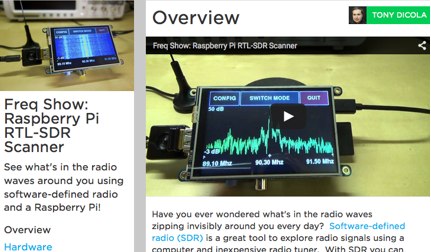 Get started with SDR using a Raspberry Pi and inexpensive RTL-SDR tuner.
 -
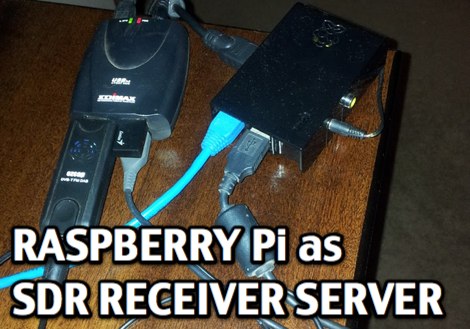 Setting up a Raspberry Pi as a SDR Server with RTL-2832U USB dongle
 -
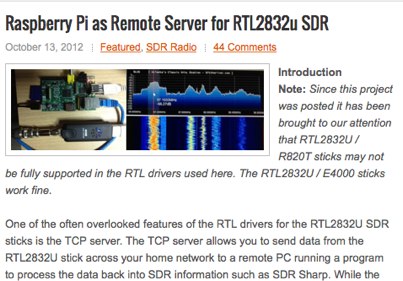 Setting up a Raspberry Pi as Remote Server for RTL2832u SDR
 -
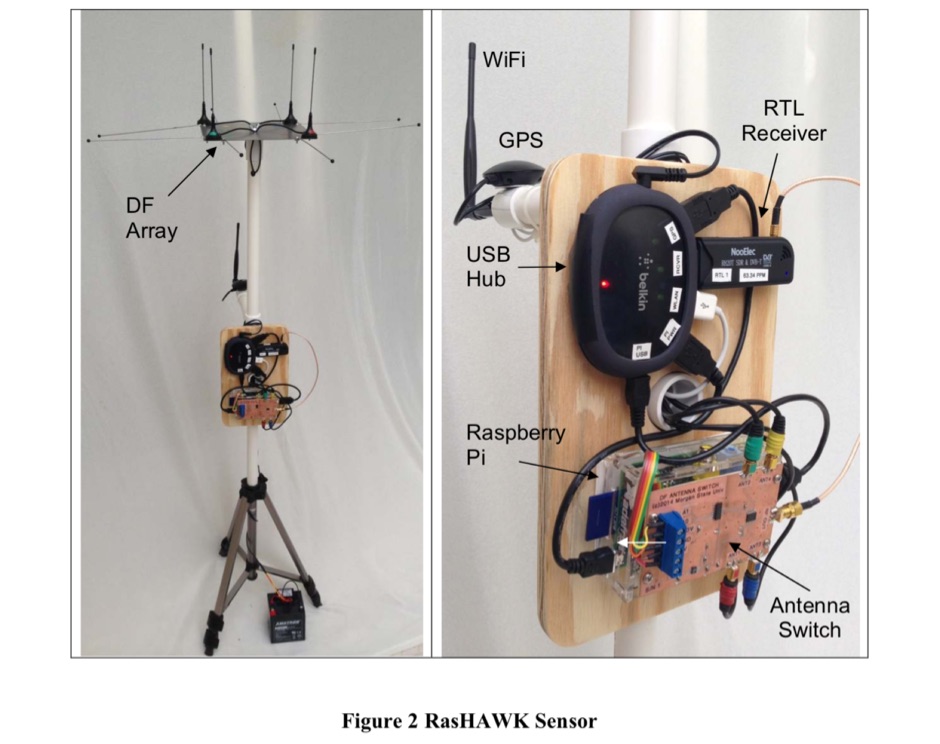 The RasHAWK team has used a Raspberry Pi as the basis for a networked RF sensor capable of supporting spectrum monitoring, signal intercept and direction finding (DF) operations.
 -
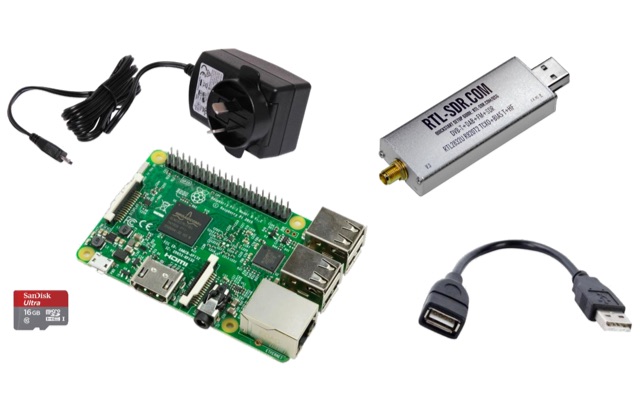 This project is a Software Defined Radio Receiver. It has a frequency range of 24MHz 1.2GHz. It can demodulate AM, FM, USB, LSB with selectable bandwidths of 600, 2400, 2800, 3200 and 6400Hz. Using a simple RTL-SDR Dongle and Raspberry Pi 3 computer using GNU RADIO
 -
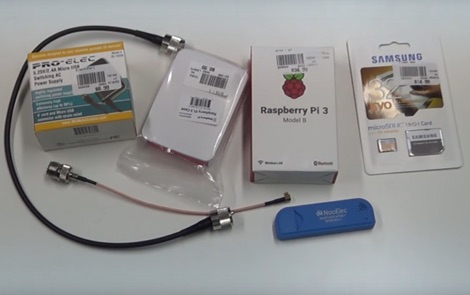 How to receive automatically NOAA wather satellite images with a Raspberry Pi and a RTL SDR. This project requires a Raspberry Pi 3 Model B a common NooElec SDR Dongle and a QFH Antenna in the attic. Article explains how to setup and configure software but no instructions on antenna.
 -
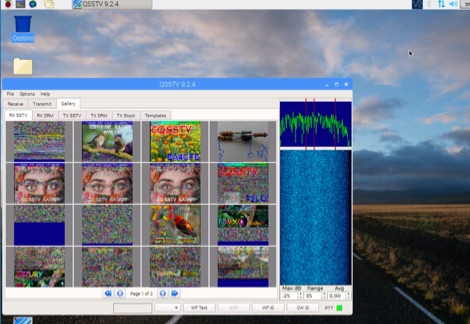 A tutorial on how to setup a receiver capable to decode SSTV signals with a small RaspberryPi version 2 and a RTL-SDR dongle. The author explains how to install the needed software to interface the RTL-SDR and a step by step guide to install the QSSTV software used to decode the signals.
 -
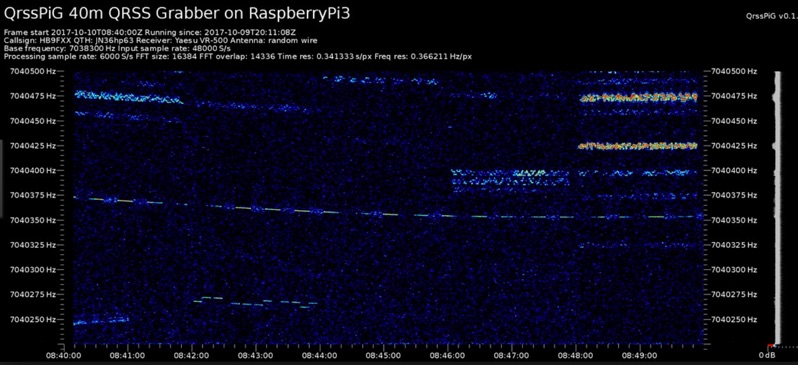 Monitoring extremely weak signals in the QRSS (Very Slow Morse) mode requires specialized receiving and processing capabilities to extract information below the typical noise floor. This project provides a software solution, _QrssPiG_, designed to run on a Raspberry Pi, enabling it to function as a dedicated QRSS grabber. It interfaces with various Software Defined Radio (SDR) devices, including the popular _rtl-sdr_ dongles and _HackRF_ units, to acquire raw I/Q data streams. The software then performs the necessary signal processing to visualize and decode these faint, long-duration CW transmissions, often operating with milliwatts of power. The system leverages the computational power of the Raspberry Pi for real-time signal analysis, allowing hams to participate in QRSS experiments and monitor distant beacons. It supports different SDR hardware, offering flexibility in setup and deployment for home stations or remote monitoring sites. The project includes detailed instructions for installation and configuration, making it accessible for those familiar with Linux environments. This grabber is particularly useful for tracking propagation on the LF and HF bands where QRSS activity is common, providing a visual representation of signal presence over extended periods.
 -
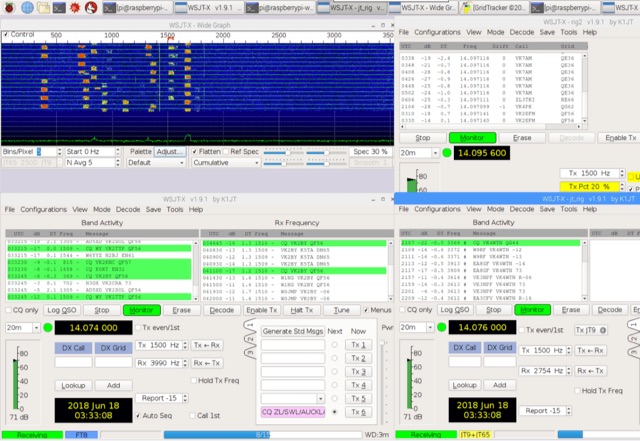 A tutorial on setting up a Low Cost QRP (FT8, JT9, WSPR etc) Monitoring Station with an RTL-SDR V3 and Raspberry Pi 3
 -
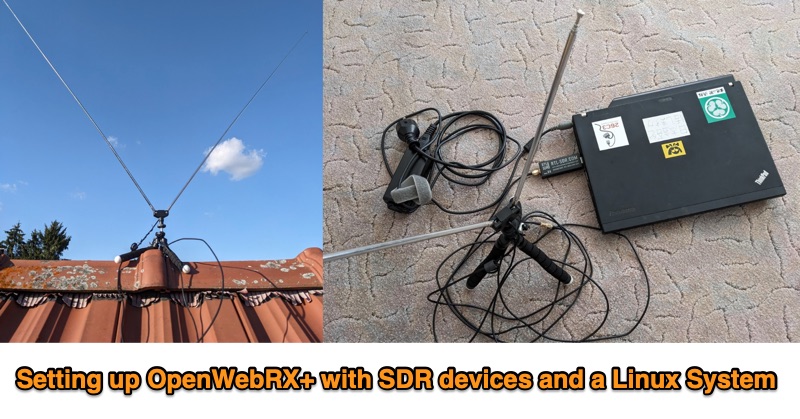 This PDF document outlines the process for establishing an **OpenWebRX+** station utilizing Software Defined Radio (SDR) devices on a Linux platform, specifically Debian Bookworm. It details the capabilities of such a setup, including reception across various frequency bands supported by the SDR hardware and the decoding of multiple modes like FM, WideFM, SSB, AM, ADSB, FT8, and CW, with examples provided for FT8 reception and mapping, sensor data, and ADSB. The guide recommends specific hardware configurations, suggesting older x86-64 laptops with 4GB RAM or Raspberry Pi 4 models for the host system. For SDR devices, it endorses **RTL-SDRv3/v4** or HackRF, noting the necessary driver installations for RTL-SDR. The software installation sequence is meticulously laid out, from installing Debian Bookworm to adding OpenWebRX+ repositories, installing the application, and configuring device-specific drivers. Authored by Christian Horn (JL1AYH), the resource also includes a brief personal background of the author. It concludes with instructions for accessing the OpenWebRX+ interface via a web browser, either locally or remotely over a network, and provides contact information for further inquiries.
 -
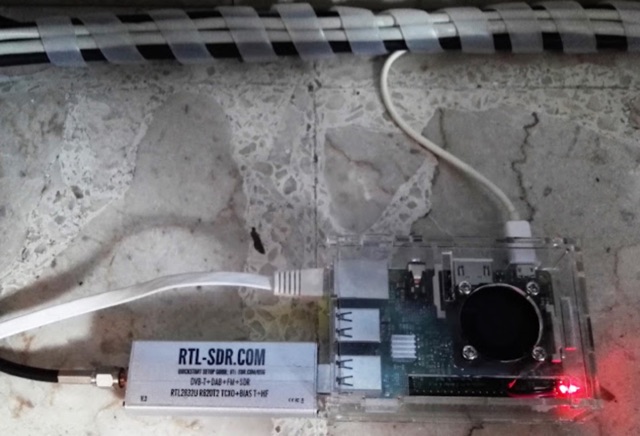 Tutorial- WSPR receiver with Raspberry Pi and RTL-SDR
 -
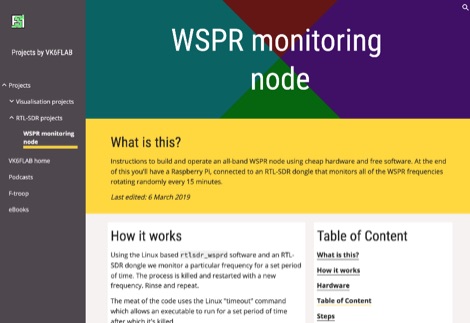 The goal of this interesting project is to monitor a particular set of frequencies for a set period of time. In this article your will find instructions to build and operate an all-band WSPR node using cheap hardware and free software. At the end of this you'll have a Raspberry Pi, connected to an RTL-SDR dongle that monitors all of the WSPR frequencies rotating randomly every 15 minutes.
 -
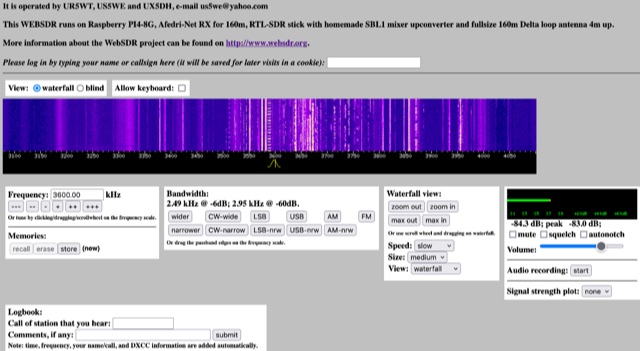 This WEBSDR runs on Raspberry PI4-8G, Afedri-Net RX for 160m, RTL-SDR stick with homemade SBL1 mixer upconverter and fullsize 160m Delta loop antenna 4m up. Operated from Ukraine by UR5WT, US5WE and UX5DH,
 -
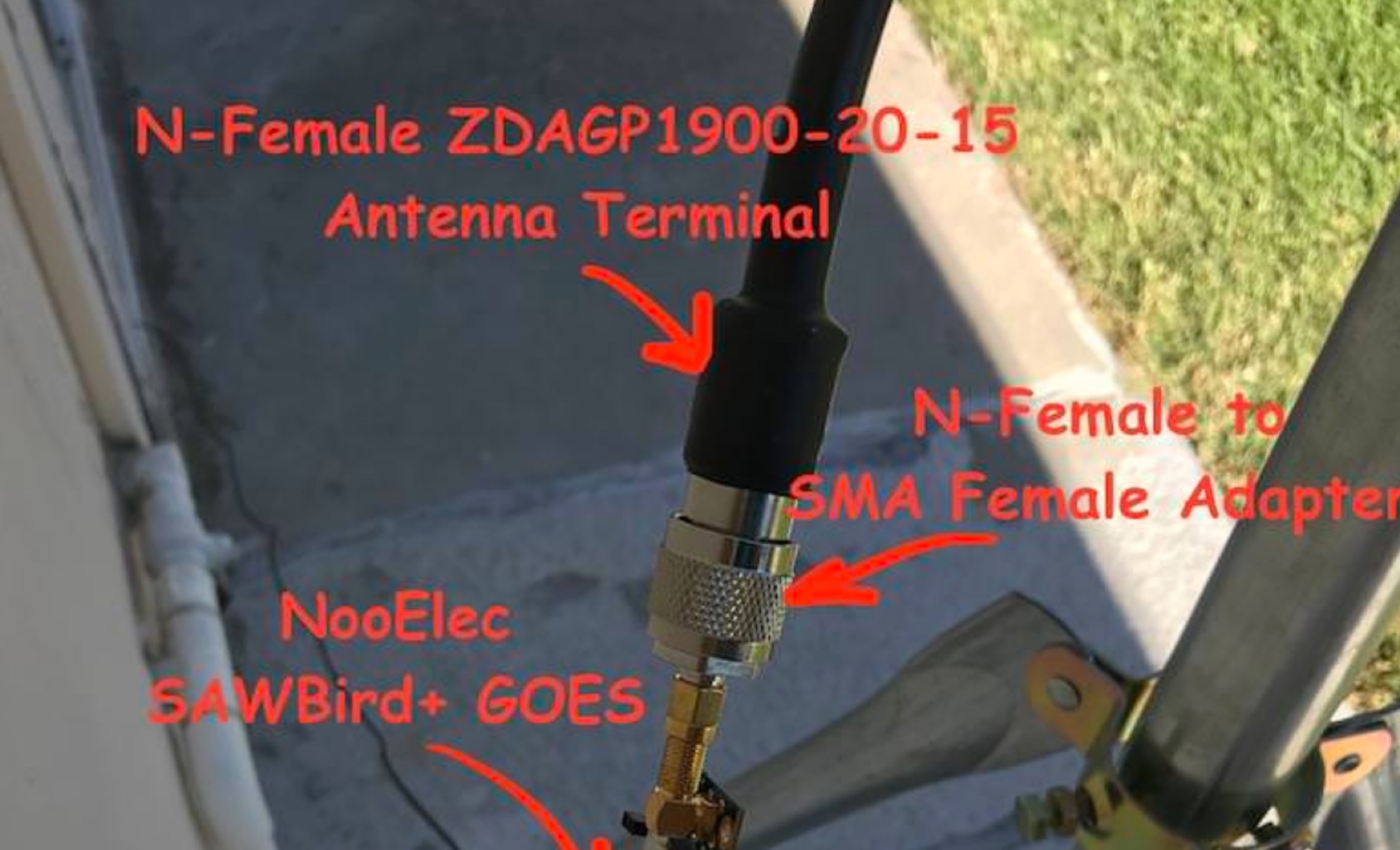 Receiving **GOES-16** and **GOES-17** weather satellite imagery requires a specific hardware and software configuration, detailed in this practical guide. The author outlines the necessary components, including a Raspberry Pi, an RTL-SDR dongle, a suitable LNA with SAW filter for 1.69 GHz, and a parabolic grid antenna. This setup enables direct reception of high-resolution weather data, a fascinating aspect of amateur radio satellite operations. The installation process begins with preparing the Raspberry Pi, followed by updating the system and installing essential dependencies like `git`, `build-essential`, and `cmake`. A critical step involves compiling and installing `librtlsdr` from source, ensuring proper driver setup and blacklisting conflicting DVB drivers. The guide then walks through testing the RTL-SDR dongle to confirm device recognition and troubleshoot common issues like USB power or driver installation problems. Finally, the instructions cover cloning and building `goestools`, a software suite essential for processing the satellite signals. This compilation, while time-consuming on a Raspberry Pi, is crucial for decoding the raw data into usable imagery. The guide concludes with the initial steps for creating the `goesrecv.conf` configuration file, preparing the system for active satellite reception.