Search results
Query: node
Links: 68 | Categories: 1
Categories
-
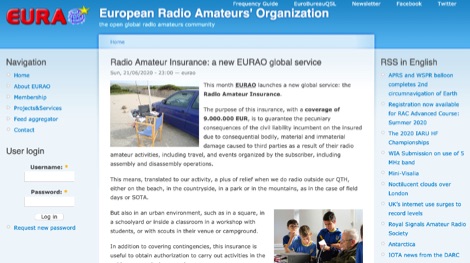 The purpose of this insurance is to guarantee the pecuniary consequences of the civil liability incumbent on the insured due to consequential bodily, material and immaterial damage caused to third parties as a result of their radio amateur activities
 -
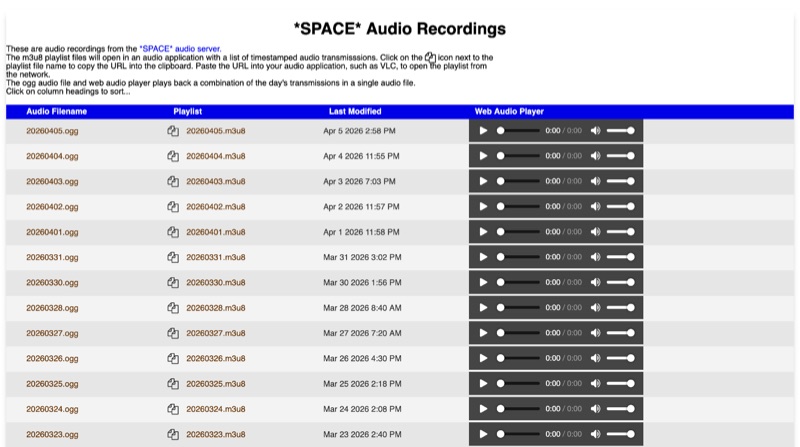 The *SPACE* Amateur Radio over Internet Protocol (RoIP) system offers public audio transmissions from NASA Mission Control and astronauts, primarily for educational purposes. This service streams NASA public media sources, including *Artemis II* and the ISS public audio channel 2 feed, which predominantly features English communications. Astronaut activities on the ISS typically occur between 0700 UTC and 19:00 UTC, with transmissions most common during early mornings USA time, alongside special events such as launches or spacewalks. Users can connect to the live stream via EchoLink to the *SPACE* conference, via IRLP to the 0100 experimental reflector, or via Allstar to node 516221. EchoLink connections utilize the GSM CODEC, while IRLP and other connections default to uncompressed or u-law CODEC. The service notes that long periods of silence are common, and NASA audio sources can be periodically unavailable or noisy. Daily recordings of these transmissions are published at space.rfnet.link/recordings/, available as .ogg audio files for direct playback or .m3u8 playlist files for network streaming in applications like VLC. Each playlist file provides a list of timestamped audio transmissions, allowing users to review specific segments of interest.
 -
 This blog post documents the author's journey building an APRS micromodem for amateur radio applications. Using an open-source design by LY2EN, the author assembled a cost-effective Terminal Node Controller (TNC) with SMD components, an Arduino Nano, and a JDY-31 Bluetooth module. The construction process included PCB fabrication, careful component soldering, microcontroller programming, and Bluetooth configuration. A custom 3D-printed case protected the completed device. Field testing in Romania showed the device functioned with a Baofeng UV-5R radio, though antenna limitations affected performance. The entire project demonstrates an affordable DIY alternative to commercial APRS trackers.
 -
 This article provides an overview of setup Direwolf and QtTermTCP for HF packet radio operations. It covers important tasks such as setting up a Direwolf TNC, connecting with stations, and engaging in packet-based chat (K2K). It also looks at how to use nodes as relays and access basic BBS services. The paper also includes HF packet network etiquette recommendations and a description of how to handle common packet transmission issues, making it a useful resource for amateur radio enthusiasts.
 -
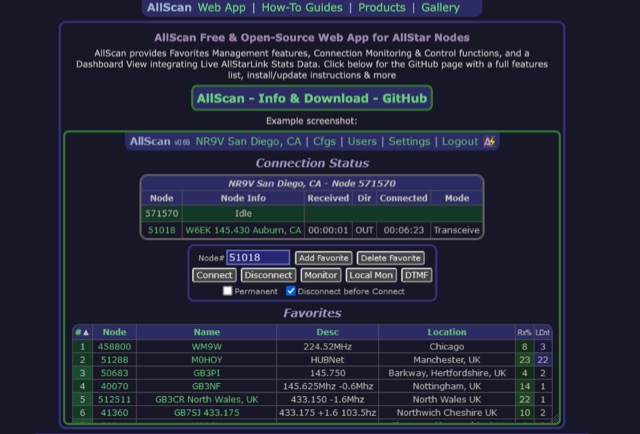 AllScan is a free and open-source web app for AllStar nodes that provides Favorites Management features, AllStarLink Stats integration, and connection monitoring and control functions. Shows your favorites in a Dashboard summary table with Keyed status, Connected Node count and other statistics. Continually scans the status of each favorite using ASL's Stats API data showing which favorites are active and have recently been active. Allows favorites to be connected with a single click (optionally automatically disconnecting any currently connected nodes first). Allows the Favorites Table to be sorted by Node#, Name, Description, Location, etc. Favorites can be added/deleted simply by entering the node# and clicking a button. These features finally give AllStar nodes similar memory management and scan capabilities that analog radios have had for decades. AllScan is mobile-friendly and optimized for ease of use on both small and large screens. AllScan follows the latest web development standards, with PHP, JavaScript, HTML, and CSS cleanly partitioned, runs on both ASL and HamVOIP, and is very easy to install, configure, and update.
 -
 DXLog.net Cluster functions as a dedicated client application designed to enhance DXLog.net contest logging operations. It facilitates simultaneous connections to multiple DX cluster nodes, providing a consolidated view of DX spots. The software also supports integration with local CW skimmers, enabling real-time reception of CW signals and their automatic decoding into spots. The utility broadcasts UDP data across the local area network, allowing DXLog.net to receive and process these spots efficiently. A key feature includes CAT control integration, which automatically QSYs connected CW skimmers to the frequency of interest, optimizing spot acquisition. The system also incorporates duplicate spot filtering to reduce redundancy and offers blacklist management for unwanted callsigns or frequencies. Programmable commands and dynamic skimmer bandwidth control further refine its operation, adapting to varying band conditions and contest strategies. Automatic reconnection capabilities ensure continuous operation, maintaining reliable access to DX information crucial for competitive contesting.
 -
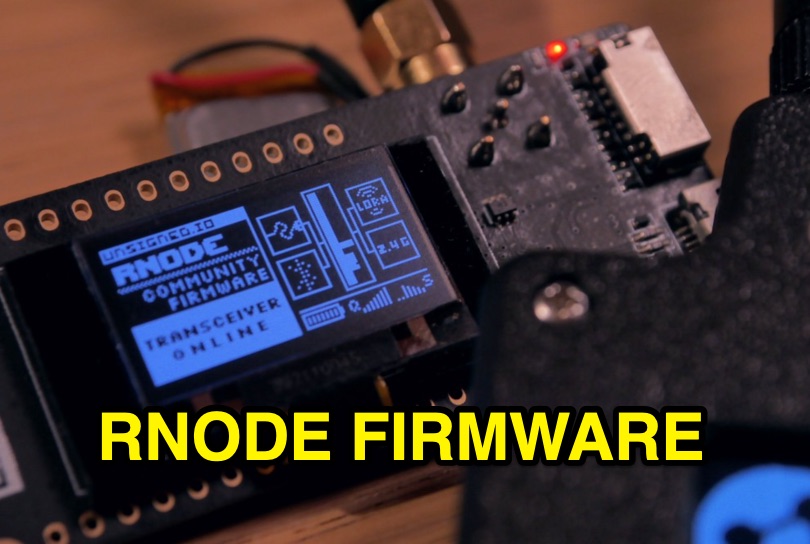 Enables digital radio transceivers to function as versatile data communication nodes, supporting applications like _Reticulum_ networking, messaging with Sideband, and acting as a LoRa-based KISS-compatible amateur radio TNC. This firmware transforms off-the-shelf development boards into powerful, long-range data radios, facilitating robust communication over significant distances, potentially achieving **hundreds of kilometers** with optimal setups. It supports a range of hardware, including unsigned.io's Handheld RNodes (v2.x and v1.x), LilyGO T-Beam v1.1, LilyGO LoRa32 (v2.0, v2.1), and Heltec LoRa32 v2 devices. Compatibility extends to transceiver modules utilizing Semtech SX1276, SX1278, SX1262, SX1268, and SX1280 chips, provided they have an SPI interface and exposed interrupt pins. Installation is streamlined via the `rnodeconf` utility, part of the `rns` package, simplifying the flashing process for users. The project operates under the GNU General Public License v3.0, promoting open development and user freedom. It encourages community involvement in building and deploying RNodes for various purposes, from personal communication to establishing resilient, decentralized networks. The firmware's design emphasizes flexibility, allowing for diverse configurations to suit specific operational requirements.
 -
 Learn how to connect your AllStar Node to 44Net in this blog post. Discover step-by-step instructions and tips to make the process easier for hams interested in expanding their networks. Find out how to improve your communication capabilities and enhance your overall ham radio experience with this helpful guide.
 -
 Provides access to a robust DX cluster node, G6NHU-2, running DX Spider software, which facilitates real-time amateur radio contact spotting across HF bands. This service is engineered for high reliability and low latency, ensuring rapid dissemination of DX spots from a global network of interconnected nodes. It features multiple redundant links to prevent data loss and maintain continuous operation, even if individual connections drop. The cluster integrates directly with the Reverse Beacon Network (RBN), allowing users to enable or disable skimmer spots for specific modes like CW, RTTY, FT8, and FT4. It also offers an extensive one-year spot history, significantly longer than most other DX clusters, which typically retain only a month of data. The node supports various lookup commands for callsign information, beam headings, QSL routing, and FCC database lookups, enhancing operational efficiency for DXers and contesters. Additionally, it permits self-spotting, a feature increasingly relevant in modern contests, and provides detailed instructions for connecting popular logging software such as N1MM+, HamRadioDeluxe, MacLoggerDX, LOG4OM2, Logger32, and N3FJP's Amateur Contact Log.
 -
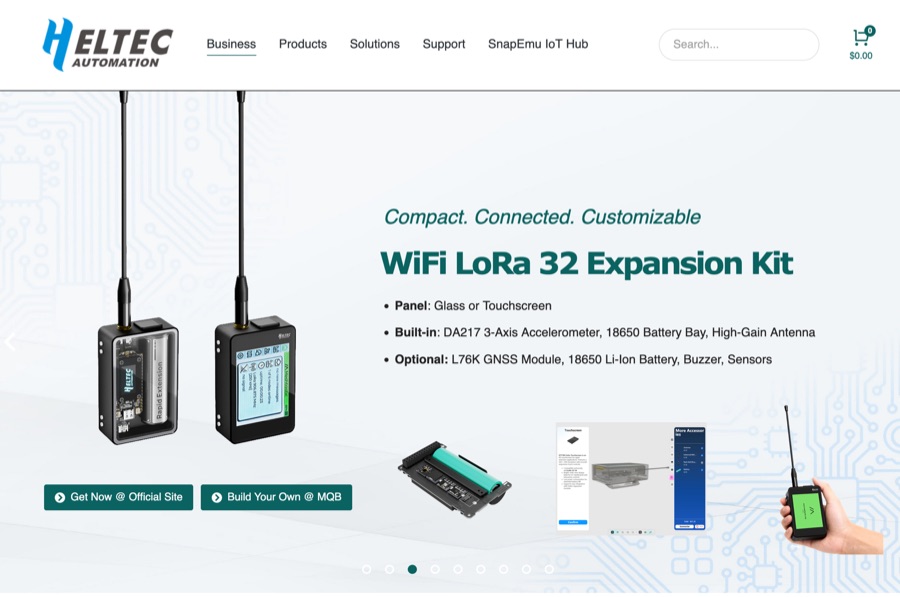 Heltec Automation specializes in the production of _ESP32-based_ LoRa development boards, wireless modules, and gateways, catering to various amateur radio applications. The product line includes devices suitable for _APRS LoRa trackers_, Meshtastic nodes, and general long-range, low-power RF projects, providing hardware solutions for digital communication experimentation. The company's offerings support diverse wireless protocols such as LoRa, LoRaWAN, Meshtastic, and Wi-Fi HaLow, enabling users to build custom communication systems. Specific products like the _Wireless Stick Lite_ and various Heltec LoRa boards are designed for integration into DIY projects, facilitating rapid prototyping and deployment of wireless solutions. Heltec provides detailed product specifications, documentation, and community support, which assists hams in leveraging their hardware for packet radio, digital modes, and IoT applications within the amateur bands. The focus remains on versatile, programmable modules that bridge traditional amateur radio interests with modern wireless technology.
 -
 This project focuses on the transformation of DXSpider deployment into a seamless Docker experience for the global amateur radio community. It highlights the key features, installation process, and documentation, while acknowledging Dirk Koopman (G1TLH) for creating DXSpider. The project aims to simplify the deployment and management of DX Cluster nodes for amateur radio operators by containerizing the software. With a Docker-native architecture and intelligent defaults, the project offers an easier setup process without compromising on the powerful features of DXSpider.
 -
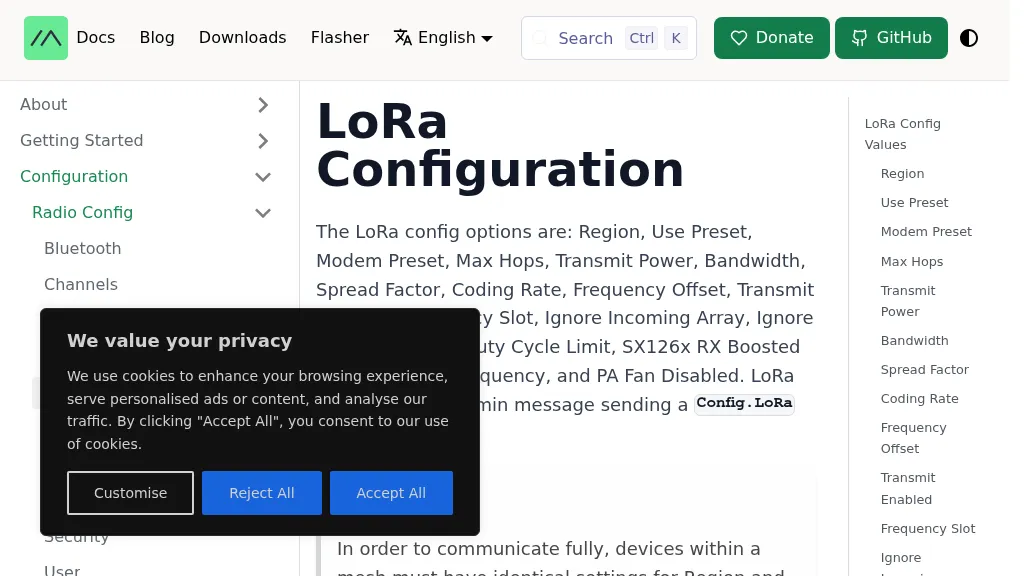 The Meshtastic documentation outlines critical LoRa configuration parameters for node operation, emphasizing regulatory compliance. It details settings such as Region, Modem Preset, Max Hops, Transmit Power, Bandwidth, Spread Factor, Coding Rate, and Frequency Offset. A comprehensive table provides region codes, frequency ranges (e.g., US **902.0 - 928.0 MHz**), duty cycles, and power limits (e.g., EU_433 **12 dBm**) for numerous countries, including the US, EU, China, and Japan, alongside a 2.4 GHz band option. It explicitly states that devices within a mesh must share identical _Region_ and _Modem Preset_ settings for full communication. Modem Presets, like _LONG_FAST_ (the default), optimize for either speed or range, directly impacting network congestion and message delivery delay. For instance, SHORT_TURBO offers the fastest speed and shortest range, while VERY_LONG_SLOW provides the longest range but is less reliable for mesh formation. The document also highlights specific duty cycle limitations, such as the 10% hourly limit for EU_433 and EU_868 regions, and provides command-line interface (CLI) examples for configuring these parameters.
 -
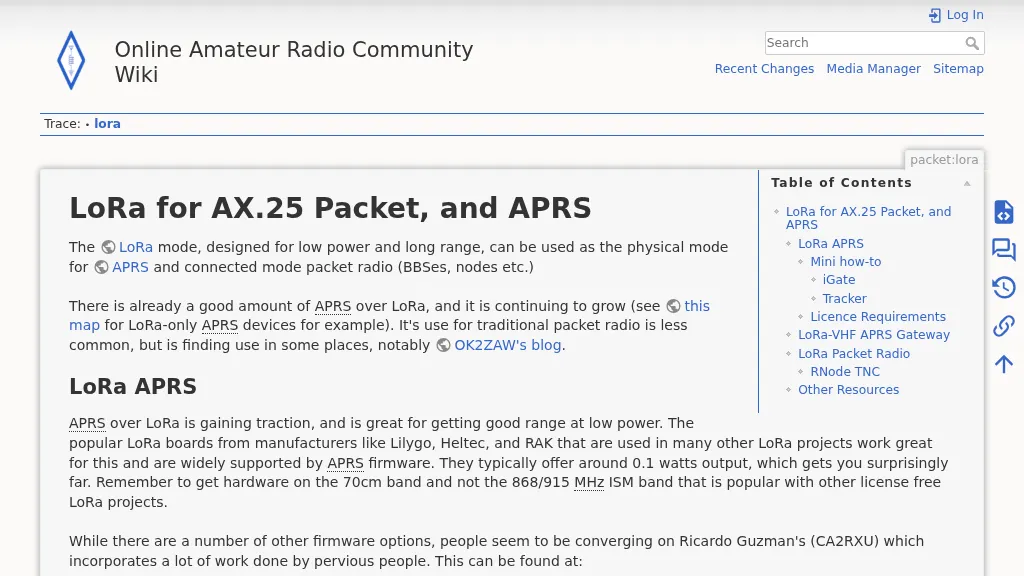 The resource details the use of LoRa for AX.25 packet radio and APRS, focusing on practical implementation. It specifies UK LoRa APRS frequency and modulation settings: **439.9125 MHz**, 125kHz bandwidth, SF12, and CR 4/5. The content provides a mini how-to for setting up an iGate using VS Code and _Platformio IDE_, with specific instructions for a Lilygo LoRa32 V2.1_1.6 board, including configuration for Wi-Fi, beaconing, and APRS-IS passcode. It also covers tracker setup using a Lilygo T-Beam Supreme, detailing firmware flashing and configuration for mobile operation. The guide differentiates LoRa APRS from traditional connected-mode packet radio, explaining why common LoRa APRS firmware is unsuitable for full AX.25 packet due to its TNC2-style payload structure. It explores alternative solutions for true LoRa packet radio, such as using an _RNode_ TNC or Raspberry Pi LoRa TNCs, and provides commands for RNode firmware installation and configuration for serial KISS operation. The resource also touches upon licensing requirements for unattended Digipeaters in the UK, noting the need for ETCC coordination and MB7Uxx callsigns.
 -
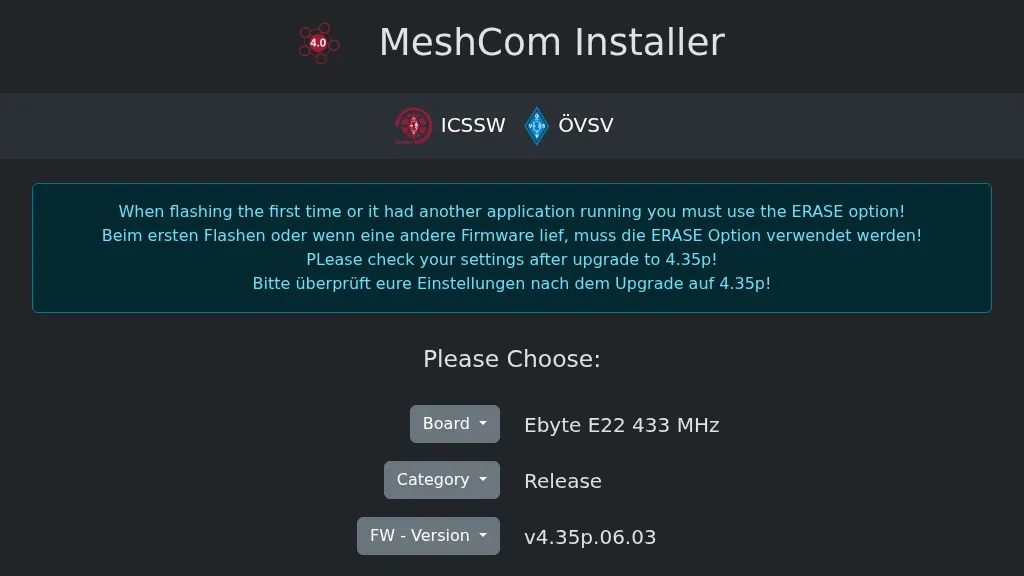 Operating a _MeshCom_ node requires specific firmware, and this web-based installer, developed by OE1KFR, streamlines the process for ESP devices. It provides a user-friendly interface for flashing and updating the MeshCom firmware, emphasizing the critical step of using the ERASE option during initial installations or when transitioning from other applications. The tool also advises users to verify their device settings after upgrading to firmware version **4.35p**, ensuring proper operation and configuration retention. This installer simplifies the deployment of MeshCom for amateur radio operators interested in mesh networking and LoRa applications. By offering a direct web interface, it removes the need for complex local toolchain setups, making it accessible for a broader range of hams. The direct download option for firmware versions further enhances its utility, providing flexibility for users to select the appropriate release for their specific ESP hardware.
 -
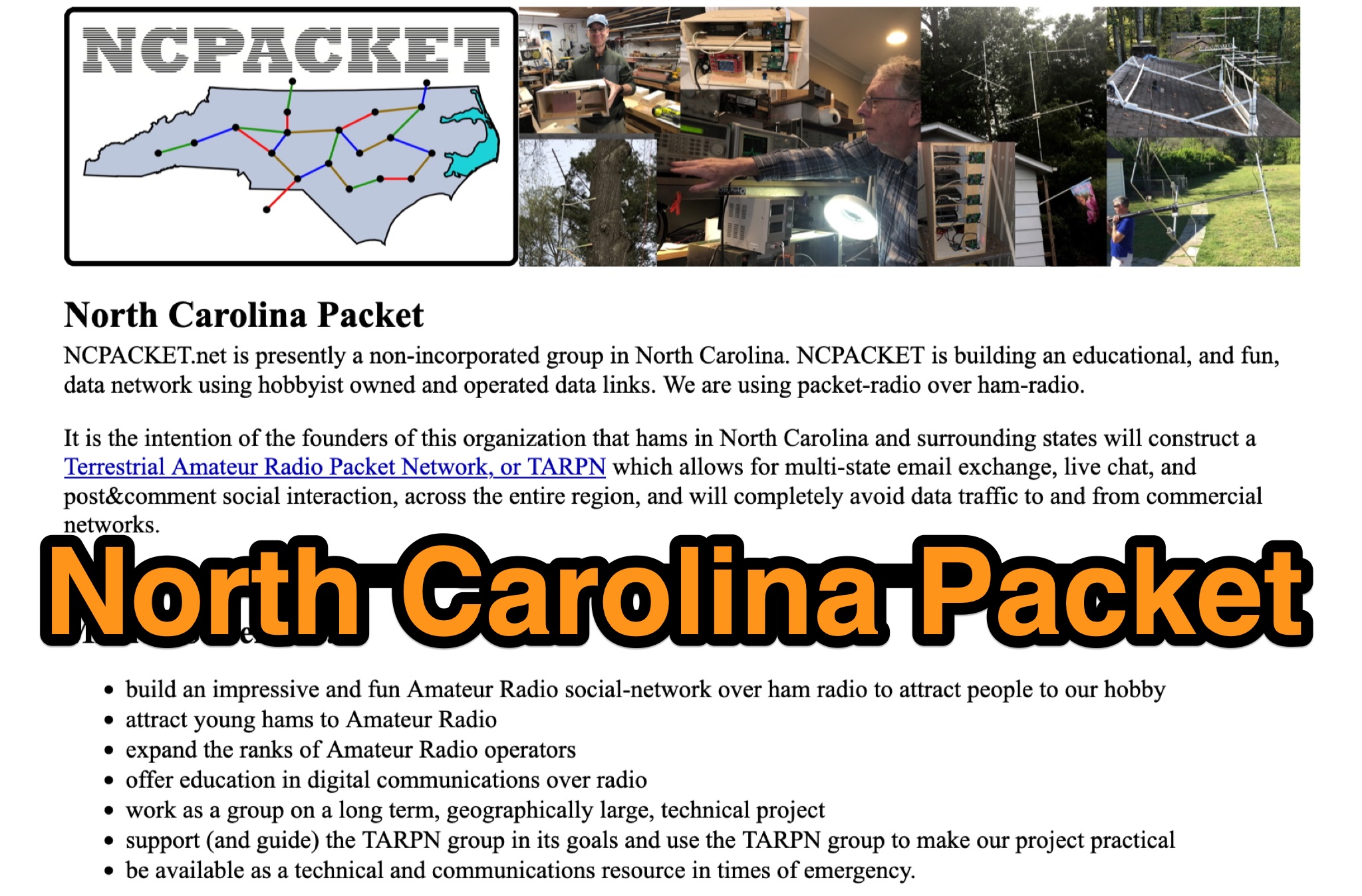 Learn about North Carolina Packet Voice nets and NCPACKET YouTube videos. Get your NCPACKET Callsign Badge to wear at ham club meetings and hamfests. Explore Hamfest Photos and NCPacket news. Discover the North Carolina TARPN Nodes mission statement and the benefits of being off the grid. Find out why TARPN is a great option and compare it with Winlink, APRS, ARES, and MARS. Learn how to build the NCPACKET network, including information on repeater sites and other key components.
 -
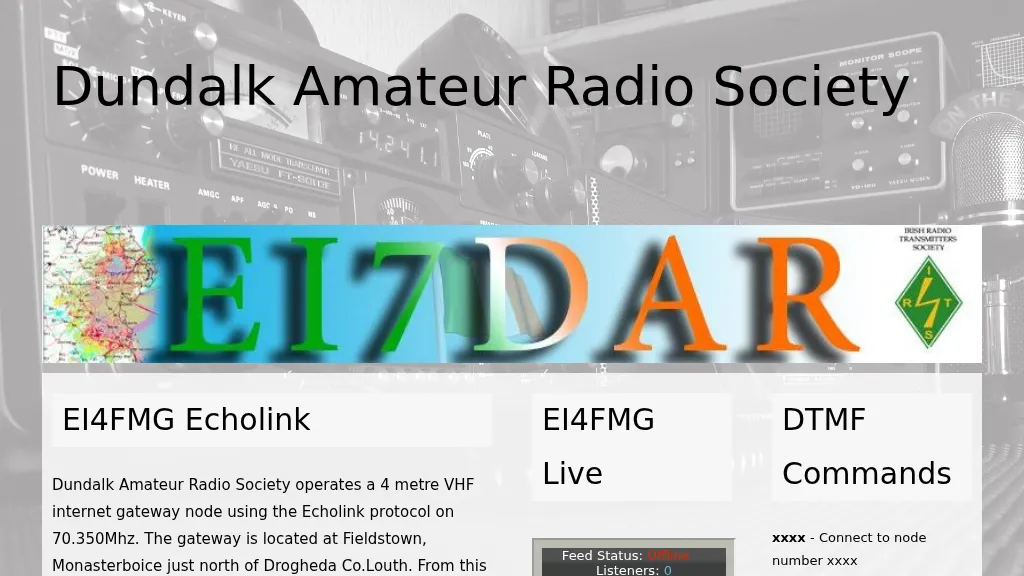 Operating an **Echolink** gateway on the 4-meter band presents unique opportunities for extending VHF communications, as demonstrated by the EI4FMG node. Situated at Fieldstown, Monasterboice, this gateway provides coverage across a significant portion of Ireland's east coast, leveraging a Tait TM8100 radio and an EI4JR Echolink interface logic. My own experience with similar setups confirms the importance of strategic site selection for maximizing reach, particularly with a 122-meter elevation above sea level. Access to the EI4FMG gateway, identified by node 57006, requires a **CTCSS** tone of 88.5 Hz, a standard practice for managing access and minimizing interference on shared frequencies. The system transmits with 15 watts of power and utilizes a Sigma CAT70 @5MAGL antenna, a configuration well-suited for regional VHF coverage. The gateway also features an auto-ID every 8 minutes, ensuring compliance and clear station identification. Users can interact with the gateway using various DTMF commands, allowing for connections to specific nodes, random repeater/link or conference nodes, and managing disconnections. These functionalities streamline the process of linking into the broader Echolink network, enabling local VHF operators to communicate globally through the internet backbone.
 -
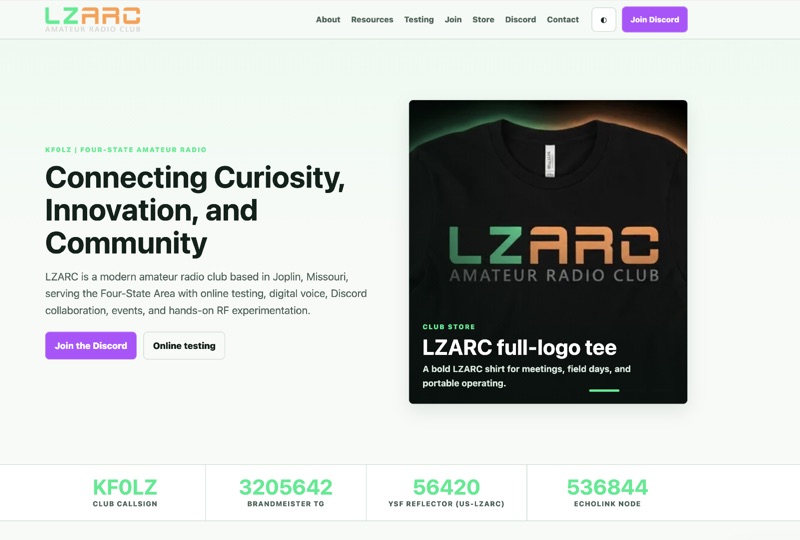 The LZ Amateur Radio Club (LZARC) operates with the club callsign **KF0LZ** and utilizes BrandMeister Talkgroup 3205642, YSF Reflector 56420 (US-LZARC), and EchoLink node 536844 for digital voice communications. This club, based in Joplin, Missouri, provides online FCC amateur radio license testing for Technician, General, and Amateur Extra class licenses, facilitating entry into the hobby. LZARC actively promotes hands-on RF experimentation, mesh networking with **Meshtastic**, and participation in **Parks on the Air** (POTA) activations. LZARC hosts regular events including the N0NMS Youth Net on 145.350 MHz (PL 91.5), the LZMesh Net on the LZMesh Meshtastic Channel, and the LZARC Digital Voice Net (CHAOS Net) via BrandMeister TG 3205642. The club maintains an active Discord server with over 300 members for daily conversations, project discussions, and quick support. Recent updates highlight member upgrades and participation in local hamfests, demonstrating a focus on community engagement and operator development across Missouri, Arkansas, Oklahoma, and Kansas.
 -
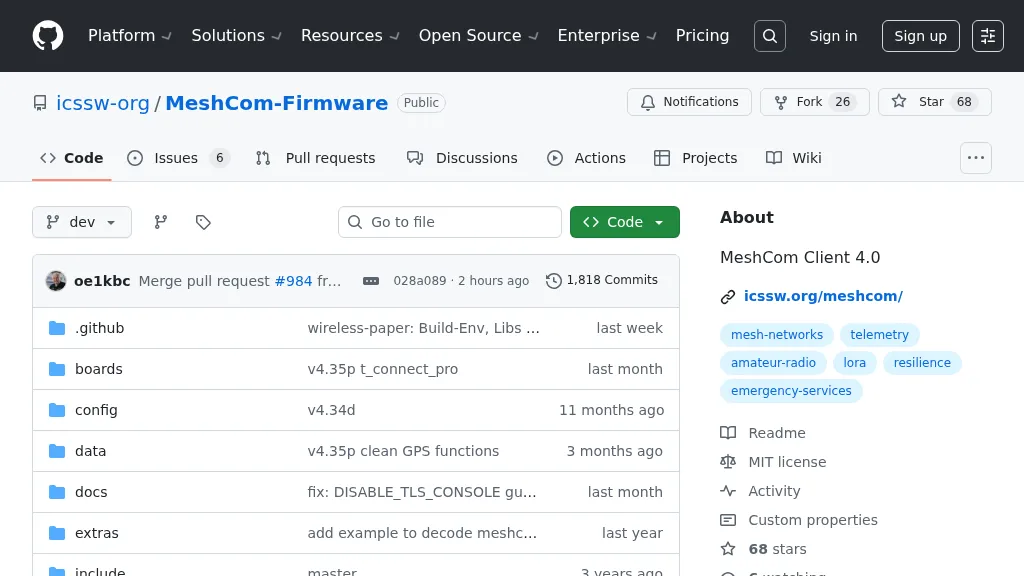 For amateur radio operators seeking resilient, off-grid communication, the _MeshCom_ firmware provides a robust solution for text-based messaging over a mesh network. Utilizing LoRa modulation and the APRS protocol, this firmware is designed for low-energy consumption and cost-effective hardware, primarily operating in the 70cm band. Nodes, identified by amateur radio callsigns, can send short text messages to all participants or directly to specific callsigns, functioning as repeaters to extend network reach. The system supports automatic status and position messages, with optional sensor data for WX-Data and Telemetry. MeshCom nodes can be configured as gateways to HAMNET or the internet, enhancing connectivity options. The project emphasizes a self-building and self-healing mesh network architecture, crucial for emergency communication scenarios. Operating frequencies include **433.175 MHz** (EU, USA, Africa), 439.9125 MHz (UK), and 433.925 MHz (Norway). The firmware is compatible with hardware platforms such as ESP32/LoRa modules, RAK-WISBLOCK, and ESP32-DEV4/E22-LoRa, offering a flexible deployment for various amateur radio applications.