Search results
Query: software installation
Links: 57 | Categories: 0
-
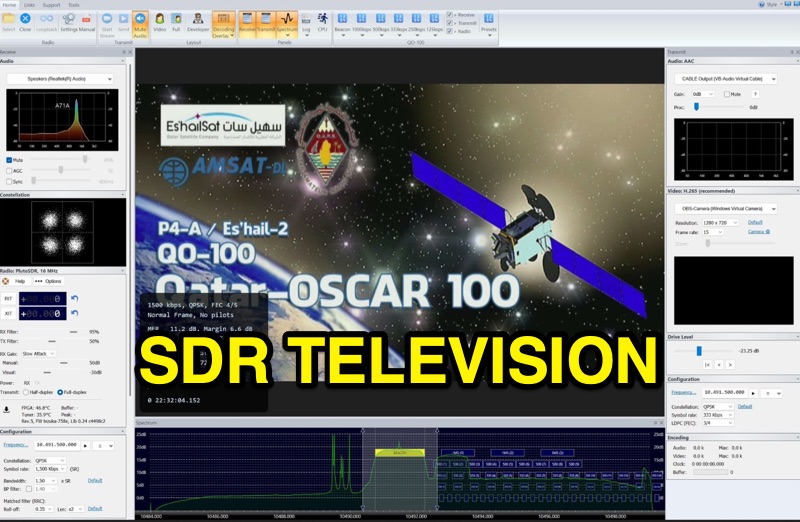 SDR Television v1.0 operates as a DVB-S2 / AAC / H264 / H265 program, specifically engineered for QO-100 satellite Digital Amateur Television (DATV) operations. It provides a full-duplex solution on modern x86 computers running Windows 10 or 11 (64-bit, 8+ cores, AVX2 support recommended), leveraging DLLs from _SDR Console_ for control of devices like _Pluto_ and _LibreSDR.TV_. The software requires installation of the SDR Radio kit for wideband mode support. Initial development focused on a proof-of-concept for QO-100, with future enhancements planned to include H266 / AV1 / Opus codecs and an improved cross-band user interface. The current stable release functions reliably for QO-100 DATV. Users must install the SDR Radio kit, followed by the SDR Television kit, into the same directory. Support inquiries are handled via the SDR-Radio.com mailing list, ensuring direct assistance for operational questions.
-
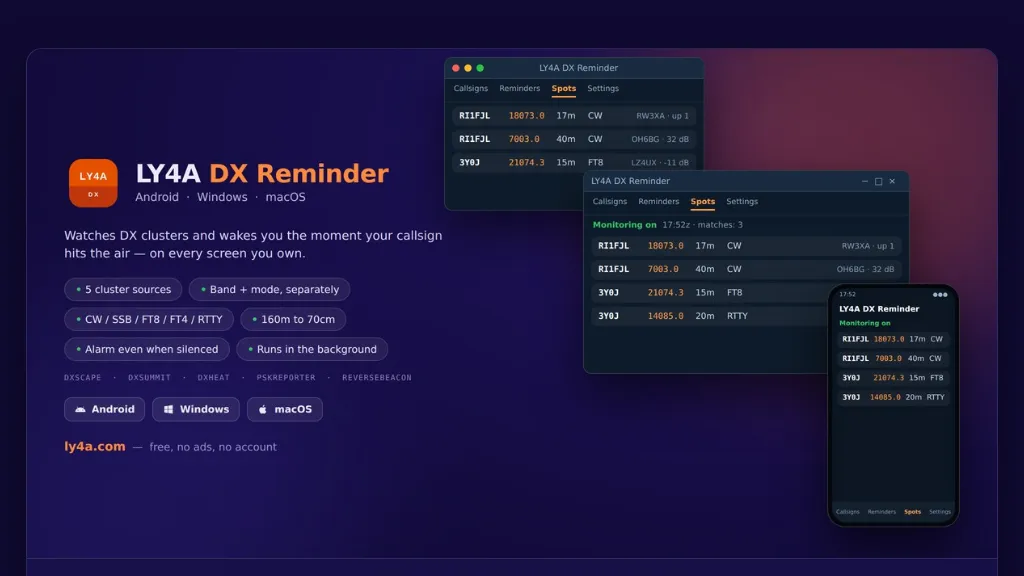 The LY4A DX Reminder application monitors five distinct DX cluster sources—DXScape, DXSummit, DXHeat, PSK Reporter, and Reverse Beacon—to alert amateur radio operators when a specific call sign appears. It supports a wide range of bands from 160 meters to 70 centimeters, including 60m, 6m, 2m, and 70cm, accommodating **CW**, SSB, FT8, FT4, and RTTY modes. The software operates in the background, checking clusters at user-defined intervals of 1, 5, 10, or 30 minutes, and persists across device restarts. Alarm functionality is robust, activating even if the mobile device is silenced, by utilizing the alarm channel and illuminating the locked screen. On desktop platforms, notifications remain active in the system tray. Users can directly manage alarms—stopping, snoozing, or deleting them—from the notification interface, enhancing operational flexibility during DX pursuits. Available in 15 languages, including English, Italian, German, and Spanish, the application is provided free of charge and without advertisements. It offers optional donation support for continued development. Installation instructions are detailed for Android, Windows 10/11 (64-bit), and macOS 12+, addressing common system security prompts for unsigned applications.
-
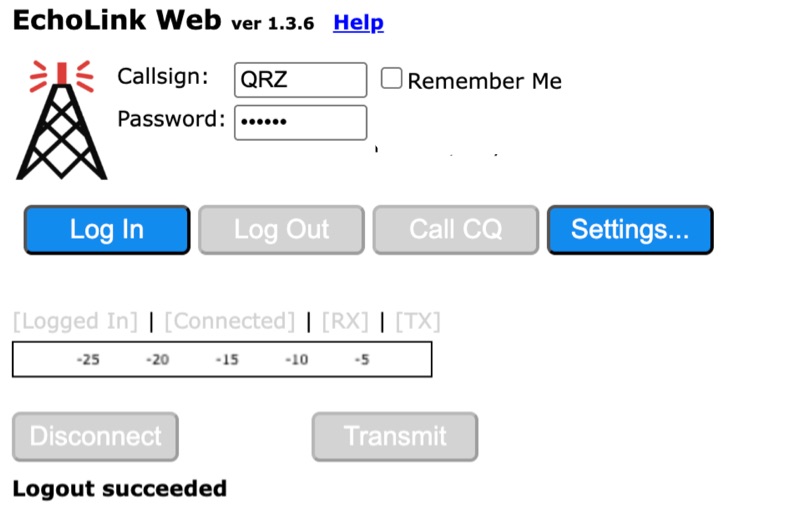 Connecting to the global *EchoLink* network via a web browser simplifies internet linking for licensed amateur radio operators. This web application provides a direct interface, eliminating the need for client software installation. Users can log in with their validated callsign and password to access the system, facilitating contacts with other stations, repeaters, and conferences worldwide, much like traditional VoIP applications but tailored for amateur radio. The interface offers essential controls for managing connections, including selecting specific stations or conferences from a dropdown list, initiating a connection, and disconnecting. Features such as a 'Call CQ' button allow users to signal their availability for a contact, while options for low bandwidth operation and accepting incoming connections optimize performance and accessibility. Audio device selection ensures proper microphone and speaker integration with the web client. Validation of an amateur radio license is a prerequisite for full access, ensuring that only authorized operators utilize the network. The system prompts unvalidated users to provide an email address and password to begin the validation process, which typically involves submitting proof of license. This free service extends the reach of amateur radio communications globally, bridging geographical distances through internet connectivity.
-
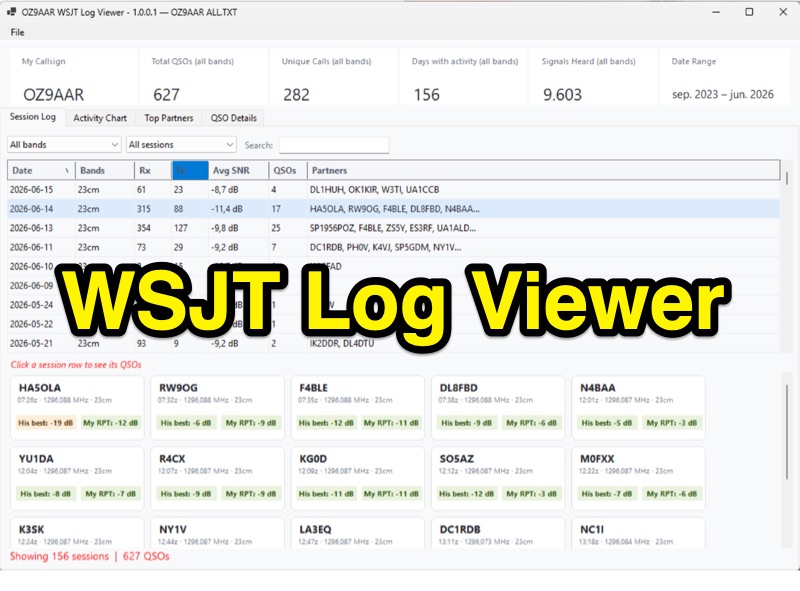 The WSJT Log Viewer, version 1.0.0.10 as of 2026-08-02, is a freeware Windows application developed by Carsten Groen (OZ9AAR) for analyzing signal strengths from WSJT digital mode contacts. It processes the ALL.TXT log file generated by WSJT-X, extracting and presenting data from decoded TX and RX messages. Initially designed for EME operations on 70cm and 23cm, the software has expanded to include all HF bands, 6m, 4m, 2m, 1.25m, 70cm, 23cm, 24GHz, and 47GHz. Key features include displaying total QSOs, unique callsigns, days with activity, and signals heard, with filtering options by band and completed QSOs. The application also monitors the ALL.TXT file for live updates every two seconds, reflecting new decodes in real-time. Users can view session logs, activity charts showing daily signal counts and decoded signals, and a "Top Partners" tab listing the 25 most frequent contacts. The software provides detailed QSO information, including best received SNR and sent reports, with graphical representations of SNR over time. It supports multiple "My Callsign" entries within a single ALL.TXT file and offers a function to generate a text list of initials worked per band. The program is distributed as a single executable file, requiring no installation, and stores its configuration in a LogViewer.cfg file, allowing for different setups via command-line arguments.
-
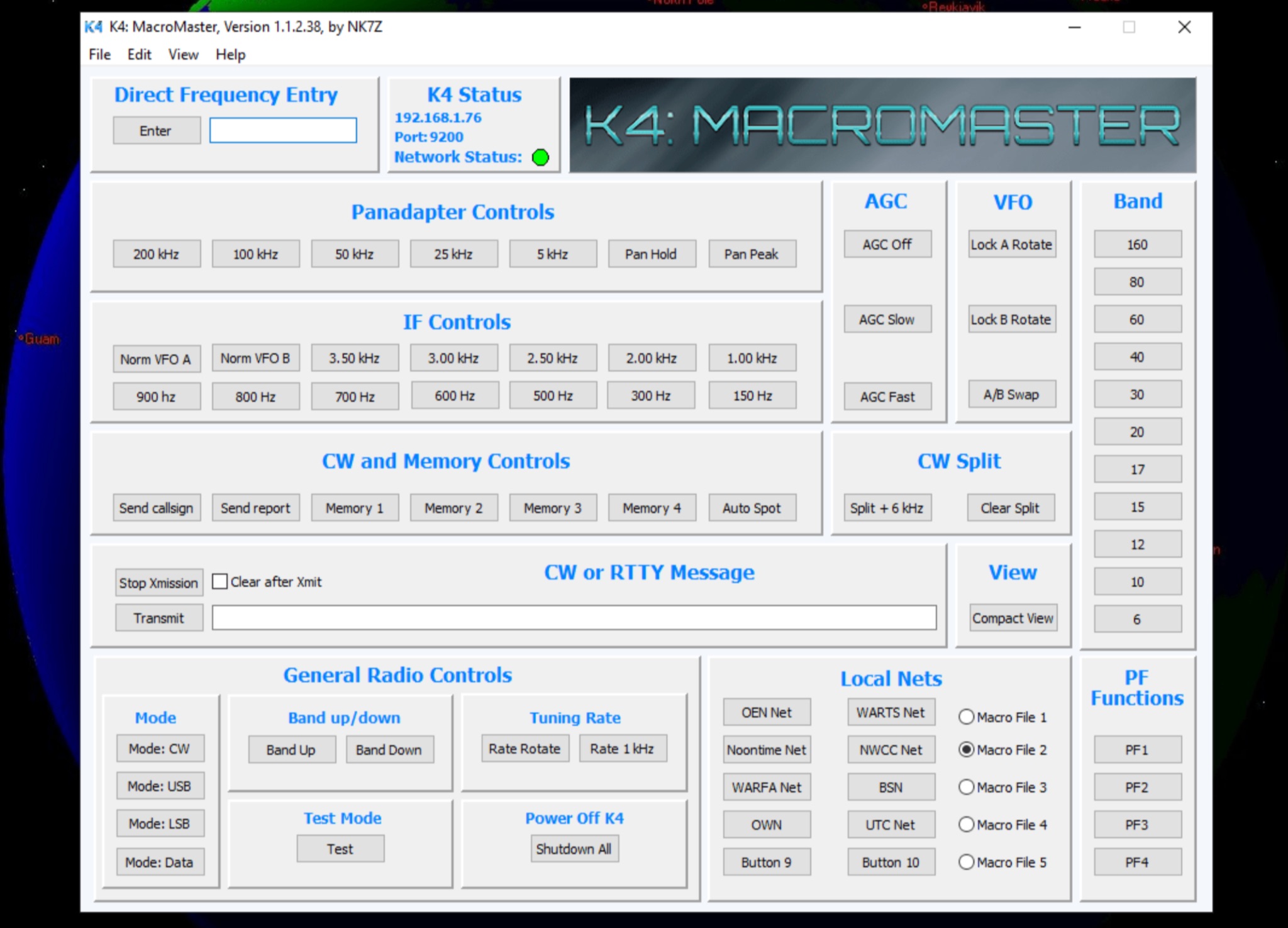 The K4 MacroMaster program facilitates the creation and deployment of macro commands for the Elecraft K4 and K4D transceivers. It provides a structured interface for hams to program up to fifty user-defined macros, organized into five **Macro Clusters** of ten commands each. The software connects to the transceiver via Ethernet or Wi-Fi, allowing for seamless command injection and operational streamlining. The resource details the program's **macro editor**, which supports the creation, storage, and naming of these clusters by their functional purpose. A built-in hint feature offers quick reference for command syntax and usage, aiding in efficient macro development. The review section covers the installation process, initial configuration steps, and practical application scenarios for the K4 MacroMaster, including examples of common macro functions like band changes, mode selections, and contest logging integrations. Operational benefits highlighted include enhanced workflow automation and reduced manual input during demanding operating conditions, such as DXing or contesting.
-
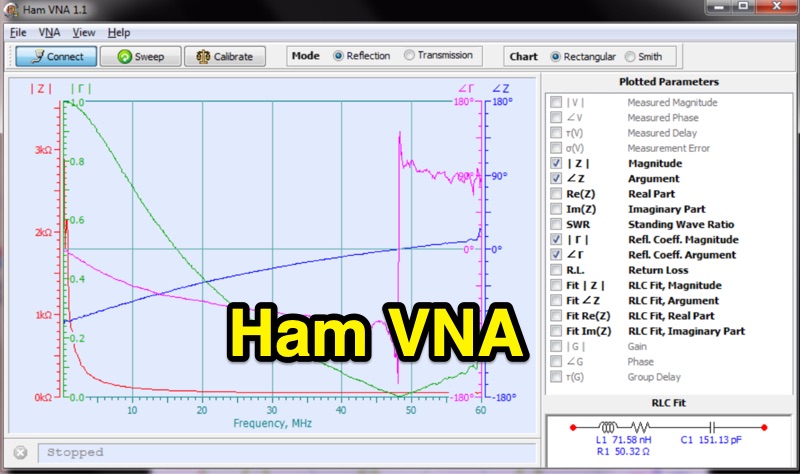 HamVNA presents an alternative Vector Network Analyzer (VNA) software tailored for the Hermes SDR RX/TX board, enhancing its utility for analyzing antenna systems and radio circuits. The software processes measurement data from two distinct sources: direct acquisition via the Hermes hardware, leveraging fixtures like Sam Wetterlin's Series Fixture or reflection bridge, or by importing existing TouchStone format files (*.s1p, *.s2p) from other VNA hardware. It operates on Win2000/WinXP/Vista/Win7 platforms, supporting both 32 and 64-bit architectures. The program incorporates standard Open-Short-Load calibration for reflection mode and Short Circuit calibration for transmission mode, with the capability to save and reload calibration data. A key distinguishing feature is its RLC Fit function, which automatically generates an equivalent RLC circuit matching the impedance-vs-frequency curve of the Device Under Test (DUT), a capability noted as unique among VNA software. This function allows control over circuit complexity via an 'Order' slider. HamVNA also supports remote calibration, enabling the removal of coaxial cable effects from measurements for clearer analysis, as demonstrated with an 80m vertical antenna example. The software is an open-source project, distributed under the MPL v.2.0 license, with both the installation package and source code available for download.
-
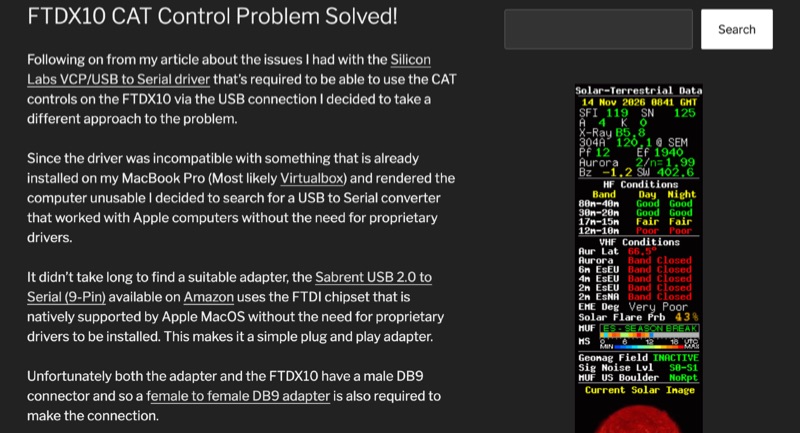 The Yaesu FTDX10 transceiver, a popular HF/50 MHz rig, often presents CAT control challenges on macOS systems due to driver incompatibilities. This resource addresses a specific issue encountered with Silicon Labs VCP/USB to Serial drivers causing system instability on a MacBook Pro running macOS 11.6.2 (Big Sur). The author details a robust solution involving a Sabrent USB 2.0 to Serial (9-Pin) adapter, which incorporates an FTDI chipset, ensuring native driver support within the macOS environment. This setup facilitates direct control of the FTDX10 without requiring proprietary driver installations. Configuration specifics include connecting the Sabrent adapter to the FTDX10 via a female-to-female DB9 adapter, setting the RS232 port to 38400 baud on both the radio and the WSJT-X software. For digital mode audio routing, a standard USB lead connects the FTDX10 directly to a second USB port on the MacBook, leveraging the transceiver's integrated sound card, which macOS natively recognizes. This dual-USB approach separates CAT control from audio I/O. The methodology was successfully validated through FT8 operation on the 30-meter band, confirming stable CAT communication and proper audio interfacing. This guide provides a practical workaround for macOS users seeking reliable digital mode operation with their FTDX10, avoiding common driver-related frustrations.