Search results
Query: virtual audio
Links: 11 | Categories: 1
Categories
-
 The JACK Audio Connection Kit provides a robust, cross-platform solution for routing audio and MIDI data between various software applications with minimal latency. It addresses the common challenge of directing the output of one program, such as a digital mode decoder or SDR application, into the input of another, like a logging program or audio recorder. Jack audio is a multi platform application, runs on Linux, Windows and MacOS. This virtual audio cable functionality allows for complex signal flows, enabling users to simultaneously send audio from a single source to multiple destinations and even loop it back for recording or further processing within the same or different applications. For amateur radio operators, JACK facilitates advanced configurations for digital modes, contesting, and signal analysis. It supports intricate setups where a single radio's audio output can feed multiple decoders, spectrum analyzers, or recording utilities concurrently. The API is designed for real-time performance, crucial for applications requiring precise timing and minimal delay in audio processing.
-
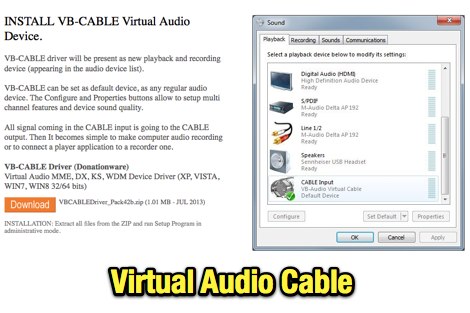 VB-Audio CABLE is a Windows Audio Driver working as Virtual Audio Cable. Will allow you to connect Audio Software together with Virtual Audio Device, to record input of streaming software. Donationware.
-
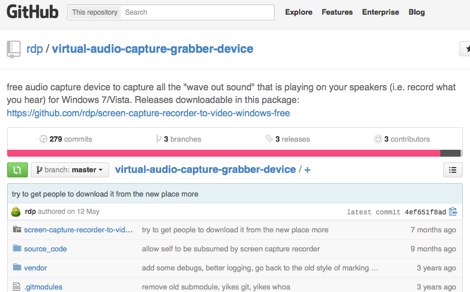 This software is a free windows audio capture driver that allow you to capture all the wave-out-sound that is playing on your speakers, and will record what you hear. Runs on XP, Windows 7 and Vista.
-
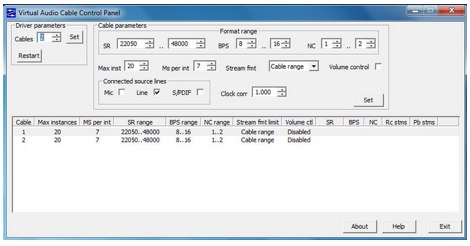 Virtual Audio Cable software allows you to transfer audio streams between applications and devices. Windows commercial software, offer a trial version limited to 3 virtual cables.
-
 Breakaway Pipeline allows you to send audio to or from another program on the same computer. This will permit to forward audio streams, virtually like connected via a cable taken form any radio receivers, like online web sdr or your digital modes receiver like WSJT-X or fldigi to anther application running on the same PC.
-
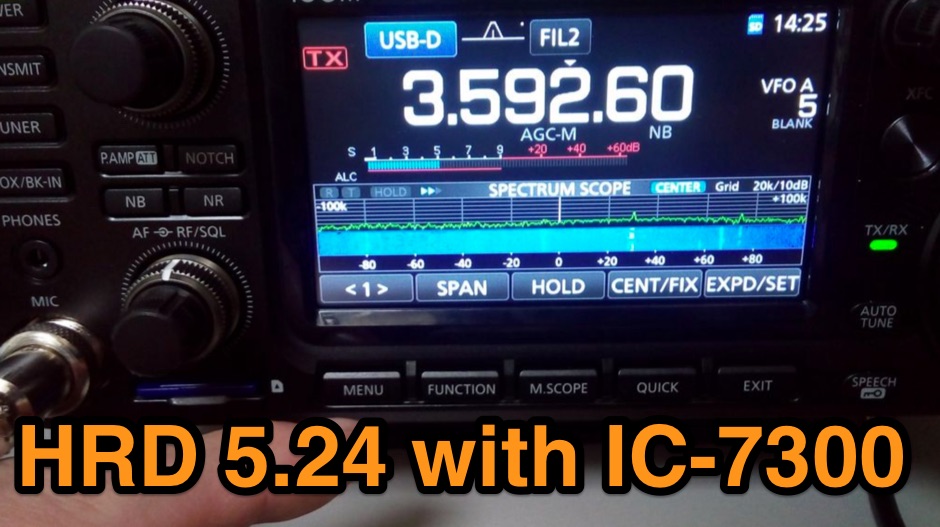 The Icom IC-7300 is a popular HF transceiver among amateur radio operators, known for its advanced features and ease of use. However, integrating it with software like Ham Radio Deluxe (HRD) can be challenging due to compatibility issues. This guide provides step-by-step instructions on how to configure the IC-7300 to work seamlessly with HRD 5.24, the last freeware version available. It covers the installation of necessary drivers, setting up virtual COM ports, and configuring audio settings for digital modes. To begin, users must download and install the Icom USB driver, which creates a virtual serial COM port for communication between the radio and the computer. The guide details how to check for this new port and adjust the CI-V address settings to ensure proper communication. It also explains how to set up the soundcard settings in HRD for digital modes, allowing operators to transmit and receive audio effectively. Following these instructions will enable IC-7300 owners to maximize their radio's capabilities with HRD.
-
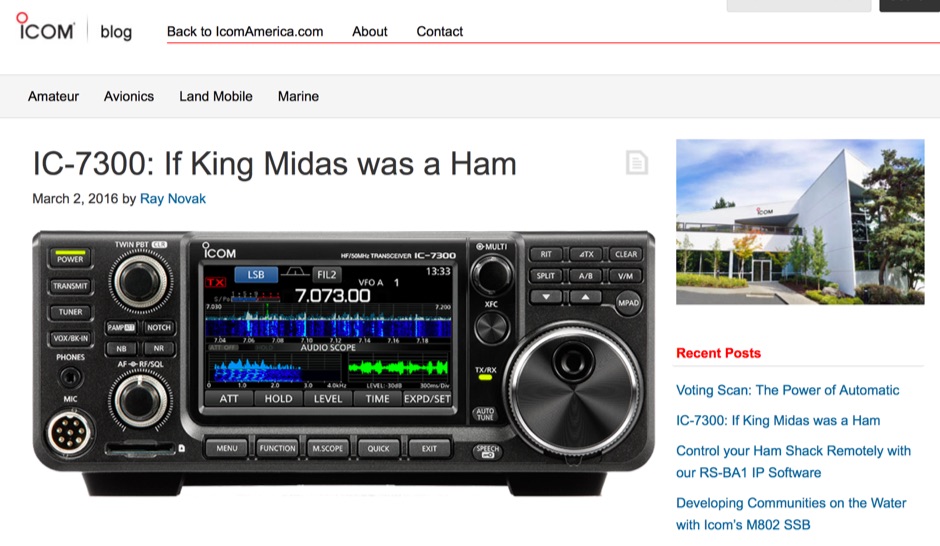 The Icom IC-7300 is a groundbreaking Software Defined Radio (SDR) transceiver that revolutionizes the way amateur radio operators interact with the spectrum. With its large 4.3-inch color TFT LCD touch screen, users can easily navigate through various functions, including real-time spectrum scope and high-resolution waterfall displays. This allows for quick adjustments and enhanced signal awareness, making it easier to find and engage in QSOs. The touch screen interface provides a modern approach to radio operation, replacing traditional buttons with virtual controls that can be accessed with a simple touch. In addition to its user-friendly interface, the IC-7300 boasts advanced features such as IF-DSP filtering, audio scope functions, and a multi-dial knob that combines tactile control with touch screen flexibility. These capabilities enable operators to visualize signals and make precise adjustments to their settings, ensuring optimal performance during contests or casual operating. The IC-7300 is designed for both beginners and experienced hams, making it a versatile addition to any shack. Its innovative design and functionality truly embody the spirit of modern amateur radio.
-
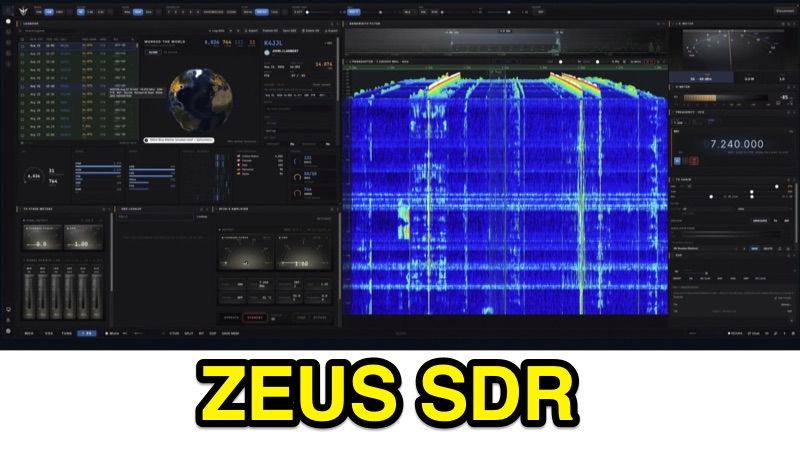 Demonstrates ZeusSDR, a WebGL-native station console for _OpenHPSDR_ radios, including Hermes-Lite 2 and ANAN-class transceivers. The software integrates a 2D and 3D WebGL/WebGPU panadapter with click-to-tune functionality, alongside native FT8/FT4 and FreeDV digital voice modes, eliminating the need for external software like WSJT-X or virtual audio cables. It features a protected transmit chain with SWR-trip and TX-timeout, and supports _PureSignal_ linearization on Protocol 2 for enhanced signal quality. The console incorporates a broadcast TX chain with a noise gate, 10-band EQ, compressor, exciter, bass, reverb, and VST3/Audio Unit hosting for advanced audio processing. A comprehensive logbook is included, offering contact history, a 3D NASA globe, DX radar, and analytics for DXCC/WAS/grids, with ADIF and LoTW integration. Amplifier panels for RF2K-S, KPA500, and SPE Taurus are also provided. ZeusSDR supports both OpenHPSDR protocols (P1 + P2) and utilizes WDSP from Thetis. It is available for Windows, macOS, and Linux, with a public listening feature allowing others to view live waterfalls and use virtual receivers with Zeus DSP, including NR, NB, ANF, AGC, and filters. The software is open-engine, following the PowerSDR–OpenHPSDR–Thetis lineage.
-
 The RTL-SDR tuner dongle is a popular tool for amateur radio enthusiasts, transforming a $10 device into a wide-band software-defined radio. This guide outlines using the RTL-SDR as a full-band pan-adapter for conventional receivers, focusing on hardware setup and software integration with HDSDR. Future sections will address RTL-SDR performance compared to native receivers, enhancing digital mode operations with virtual serial ports and audio cables.
-
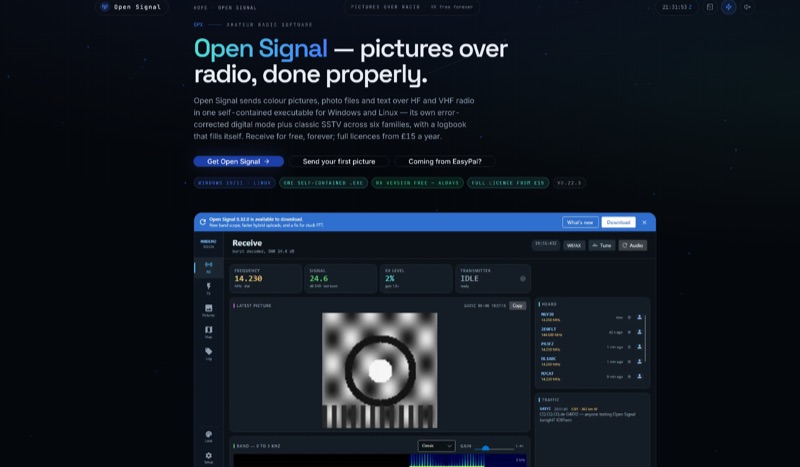 Open Signal, a software application for Windows 10/11 and 64-bit Linux, facilitates the transmission of color pictures, photo files, and text over HF and VHF amateur radio bands. It integrates its own error-corrected OFDM digital picture mode, delivering pixel-exact images in under a minute, with classic analog SSTV across six families: Martin, Scottie, Robot, Wraase, PD, and MMSSTV's MP/MR, featuring automatic VIS mode detection on receive. The application offers four distinct sending methods, including byte-exact JPEG transfer, a hybrid mode utilizing internet for full quality with a short RF link, and its proprietary digital waveform. This self-contained executable eliminates the need for external software like FLDIGI, Hamlib, or virtual audio cables, simplifying setup. It includes a self-filling logbook that integrates with Wavelog/Cloudlog, eQSL, and provides UDP ADIF broadcast. Built-in spotting features include PSK Reporter, DX cluster announcements, and APRS-IS position beacons. The receive-only version is permanently free, while a full license, enabling transmit capabilities and access to the live network, is available for an annual or lifetime fee. The software is actively maintained, unlike EasyPal, which has not seen updates since 2014.
-
 The Yaesu FTDX-10 transceiver requires specific configuration adjustments to achieve seamless interoperability with WSJT-X for FT8 digital mode operation. As KI5GFU discovered, the out-of-the-box settings, even when migrating from a Yaesu FT-991 setup, do not immediately provide full functionality, necessitating careful modification of both the radio and the software parameters. Key FTDX-10 adjustments include setting the mode to DATA-U, optimizing attenuator, preamp, roof filter, and AGC. Further modifications involve factory 'REAR SELECT', 'RPORT GAIN', and 'RPTT SELECT' settings, alongside fine-tuning 'LCUT FREQ', 'LCUT SLOPE', 'HCUT FREQ', and 'DATA SHIFT (SSB)' values to enhance signal quality, a point often highlighted by experienced operators. For WSJT-X, the setup involves selecting the FTDX-10 radio model, configuring the serial port to a virtual port like cu.SLAB_USBtoURAT with a baud rate of 38400, eight data bits, two stop bits, and no handshake. PTT method is set to CAT, mode to Data/Pkt, and appropriate USB Audio CODEC drivers, such as Silicon Labs (SLAB) on a MacBook Pro, are selected for audio input and output.