Search results
Query: download easy
Links: 10 | Categories: 0
-
 Easy download your free high quality desktop image about amateur radio station and antenna
 -
 The Classic Multiband Dipole Antenna QST article. The open-wire feed line dipole antenna is easy to install and offers surprising performance on several bands. You can install it in almost any configuration; it does not have to be strung in the traditional horizontal flat top
 -
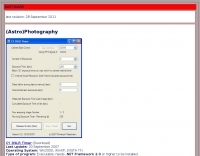 PA is a JAVA software package containing several programs, SW/VHF/UHF Logbook (imports format from RADIOMAN, VMT), Log conversion to HTML format, Import and export functions for RADIOMAN, CT RES files, BV QSL Labels, CSV etc. Internet DX-Cluster support, Keeps track of your worked Callsigns, Checks your worked Grid Squares per band, Databases for worked Grids and Callsigns Uses K1EA CQWW.CTY country file, Easy command line version for terminal operation Moontracking as clock, Pathloss calculation
 -
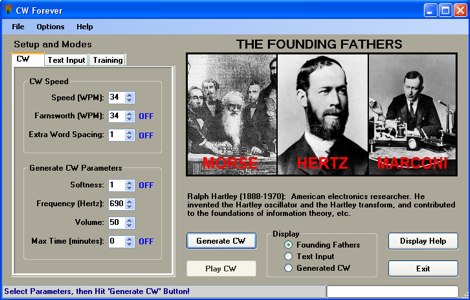 Popular, versatile and easy to use Morse code training software written with the latest PC software technologies, and it is free with support. Guaranteed to increase your speed!
 -
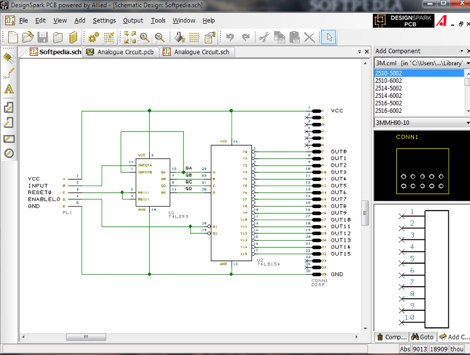 DesignSpark PCB is the world's most accessible electronics design software, specially designed for Rapid Prototyping and turning your circuit ideas into testable boards faster. Easy to learn and easy to use, DesignSpark PCB is free and can you can download DesignSpark from this site.
 -
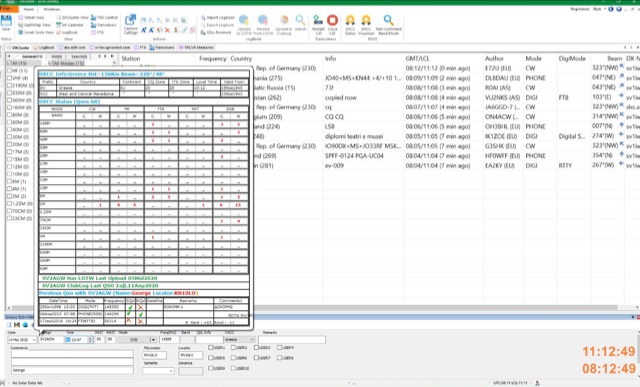 DxDozer is a Windows-based amateur radio logbook designed for both new and experienced DXers, featuring a robust logging system with extensive search capabilities. It offers seamless integration with FT8, displaying received stations from WSJT-X in a DX Cluster-like view, indicating LoTW status and prior contacts, and initiating QSOs directly. The software supports an unlimited number of callsign logbooks and allows multiple operators to log simultaneously to a single database, enhancing its utility for multi-operator stations or contest operations. The application includes a sophisticated DX Cluster with highly configurable filters based on band, mode, continent, worked/confirmed status, and LoTW participation, enabling users to monitor specific calls or countries. DxDozer simplifies QSL management by facilitating one-button uploads to LoTW and ClubLog, and downloads of new confirmed QSOs, with a dedicated field for QSL medium. The software provides both 'Easy' and 'Expert' modes to cater to different user proficiency levels, and is available via a yearly subscription after an initial free trial period.
 -
 The HamAlert Cluster Client is a Windows program developed by OE3IDE to connect to the HamAlert system created by Manuel Kasper (HB9DQM). This system notifies users of new spots using various criteria through app notifications, SMS, Threema, and Telnet. The HamAlert Cluster Client enhances this functionality by providing taskbar notifications on Windows 10 and 11 PCs. The program is easy to use, requiring no installation—just download, unpack, and start. It includes features like a logfile for tracking activities.
 -
 Twigger is a very lightweight, free ham radio logger designed for Windows, offering seamless integration with transceivers via _TCI_ or OmniRig. This software stores all logged contacts in a SQLite database, with the flexibility to export daily ADIF files for import into a main logger or to send real-time QSO data via UDP in N1MM XML format. It also supports direct, real-time uploads to popular online logbooks like Clublog and QRZ.com, streamlining the logging process for active operators. The application has seen continuous development, with version 1.1.34 fixing an ADIF log importer bug and earlier versions adding crucial features like WSJT-X/JTDX UDP support. Author OE3IDE, Ernst, has incorporated user feedback, including ideas and testing from MW0LGE, to refine the software. Key enhancements include the transition to SQLite for data storage in version 1.1.32, allowing for easy import of previous Twigger ADIFs upon initial startup. The logger also features integrated DX cluster support, enabling users to send spots directly and query QRZ.com for callsign information, which is then cached to reduce redundant queries. The software's compact design and essential logging capabilities make it a practical tool for casual logging or as a secondary logger during contests, with the ability to handle **25 downloads** for version 1.1.34.
 -
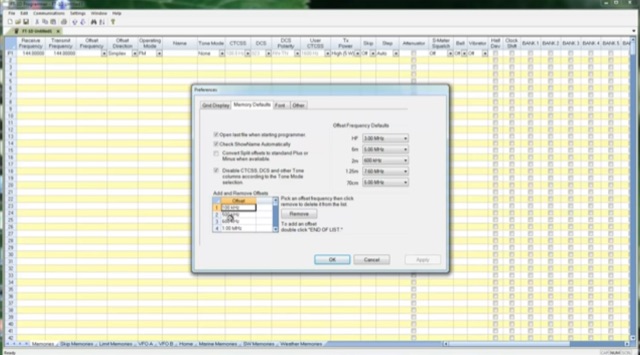 Manually programming a Yaesu FTM-100 with hundreds of channels can be very fustrating. In this article the author highlights the difficulty of entering data with small buttons and the need to look up information for each channel. To avoid this tedious process author used RT Systems software as a solution. This program simplifies programming by allowing selection based on the radio model, download of frequencies from resources like RFinder, and quick loading onto the radio. While paid unlike the free CHIRP software used previously, the author emphasizes the time saved compared to manual entry, making the cost worthwhile.
 -
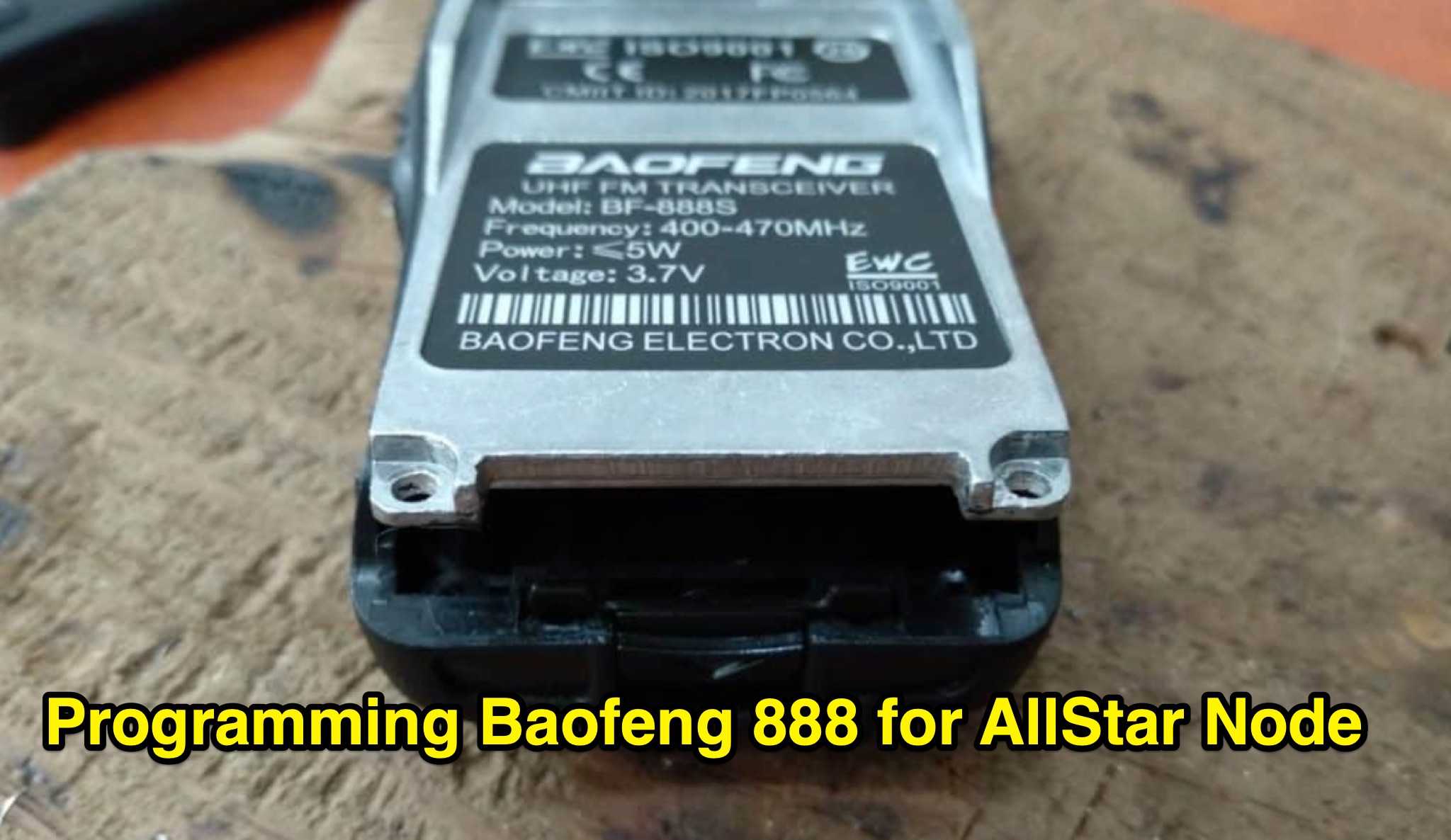 Learn how to modify your Baofeng 888s radio to use in an Allstar node. This article provides step-by-step instructions on programming the radio with suitable frequencies for amateur radio use, including tips on using the Chirp program. Make sure to use a cable with a Genuine FTDI Chipset for easy connection to your computer. Avoid transmitting on pre-programmed channels to prevent trouble. Follow the guidelines provided to customize your radio settings and ensure a smooth modification process. Visit the link for Chirp program download and consult Miklor for programming assistance.