Search results
Query: rotor controll
Links: 13 | Categories: 1
Categories
-
 Construction tips to build an automatic``satellite tracking rotor controller using``PIC16F877 IC.
 -
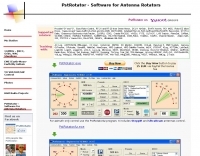 PstRotator handles just about every controllable rotator in common use: Prosistel, Green Heron, HyGain, RC1 MDS, Rotor-EZ Idiom Press, Yaesu Az and many more PstRotator includes automatic tracking for satellite or EME communications, using programs like WSJT, VQLog, TACLog, Z-Track, GJTracker, EME System, Trak_SM, WXtrack, WinOrbit, Orbitron, Nova for Windows, Sat_Explorer, SatPC32, Win-Test. PstRotator supports remote control over TCP/IP.
 -
 An interesting rotator interface that interfaces a pc to a rotor or rotator controller, emulating a Yaesu GS-232A/B and Easycom protocols, made with Arduino
 -
 CW keyers, Logikey, and antenna rotator controll like rotor-ez, and active audio low pass filters.
 -
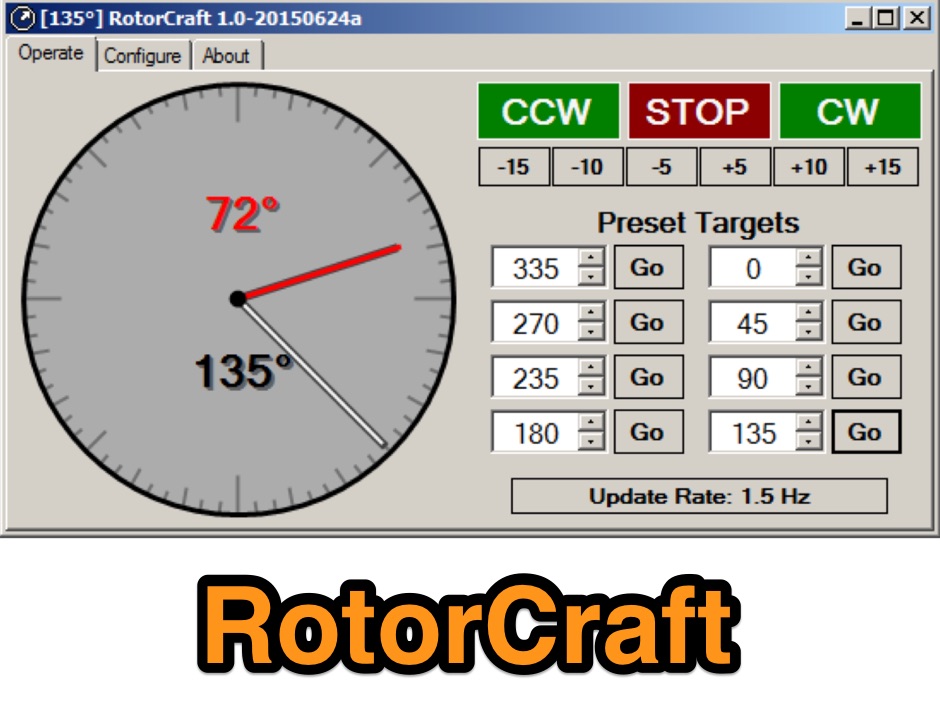 Antenna Rotor Control Software for Windows and Linux is a companion project to the arduino rotor controller.
 -
 Makers of universal digital rotor controllers including wireless controllers
 -
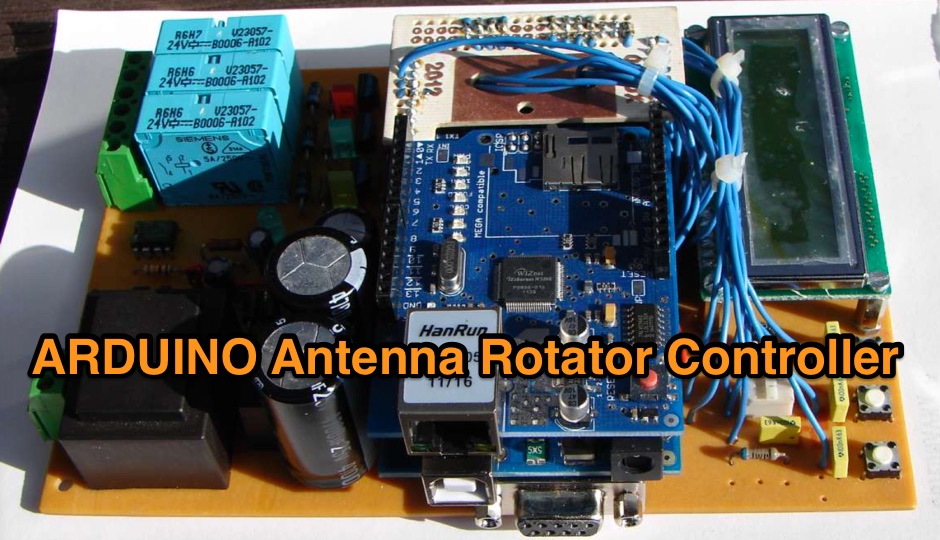 Inspired by Milan OK7GU, the goal is to build an universal antenna controller - for different types of rotor, different motor, encoder
 -
 The Arduino series of boards is currently the ideal choice for a satellite rotor controller. This controller uses an extended Yaesu GS-232 command set to control a Yaesu G-5500 Az-El rotor and four SPDT relays by W9KE
 -
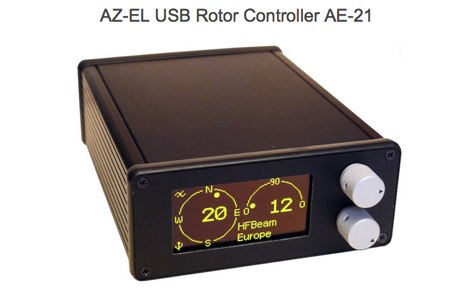 AF6SA USB antenna AZ-EL rotor controller compatible with Yaesu G-5500, G-450, G-650, HY-Gain and other AC motor rotors
 -
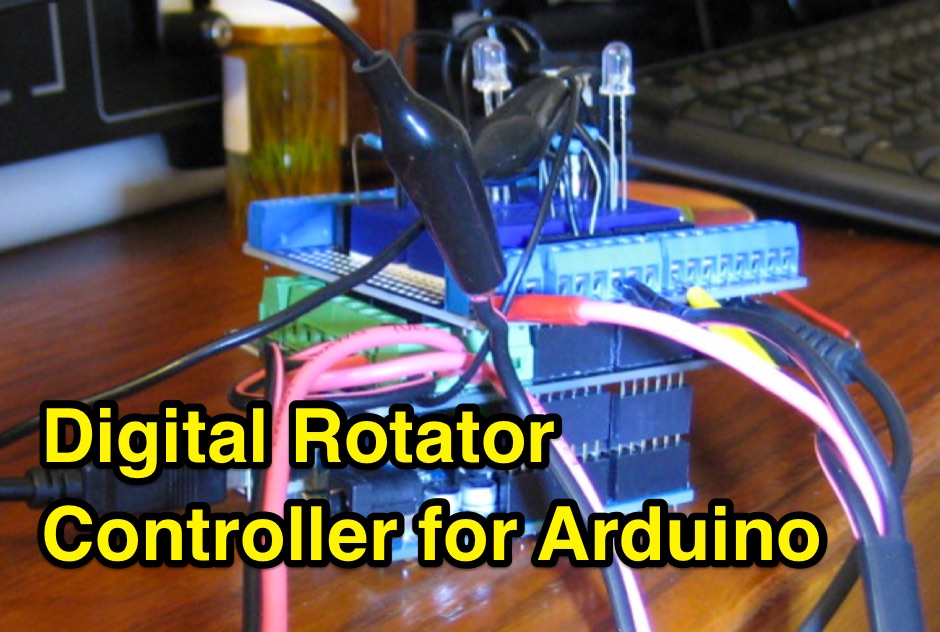 A four part article anout a digital rotator controller made with Arduino
 -
 Rotors and rotor controllers for amateur radio polish manufacturer.
 -
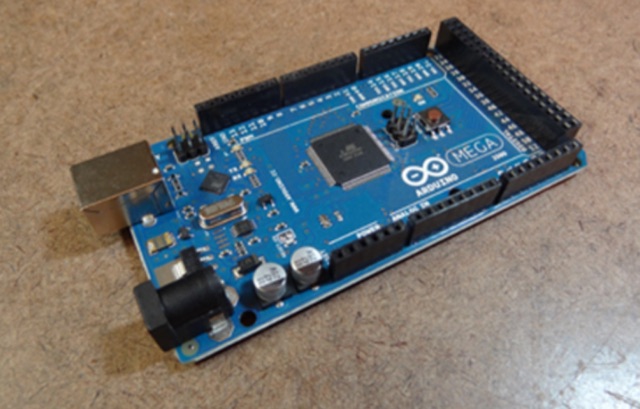 his controller uses the Yaesu GS-232 command set to control a Yaesu G-5500 Az-El rotor. The controller was designed to be compatible with the SatPC32 tracking program and should work with any tracking program that supports the Yaesu GS-232 format. This controller has been tested with the Arduino UNO and the Arduino Mega2560.
 -
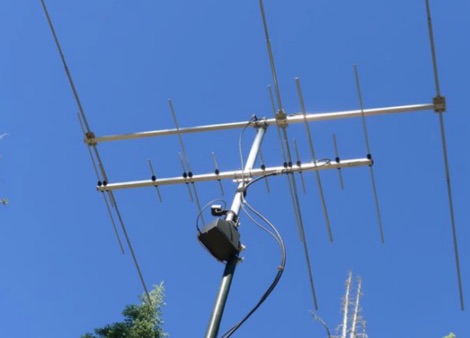 A remote rotor controller, you can use to connect your laptop tablet or smartphone directly to the rotor using it as a Acces point or alternatively it can be connected to existing Wi-Fi network