Search results
Query: arduino decode
Links: 13 | Categories: 2
-
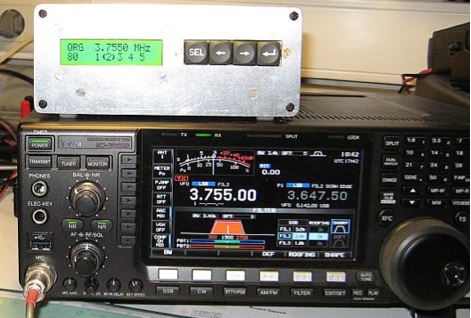 This Arduino project decode ICOM CAT frequency information and switch antennas according to preset values. RX and TX antennas can even be different, a project by ON7EQ
 -
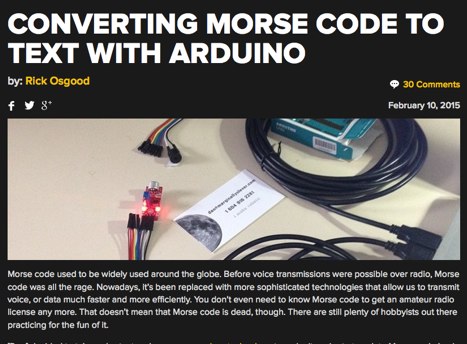 A sketch to read the input from the microphone and translate the dots and dashes into ASCII characters.
 -
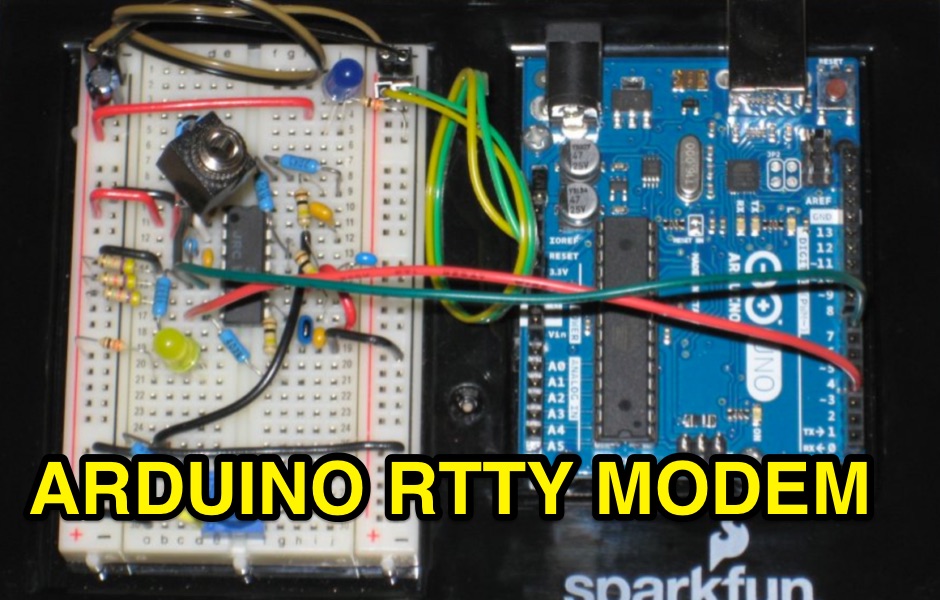 A project for a simple RTTY decoder based on Arduino UNO R3. Includes the RTTY modem source code available for download along to schematics pictures and references.
 -
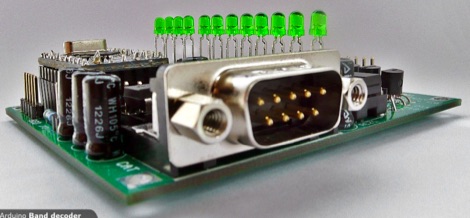 Arduino Band decoder project available in KIT
 -
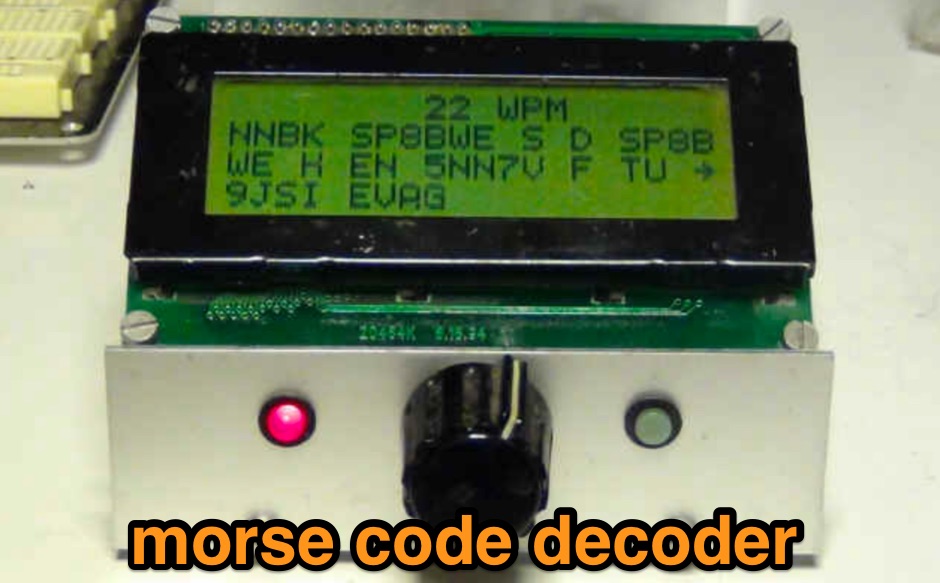 Yet another Arduino CW Decoder based on the OZ1JHM prototype this include a custom program that can be downlaoded along to component list and pictures
 -
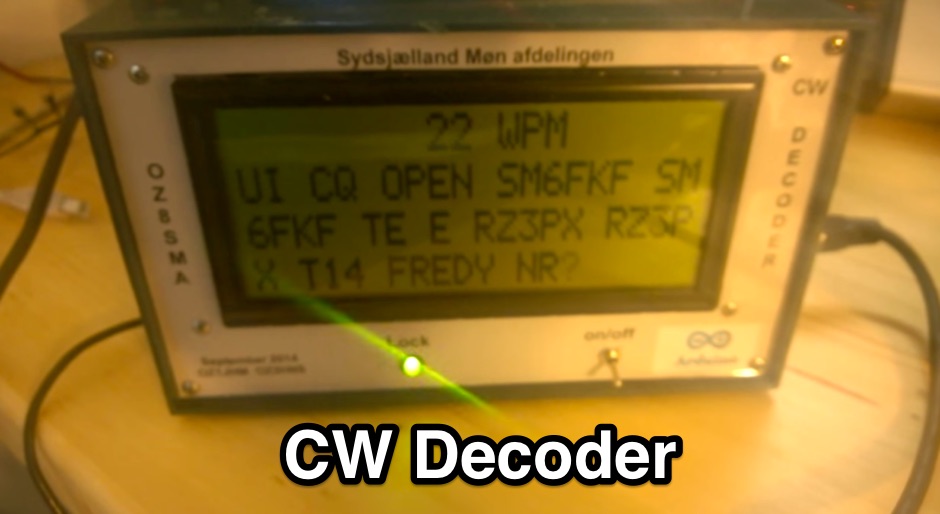 If you want to build a cw decoder without using other active components than an atmel 328 - Arduino UNO , then this is sure something for you.
 -
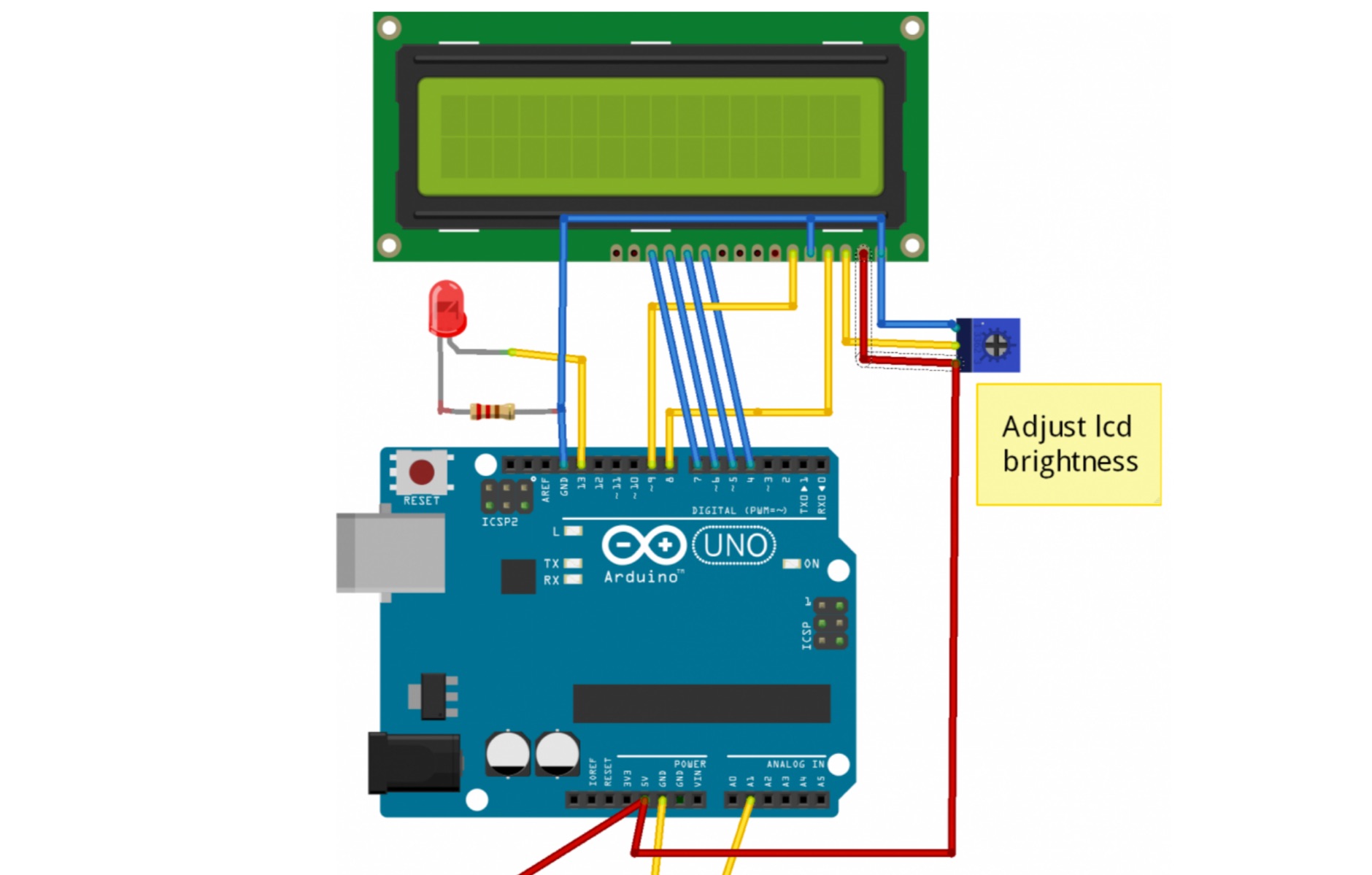 Easy to build CW decoder based on DSP Goertzel code. If you want to build a cw decoder without using other active components than an atmel 328, Arduino UNO, then this is sure something for you.
 -
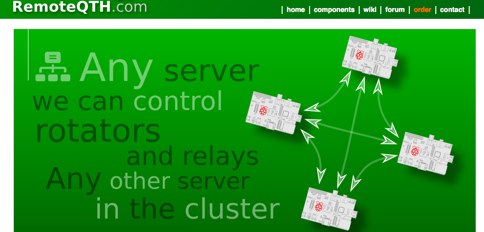 Software running on the Raspberry PI, Control up to 8 arduino rotators modules, Azimuth maps, Cluster support, Band decoder, contest Web Log, Webcam with RaspiCam support
 -
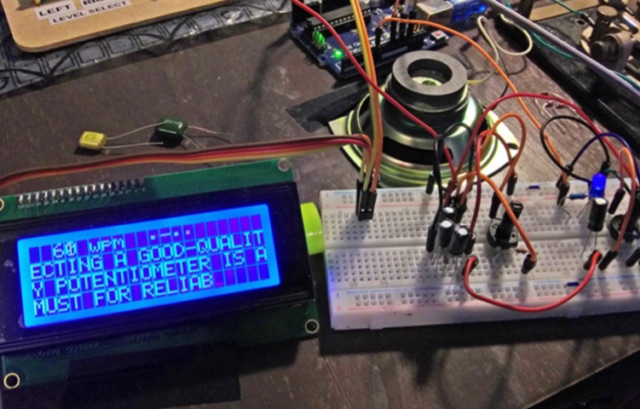 While there are quite a few standalone Morse Code or CW decoders out there, I wanted to tackle the problem myself and end up with both a great Arduino learning project and a decent portable decoder for when I'm out in the field operating QRP
 -
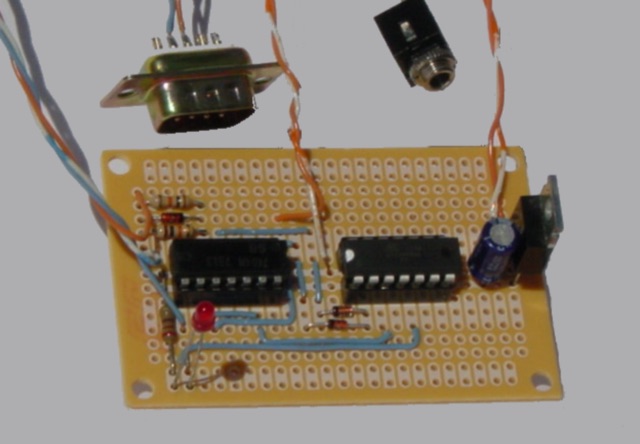 Arduino/ATtiny Based (Ham Radio) ICOM CIV to Yaesu BCD Band Decoder. Build a ICOM CIV to Yaesu BCD Band to automatically band switch the Yaesu Quadra Amplifier.
 -
 M2 CW decoder Kit, is an Arduino based morse code decoder, kit produced and delivered by WB7FHC
 -
 This is a basic Arduino project for decoding Morse code. This is an Arduino program that decodes Morse code from an I/O pin and display in to an LCD screen
 -
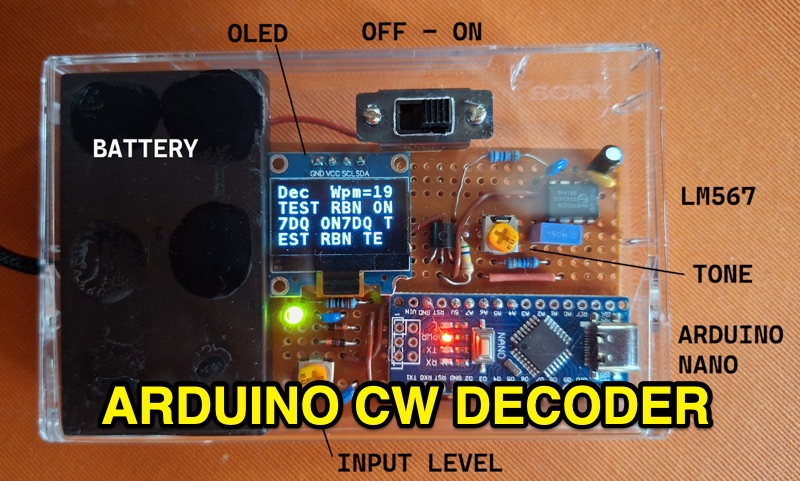 The project details the construction of a small, portable **CW decoder** built around an Arduino Nano and an LM567 tone decoder circuit. It integrates an OLED display for output and is powered by a 1200 mAh Li-Po battery. The Arduino Nano is programmed with a modified version of the OST Morse Box firmware, originally based on Budd, WB7FHC's work, provided as a HEX file for flashing. The LM567 output connects to Arduino pin D2, while pins A6 and A7 are grounded due to the absence of potentiometers, simplifying the circuit. Standard I2C connections are used for the OLED: SDA to A4 and SCL to A5. The entire assembly, including the Arduino, OLED, and decoder circuit, is mounted on a perfboard to fit precisely within an old cassette tape box. This design emphasizes portability and compact form factor. Parameters for the decoder can be adjusted using a dedicated Windows Control program, offering flexibility in operation. The resource provides practical insights into adapting existing firmware for specific hardware constraints and achieving a self-contained, battery-powered **Morse code** decoding solution.