Yaesu FT-991 & FT-991A Multimode Transceiver Resources
Find software, modifications, manuals, and setup guides for the Yaesu FT-991 and FT-991A all-band transceivers.

The Yaesu FT-991 is a popular all-mode, all-band transceiver covering HF, VHF, and UHF, making it a versatile choice for many ham radio operators. Its compact size and integrated features, including a built-in sound card and ATU, make it suitable for both shack use and portable operations. Hams often choose the FT-991 for its ability to handle SSB, CW, and various digital modes like FT8 across a wide frequency range.
Operators can find resources for optimizing their FT-991, from official manuals and user reviews to third-party memory management software like FTRestore. There are also guides for advanced configurations, such as setting up the transceiver with contest logging programs like N1MM Logger+ and Win-Test, or performing modifications for expanded transmit frequency range. These resources help hams get the most out of their FT-991 for everyday QSOs, DX, and contest activity.
-
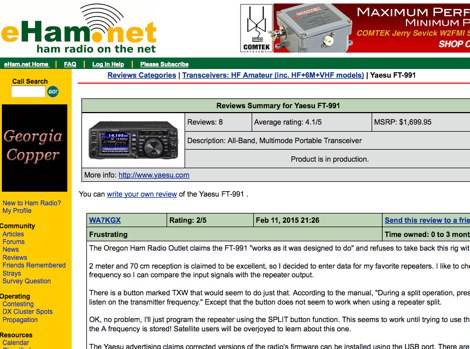 Reviews from eHam users about the all band all modes Yaesu Transceiver
-
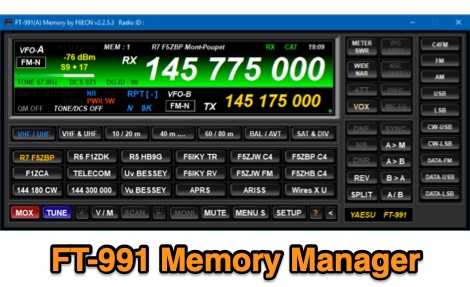 Freeware memory management software for Yaesu FT-991/FT-991A transceivers, developed by F6ECN. Runs on Windows 7-10 (32/64-bit).
-
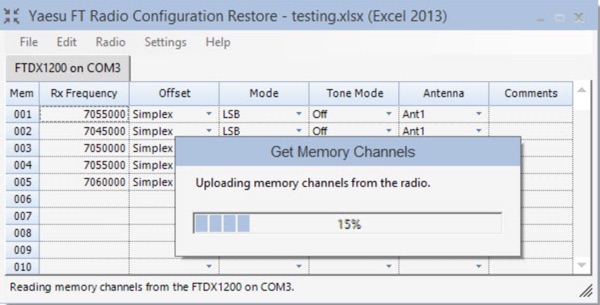 FTRestore is a free Windows desktop application to upload, download and compare memory channels and menu settings in the Yaesu FTDX1200, FTDX3000 and FT-991/FT-991A model transceivers.
-
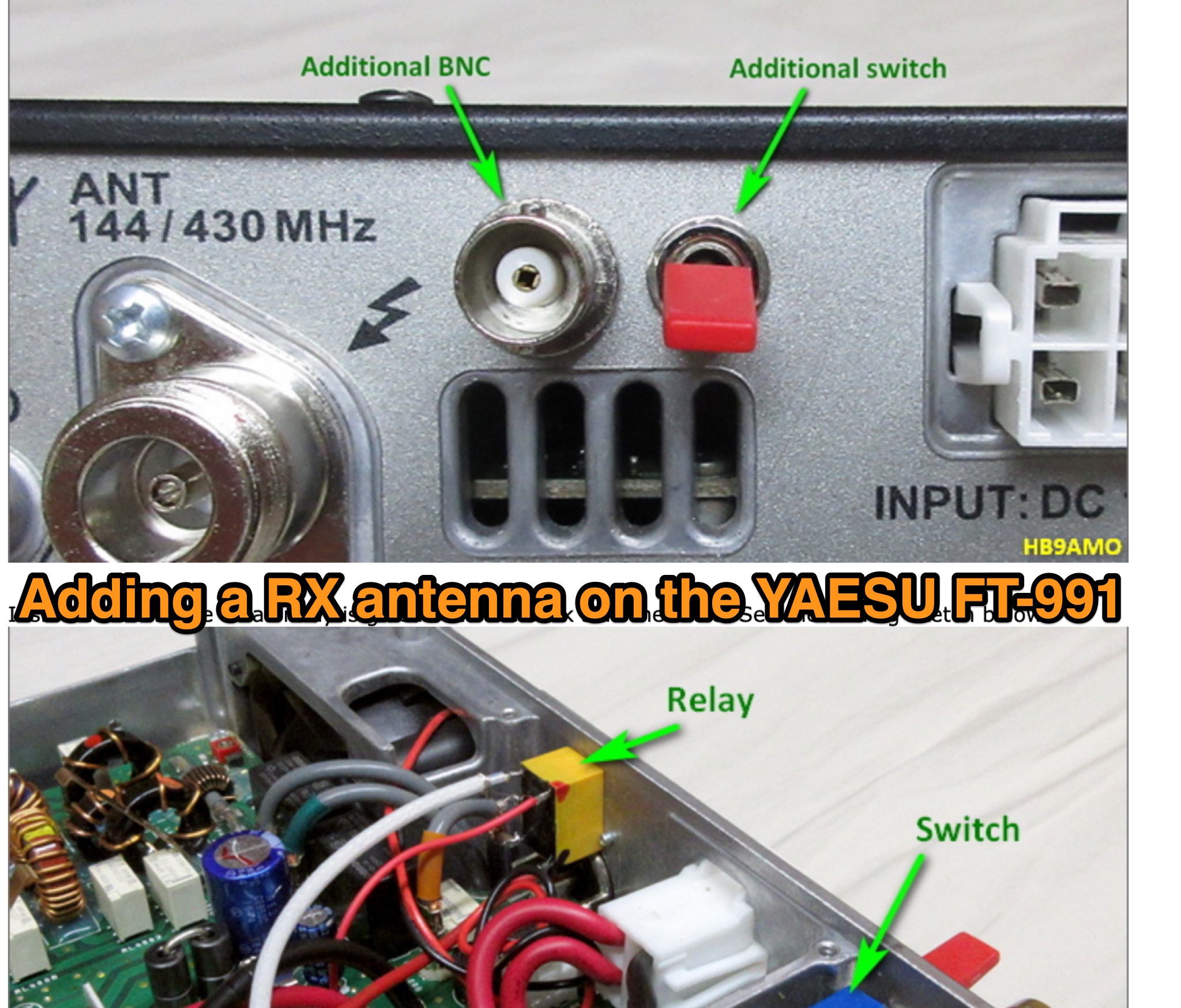 The FT-991 is a nice small size and lightweight radio, it is perfect for portable operations. It can be carried along with a laptop computer as hand luggage in airplane. The weak point of this radio, is it does not have a separate RX antenna capability. Therefore i decided to add this feature. On the back side of the radio a BNC connector is added to connect the RX antenna and a switch is fitted to select between RX antenna or main antenna.
-
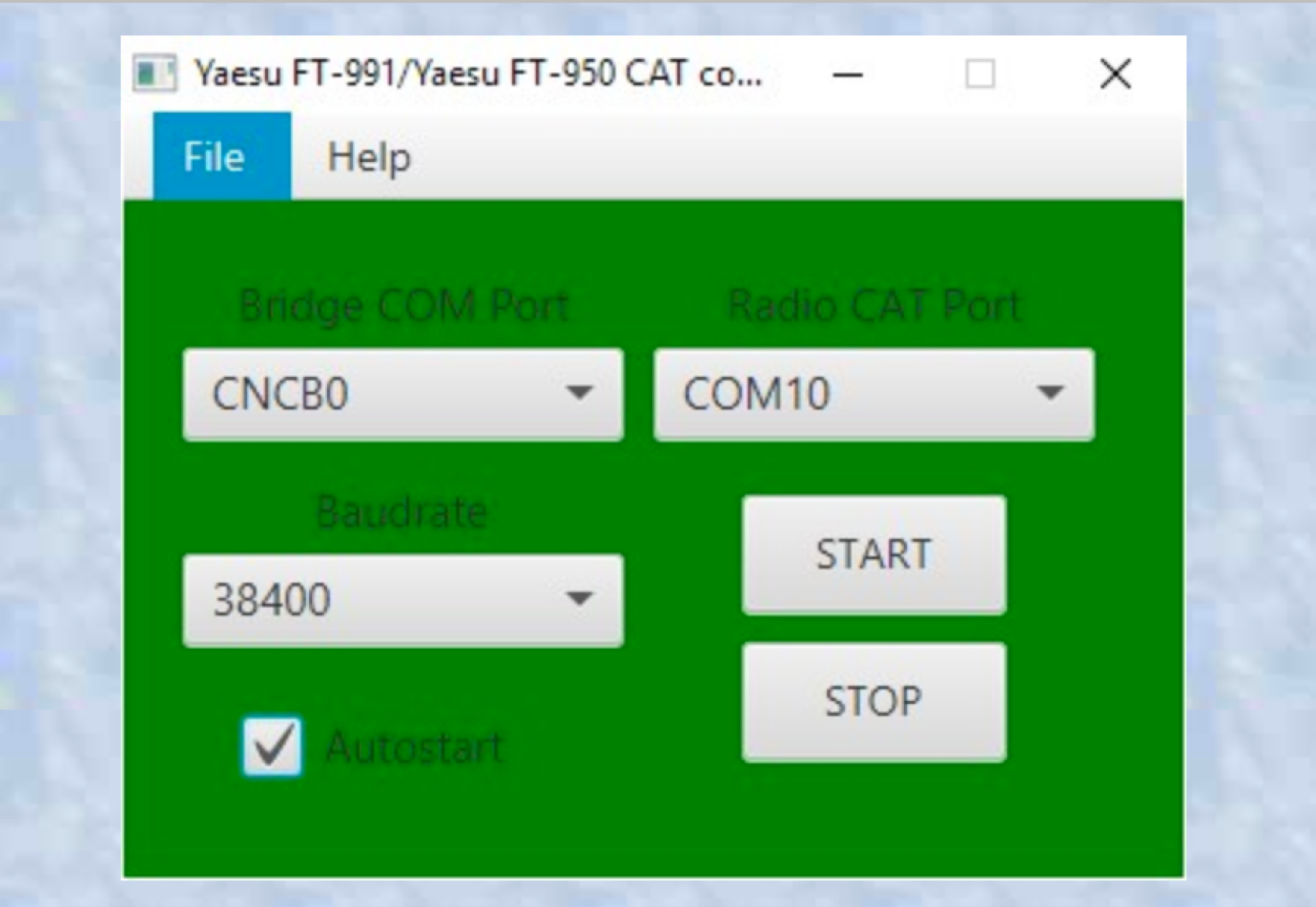 This app permit to work in DigiModes using the latest free version of HamRadio Deluxe Suite 5.24.0.38 with the new Yaesu FT-991 (which is not supported in that version of the application) using the Yaesu FT-950 model in HRD
-
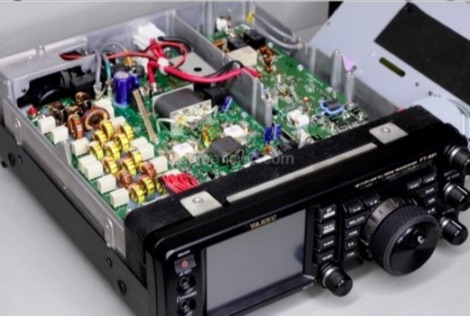 This modification will expand the tx frequency range of the Yaesu FT-991 from allowing just ham radio bands, to all bands 1.8 - 30MHz and 50-54 MHz.This information is solely for use by licensed members of MARS (Military Affiliate Radio System) or CAP (Civil Air Patrol)
-
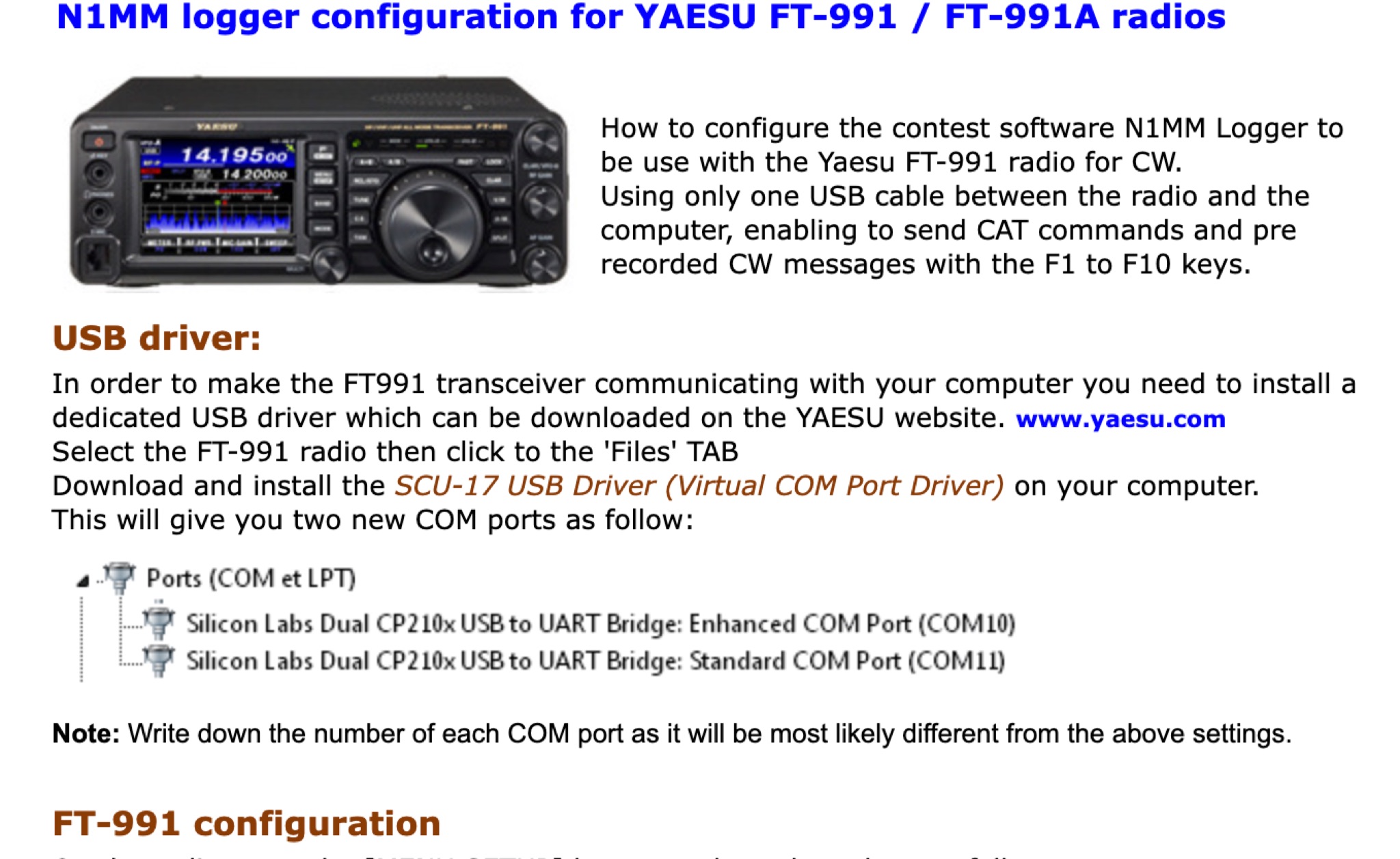 Learn how to set up N1MM Logger+ software for your FT-991 transceiver. This article provides a step-by-step guide on configuring your transceiver settings to work seamlessly with the N1MM Logger+ program. By following these instructions, hams can enhance their contesting and logging experience with improved efficiency and accuracy. Whether you are a beginner or an experienced operator, this tutorial will help you optimize your FT-991 setup for contesting and general ham radio operations.
-
 Tips and tricks on programming the Yaesu FT-991A, from software installation and connecting to the PC via the USB Port, to properly programming memories.
-
 PDF file of the Yaesu FT-991 manual
-
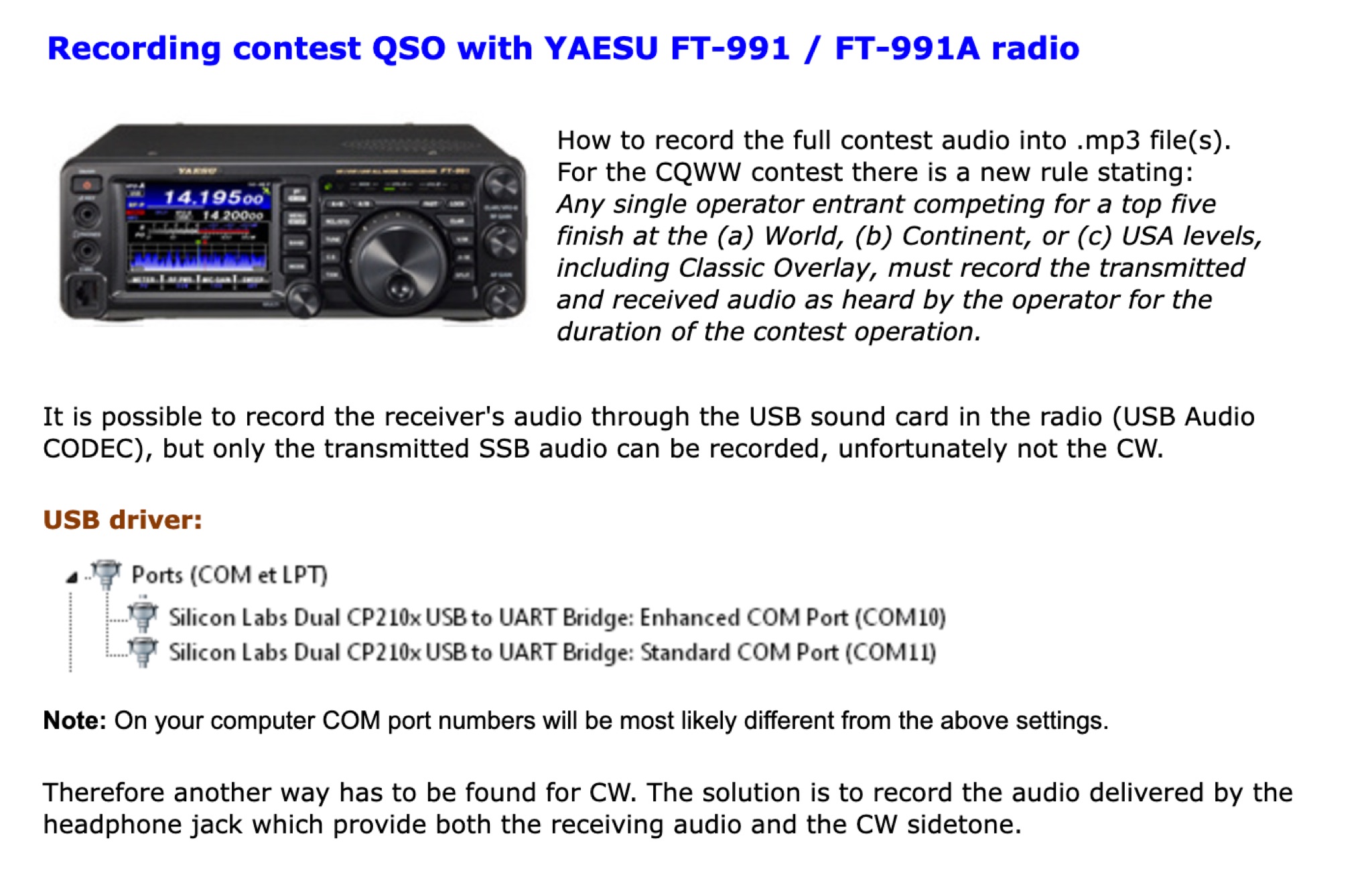 How to record the full contest audio into .mp3 file(s). t is possible to record the receiver's audio through the USB sound card in the radio (USB Audio CODEC), but only the transmitted SSB audio can be recorded, unfortunately not the CW.
-
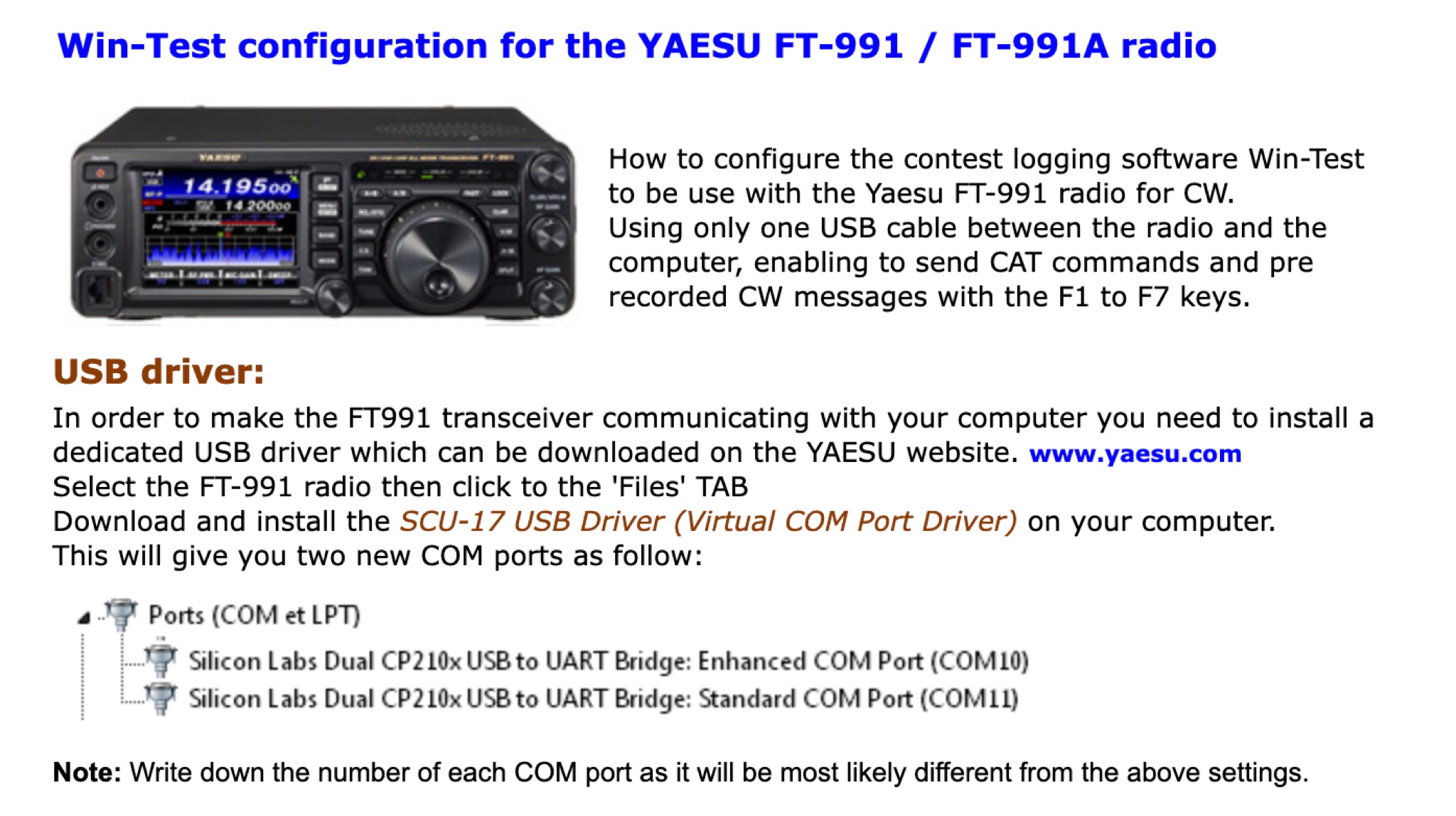 This page provides detailed instructions on how properly setup the Win-Test contest logging application for windows with the popular Yaesu FT-991 transceiver by installing properly the UART Bridge COM to USB port drivers to properly set the switched inside the Win-Test application.