Search results
Query: jt9
Links: 14 | Categories: 1
Categories
-
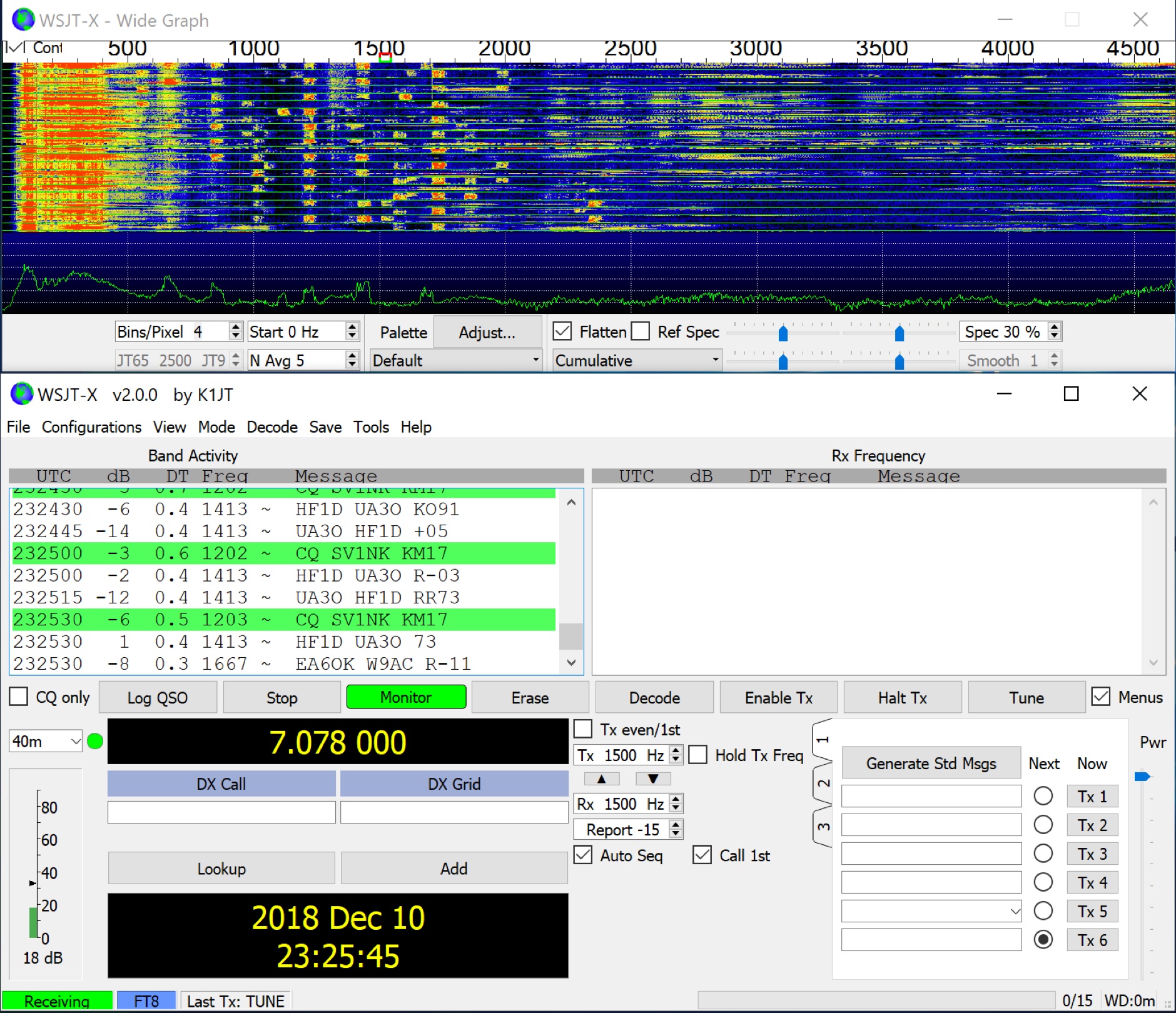 Facilitates reliable two-way communication under challenging propagation conditions, WSJT-X provides a suite of digital modes optimized for weak-signal operation across the amateur bands. These modes, including FT8, FT4, and Q65, are designed to decode signals significantly below the noise floor, enabling DX contacts, EME (Earth-Moon-Earth), and meteor scatter QSOs with modest station setups. The software supports various T/R sequence lengths and tone spacings, tailored for specific propagation phenomena and band characteristics, such as JT9 for MF/HF with **2 dB** greater sensitivity than JT65, and MSK144 for VHF meteor scatter. WSJT-X also integrates specialized tools like _MAP65_ for wideband EME reception with polarization matching to counter _Faraday rotation_, and QMAP for wideband Q65 reception with Earth-Moon-Earth Doppler correction. These companion programs extend the software's capabilities for advanced weak-signal work, particularly on VHF, UHF, and microwave frequencies. The project, maintained by Joe Taylor, K1JT, and the WSJT Development Team, is the official home and reference implementation for these weak-signal digital communication protocols. Recent releases, such as _WSJT-X 3.0.2_, introduce enhancements like the QMAP program, Q65 Pileup, and SuperFox mode, which offers approximately **+10 dB** system gain for Fox-and-Hound operations.
 -
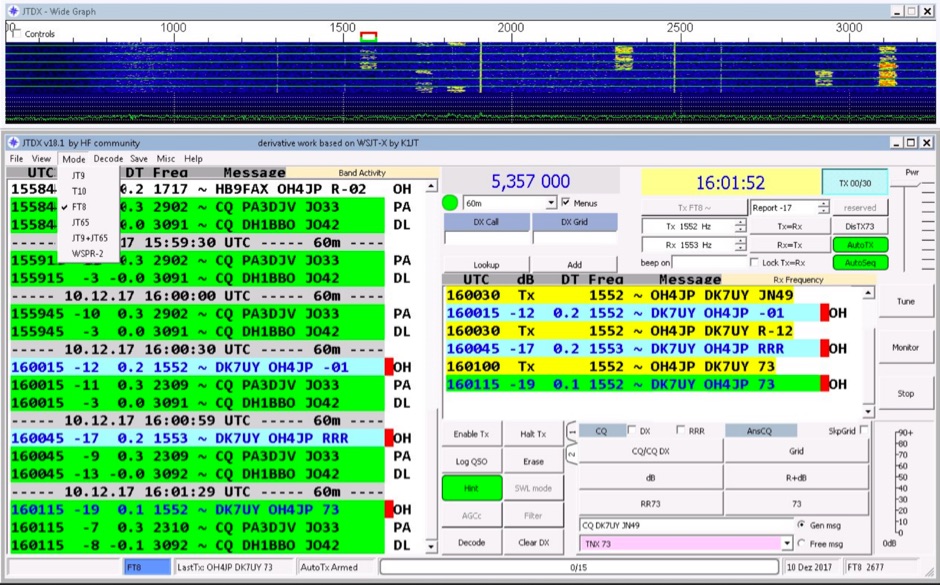 JTDX is an open-source software application for amateur radio weak-signal digital communication. It supports digital modes including FT8 and JT9. The software operates on _Windows_, _Linux_, and _macOS_ platforms. JTDX is designed for improved decoding of weak signals, a function also performed by WSJT-X and MSHV. The software facilitates weak signal decoding and transmission. It integrates with logging systems for QSO management and can automate tasks such as call management and remote RTX control. JTDX is utilized in contexts such as DXing and contests. DXZone Focus: FT8 | JT9 | Weak Signal | Multi-platform
 -
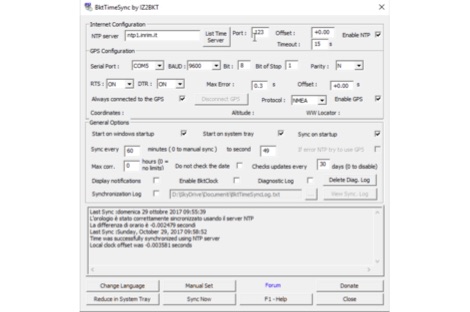 BktTimeSync synchronizes the PC time using an internet time server (NTP server) or a GPS receiver connected to USB, serial port or Bluetooth. Great for use with digital modes like FT8, JT65, JT9, JS8Call and others. For the operation of this program requires an active internet connection or a GPS receiver. This program works on all versions of Windows 32 or 64 bit
 -
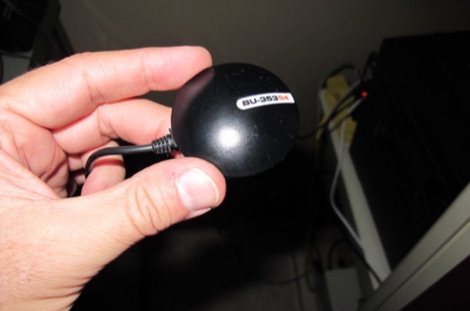 As FT8, JT65 and JT9 are a time synchronized protocol, one soon discovers that an accurate PC clock is very important. If your workstation time is off it can cause you to send when no one is listening, or to listen when no one is sending.
 -
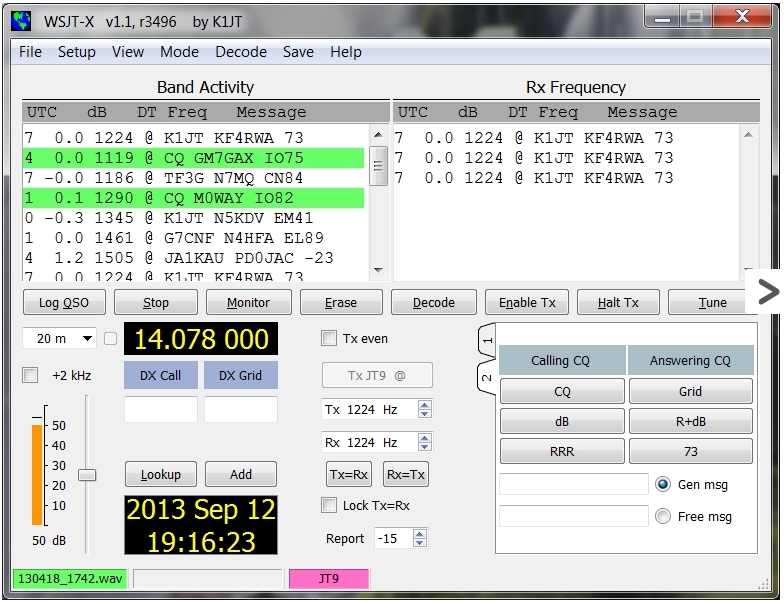 JT9 is a amateur radio weak-signal digital mode can give little pistol stations big gun results, ARRL article by W4GAL
 -
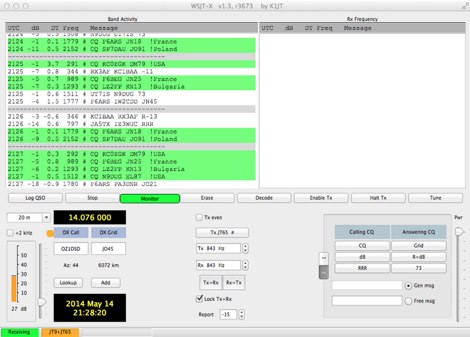 Operating WSJT-X modes JT-65 and JT-9 on Apple Mac OSX computers
 -
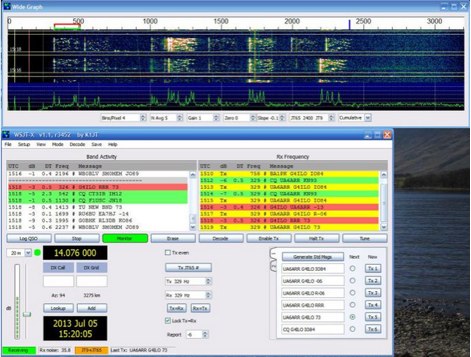 A guide to setup and operate on JT-9 mode, including a sample QSO and setup hints by VA3PAW
 -
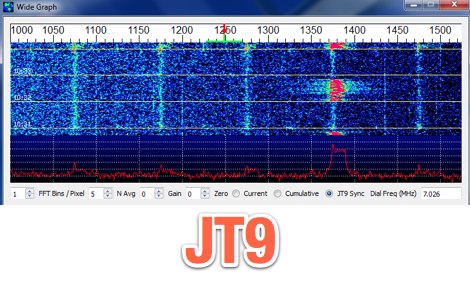 WSJT-X is an experimental version of WSJT implementing JT9, a mode designed for making QSOs under extreme weak-signal conditions
 -
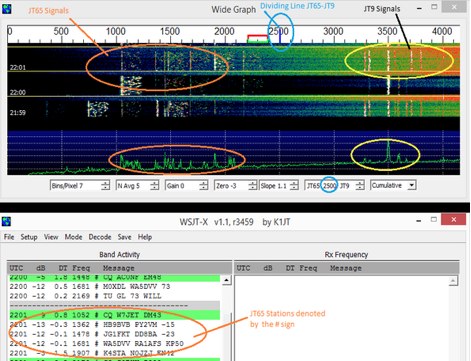 Guide to JT65A and JT9 via WSJT-X Software by Andy K3UK
 -
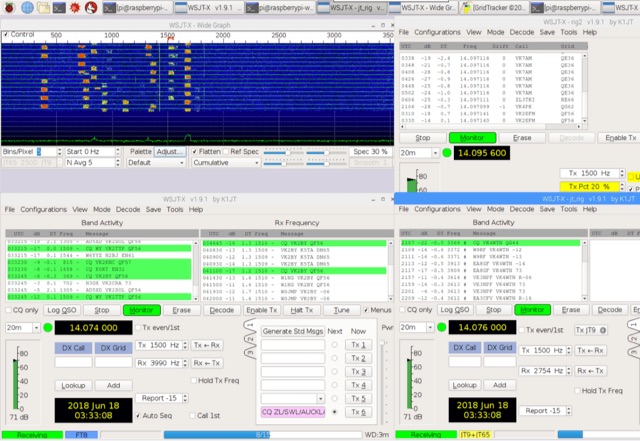 A tutorial on setting up a Low Cost QRP (FT8, JT9, WSPR etc) Monitoring Station with an RTL-SDR V3 and Raspberry Pi 3
 -
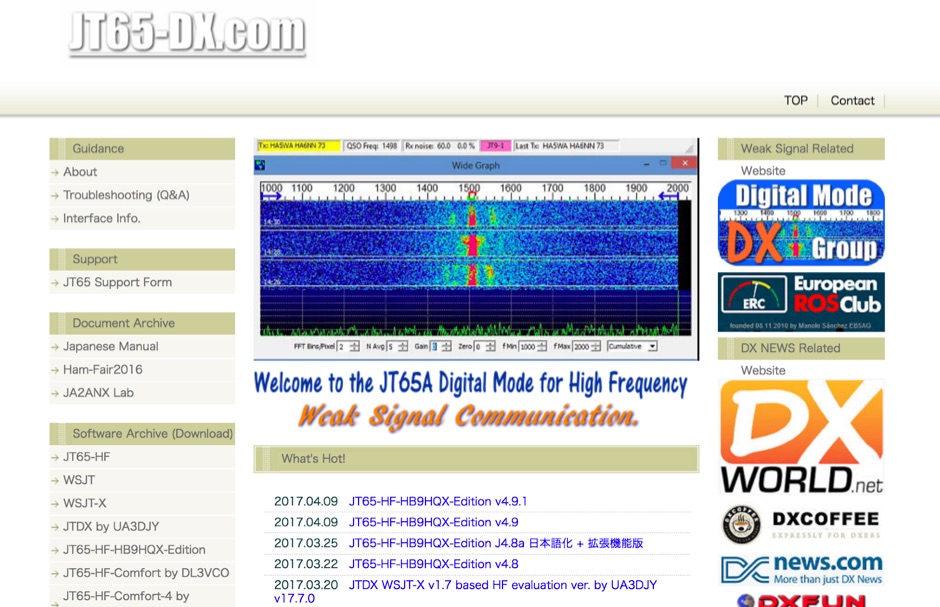 JT65 software download archive for all JT65 editions, includes a JT95 and JT9 operating mode informations, JT65 reference website for Japanese operators.
 -
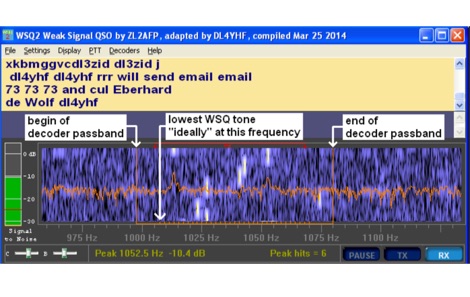 Amateur Radio enthusiasts who are interested in the LF and MF bands may be familiar with WSPR and WSJT JT9. Used as a propagation probe or beacon, WSPR allows very weak signals to be detected, frequently as weak as -27dB SNR.
 -
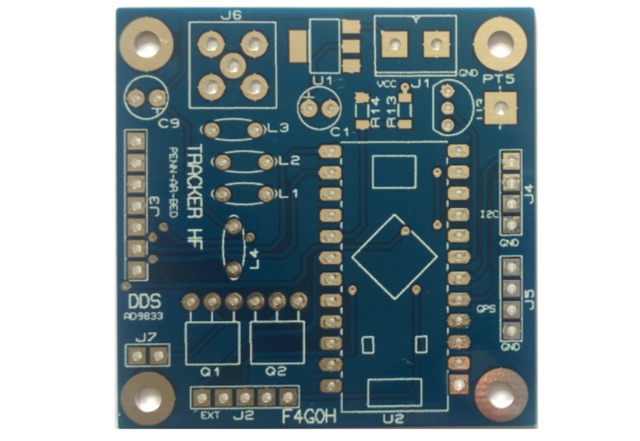 The PCB can produce a High Frequency RF signal in the range of 1MHz to 12.5MHz using an AD9833 Direct Digital Sequence (DDS) frequency synthesizer. The signal can be modulated with different Weak Signal modes such as WSPR, JT9 and JT65 using our Arduino 5V/16MHz Pro Micro software.
 -
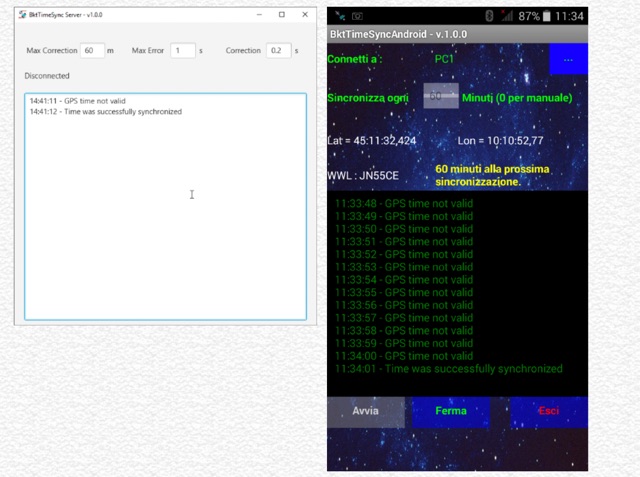 BktTimeSyncPhone synchronizes the PC time using the smartphone GPS connected via Bluetooth. Great for use with digital modes like FT8, JT65, JT9, JS8Call and others, especially when you do not have internet connections. To run this program, you need to install BktTimeSyncServer on your PC and the BktTimeSyncAndroid app on your smartphone. The program works with all versions of Windows 32 or 64 bit and requires Java version 8 or higher. The app requires an Android smartphone version 4.4 or higher.