Search results
Query: computer software
Links: 68 | Categories: 4
-
 Narrow Band Emergency Messaging Software (NBEMS) is an Open Source software suite that allows amateur radio operators to reliably send and receive data using nearly any computer (Windows, Mac, and Linux) and any analog radio without requiring a dedicated digital infrastructure or specialized modem hardware
 -
 Documents S21RC's construction of an impedance transformer harness for a VHF/UHF cross yagi, utilizing 20m of _RG179_ cable. Details the creation of a DIY RF sampler with a -50dB sampling output, primarily for measuring HF radio PA section output with a Spectrum Analyzer, also applicable for _Pure Signal_ transmission. Chronicles the deployment of a 200m long beverage antenna for the _S21DX IOTA_ operation in 2022, positioned 2m above ground. Discusses the construction of a 3-element short beam for 10m to replace a previous 2-element antenna, with assistance from S21DW. Provides guidance on operating cheap _PA-70_ and _PA-100_ type Chinese SSPAs using IRF530 MOSFETs, emphasizing the necessity of a final LPF. Outlines the design and construction of a fully isolated interface for radio-to-computer connections, supporting various digital modes with isolated ground, audio transformers for IN/OUT, optical isolation for CAT/CIV, and isolated PTT/COS lines. Includes a log of software updates, such as the _HMI/TFT for NX8048K070_ and _2.1.14 Lite_ release with bug fixes for PEP hold and gradual watt decay.
 -
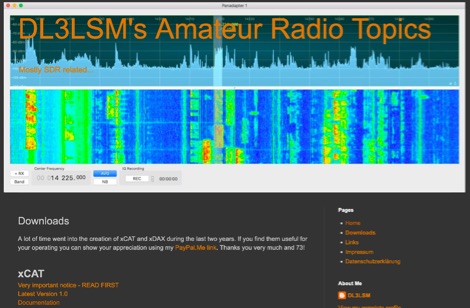 xCAT is an helper application for the FlexRadio 6000 series running on macOS computers to control via CAT protocol tranceivers, while xDAX purpose is to provide a way for Digital Mode Software like Fldigi, WSJT-X to access the digital audio data (DAX) of the FlexRadioTM
 -
 Learn how to troubleshoot and configure ICOM 7300 Rig Control under Linux for seamless communication between your radio and computer. Author Colin from Canada shares his insights and experiences with setting up rig control software for digital signal decoding.
 -
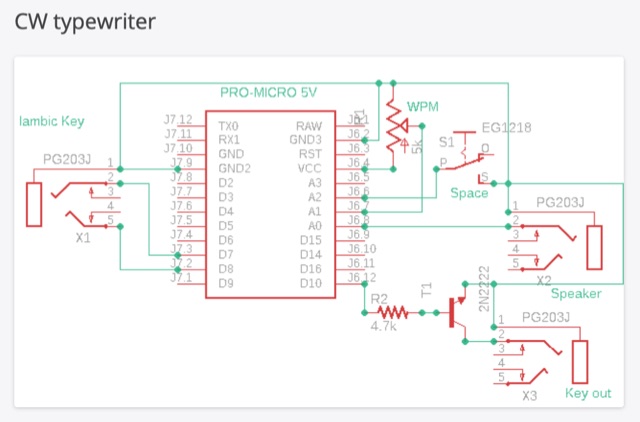 The CW typewriter is a compact adapter board that transforms Morse code into ASCII characters using an Iambic key. It connects to a computer via USB, emulating the keyboard. The device features inputs for Iambic keying and a WPM speed potentiometer, and outputs for a key and a speaker for side tone. The device can be used with various software and online typing games for practice, offering a unique and interactive way to learn and use Morse code.
 -
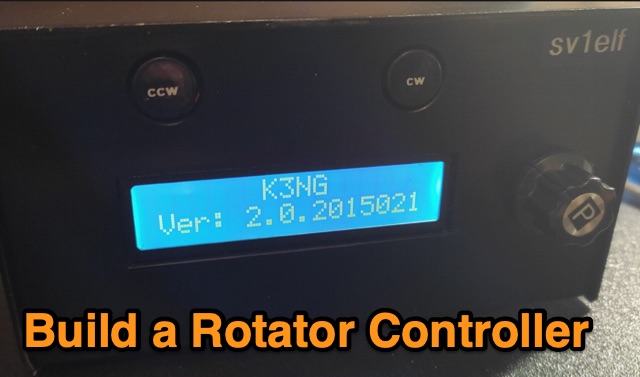 Controlling a rotator via computer can be costly, but a budget-friendly solution exists using an Arduino Nano and free software by Anthony K3NG. This setup allows for easy and enhanced rotator control, including screen and network management. Though initial software setup can be complex, pre-configured versions are available. Building and customizing the hardware interface is required, with comprehensive support provided by K3NG's resources.
 -
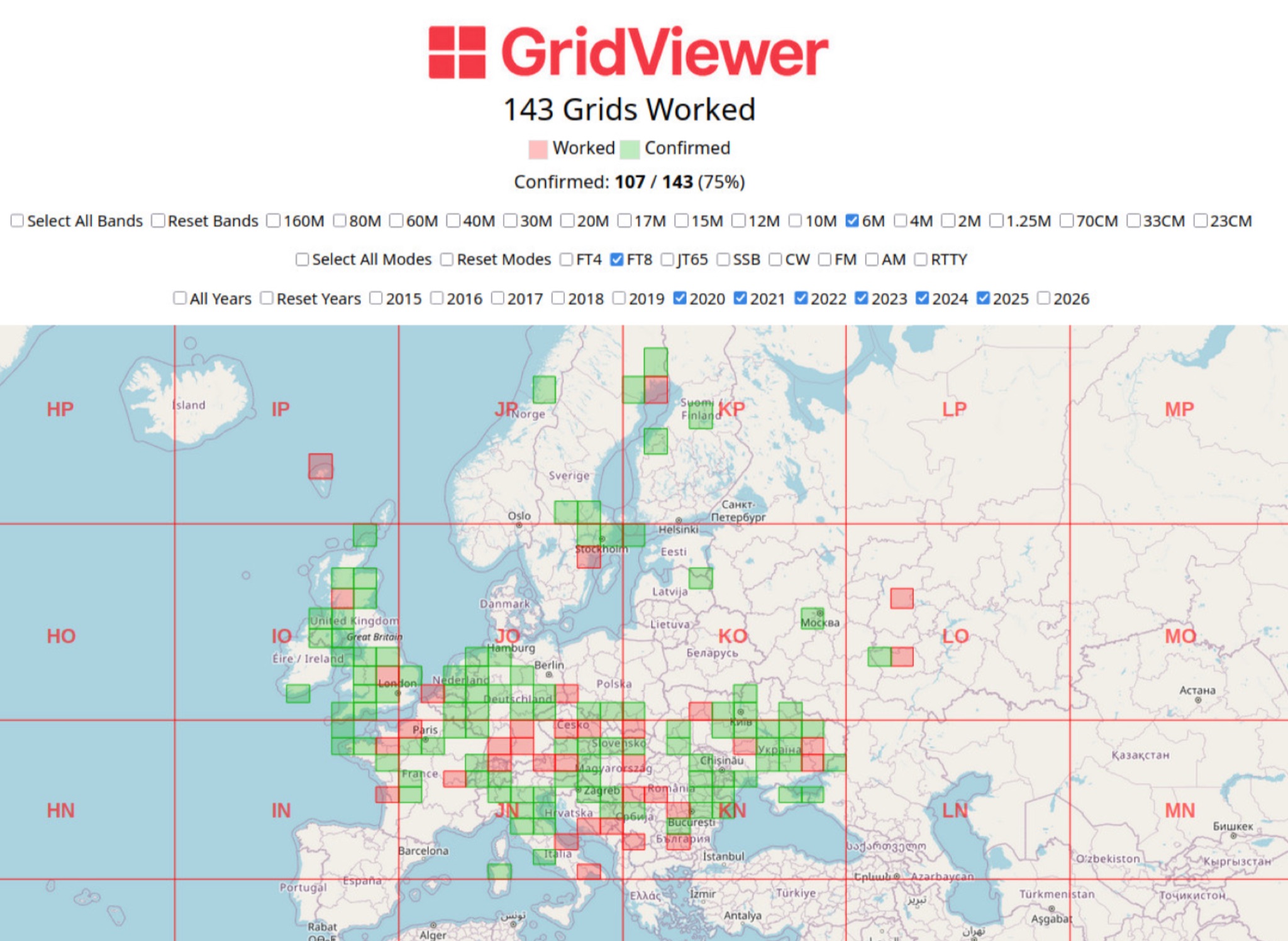 GridViewer is an interactive and lightweight open source web-based tool designed for ham radio operators to visualize and analyze their worked grid squares from ADIF-log files. GridViewer was developed to address a real-world challenge faced by many ham radio operators using lightweight or single-board computers like the Rock 4 SE (in my case) or Raspberry Pi.
 -
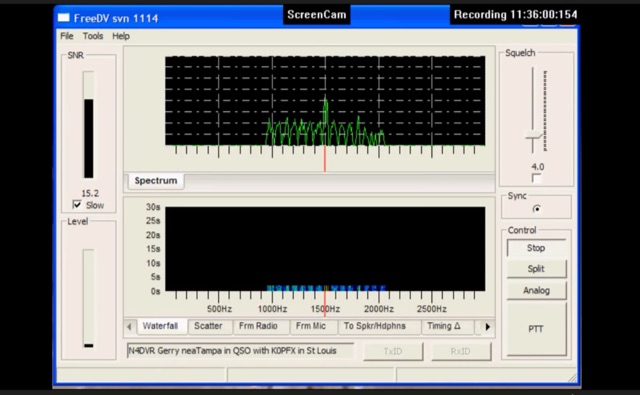 FreeDV uses an audio codec as a software based modem to decode and encode the voice and text data from your computer. The data is encoded and then is transmitted over the HF radio using AF signals that can then in turn be decoded by the receiving station.
 -
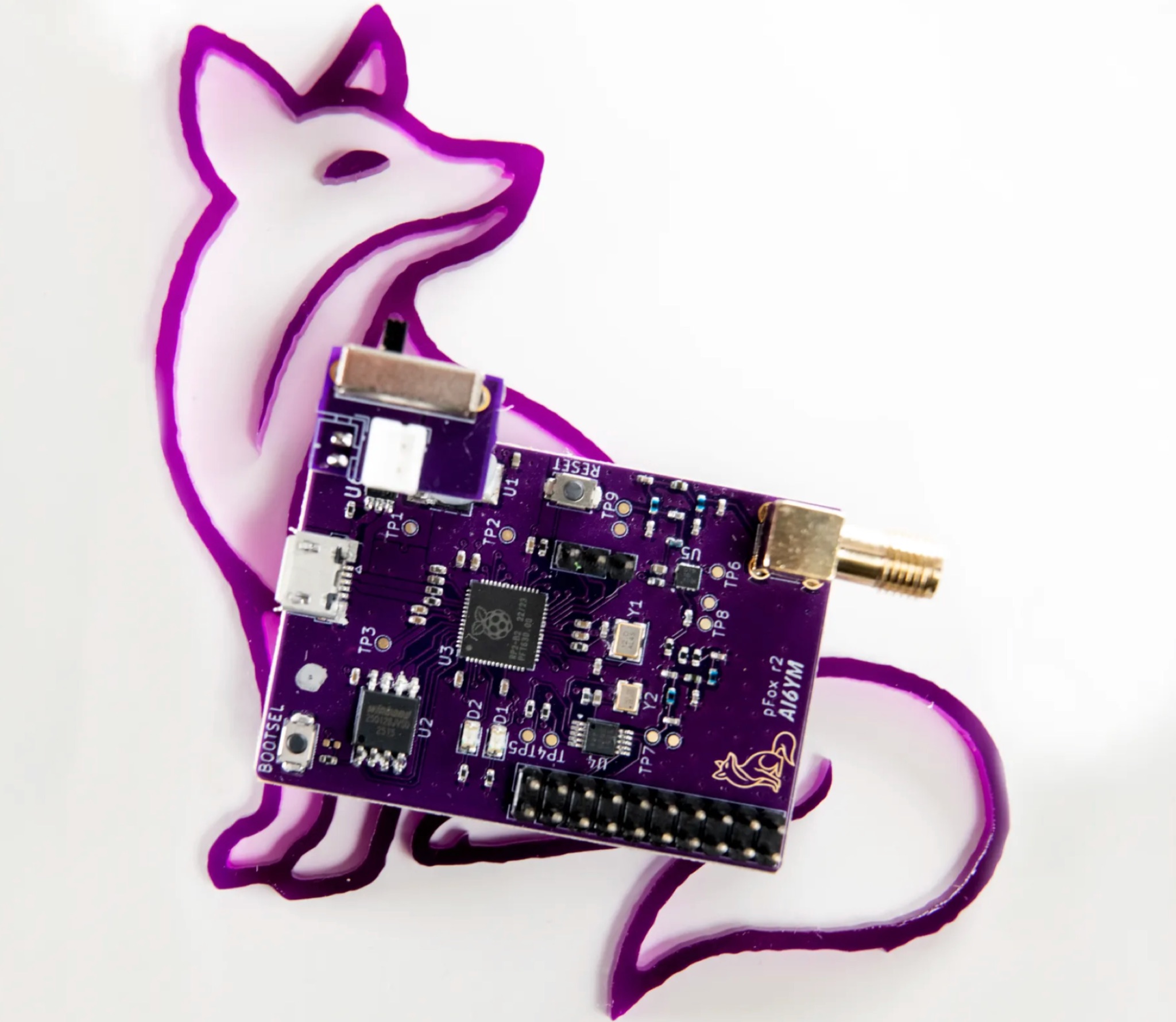 The PicoFox is a versatile fox transmitter for 2-meter ham radio operators, built around the RP2040 microcontroller. With open-source hardware and software, it can be customized to suit your needs, from APRS to other digital modes. This fully assembled transmitter comes with a rechargeable battery and antenna, ready for use. The design allows for easy addition of features like sensors or interactivity. Modulation is handled in software for smooth FM output, with ample CPU, flash, and GPIO available. Configure your PicoFox by connecting it to a computer via USB and adjusting settings in a text file. Explore the possibilities of this innovative transmitter for your amateur radio projects.
 -
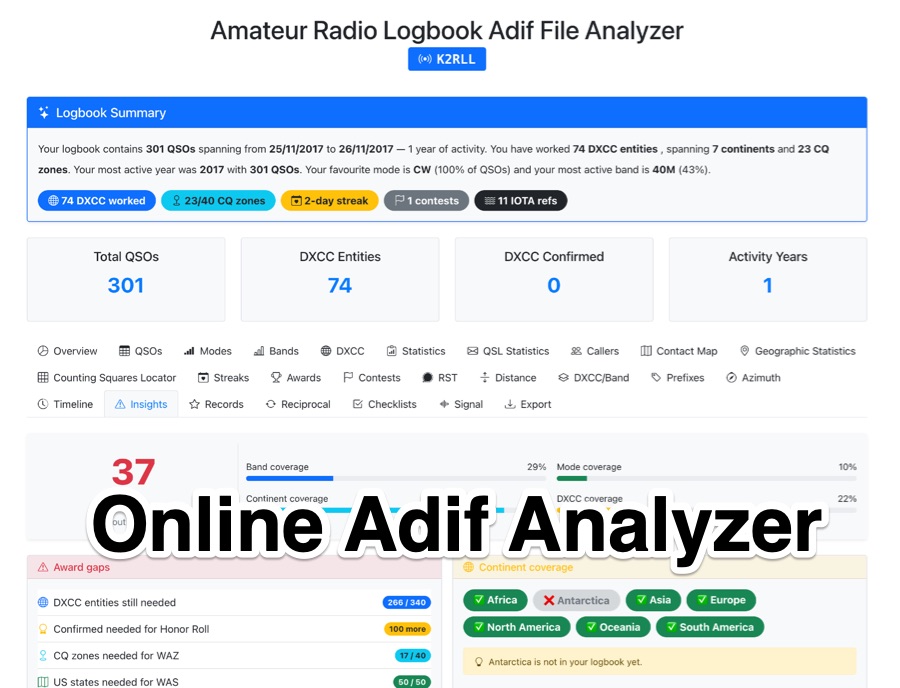 The _Amateur Radio Logbook ADIF File Analyzer_ processes ADIF files locally within the user's browser, ensuring no QSO data is uploaded to a server. It generates a visual map of contacts and detailed statistics across various parameters, including band, mode, time, grid squares, and DXCC entities. The tool offers insights into operating patterns and station performance without requiring any software installation. Users upload their ADIF log files directly, and the analysis is performed client-side, providing immediate results. The output includes charts and graphs that visualize QSO distribution and activity. This approach prioritizes user privacy and data security, as logbook information remains on the user's computer throughout the analysis process. The analyzer supports standard ADIF formats, enabling hams to quickly review their log data for trends and achievements. It is a free, open-source utility designed for general amateur radio log analysis.
 -
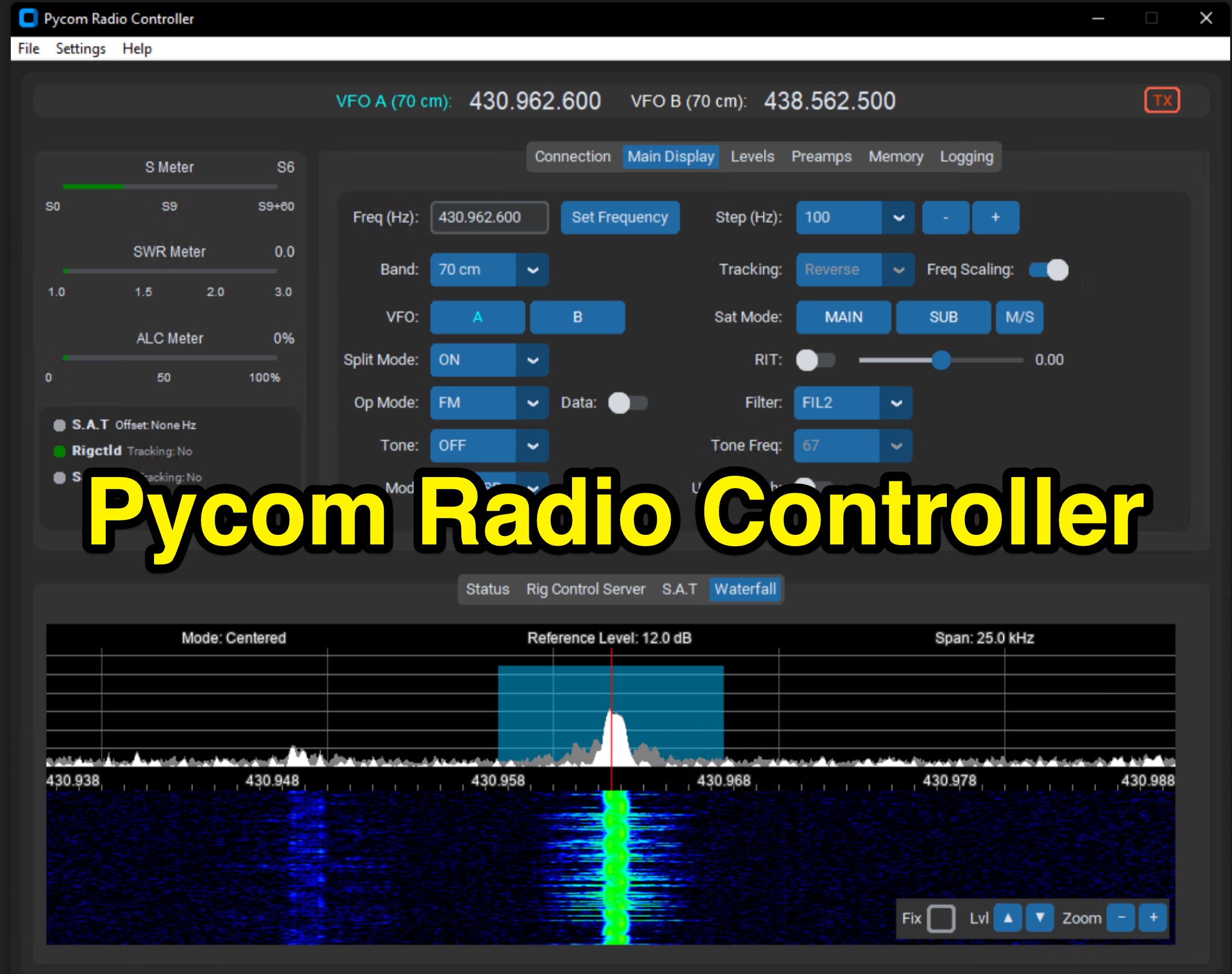 The Icom IC-9700 transceiver, a popular choice for VHF/UHF/1.2 GHz operations, gains enhanced remote control capabilities through Pycom Radio Controller. This software provides direct _CI-V based control_, enabling operators to manage frequency, mode, memories, and tones from a connected computer. It integrates a built-in rigctl server and supports popular satellite tools like Gpredict and SatPC32, facilitating full duplex Doppler control for satellite passes. Key features include real-time meters, a waterfall display, and remote RC-28 integration. Designed for practical amateur radio use, the application streamlines voice and digital satellite operations. It allows for full duplex remote Doppler control, crucial for maintaining accurate frequencies during satellite contacts. The software also incorporates callsign lookup and logging functions, alongside enhanced memory management. Documentation pages offer configuration guidance and operating examples, ensuring users can effectively set up and utilize the software for their satellite communication needs, potentially improving success rates for contacts and contests.
 -
 This presentation offers a beginner's guide to digital communication modes in Ham Radio, specifically PSK31 and RTTY. It covers the basics like what data modes are and the equipment needed (radio, computer, interface). It explains the technical details like PSK vs. RTTY, AFSK vs. FSK, and data transmission processes. The presentation also provides instructions on software setup, live testing procedures, and where to find data transmissions on different bands. Finally, it covers communication styles and etiquette for data QSOs.
 -
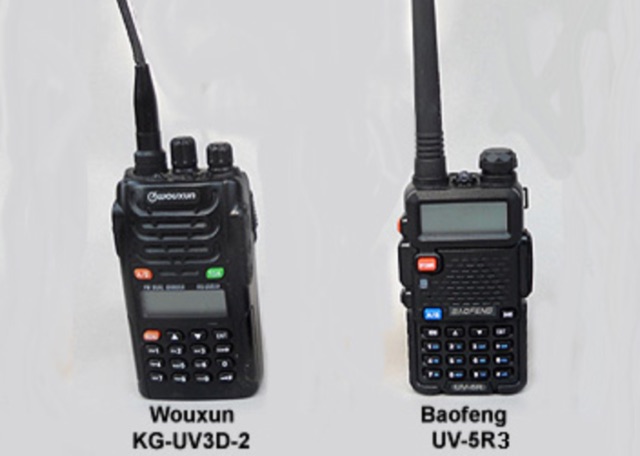 Programming the Wouxun KG-UV3D and the Baofeng UV-5R+, getting your computer to recognize the programming cable, installing the Wouxun software and hints on how to program Baofeng radio UV-5R.
 -
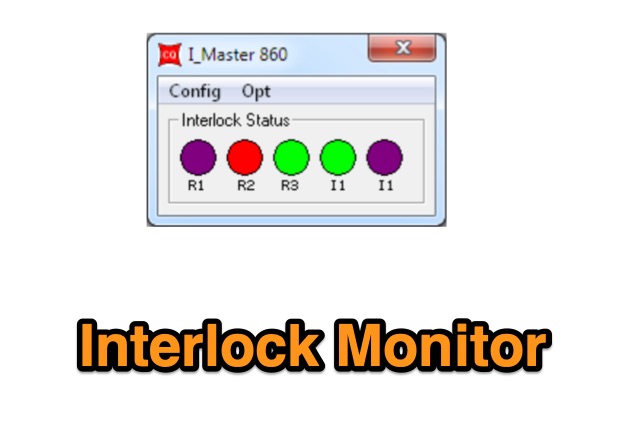 The Interlock Monitor (IM) program allows you to control and monitor the Interlock device from any computer in your network. The Interlock is an equipment designed to be used by contesters where they need to check, supervise and limit, how many radios are in transmission at any given time
 -
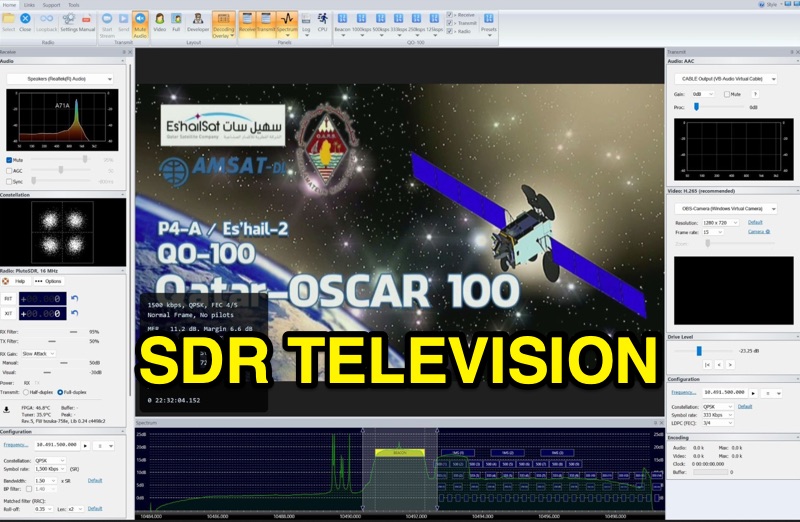 SDR Television v1.0 operates as a DVB-S2 / AAC / H264 / H265 program, specifically engineered for QO-100 satellite Digital Amateur Television (DATV) operations. It provides a full-duplex solution on modern x86 computers running Windows 10 or 11 (64-bit, 8+ cores, AVX2 support recommended), leveraging DLLs from _SDR Console_ for control of devices like _Pluto_ and _LibreSDR.TV_. The software requires installation of the SDR Radio kit for wideband mode support. Initial development focused on a proof-of-concept for QO-100, with future enhancements planned to include H266 / AV1 / Opus codecs and an improved cross-band user interface. The current stable release functions reliably for QO-100 DATV. Users must install the SDR Radio kit, followed by the SDR Television kit, into the same directory. Support inquiries are handled via the SDR-Radio.com mailing list, ensuring direct assistance for operational questions.
 -
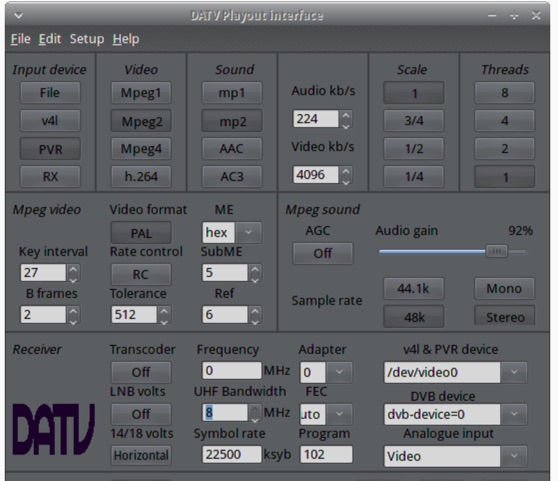 The ZL1WTT resource details an experimental software-based Digital Amateur Television (DATV) system, demonstrating the multiplexing of up to six standard-definition (SD) and one high-definition (HD) channel utilizing _h264 compression_. The author encountered peak data rates reaching 32 Mbit/s, necessitating a shift to Freeview and Sky settings (22.5M Sym/s 3/4FEC) to manage bandwidth. The setup employs four networked computers, with a laptop functioning as the multiplexer to re-code PIDs for various inputs, including looped MPEG2 playlists, MPEG2 encoder card input from a VCR, satellite feeds, and an off-air UHF receiver. The system highlights the inherent flexibility of the DVB transport stream, supporting diverse formats such as MPG2, h264, AC3, and AAC. A significant advantage of this software-defined approach is the absence of video quality degradation from stored MPEG2 files to the displayed output, coupled with the ease of reconfiguring settings for MPEG2 encoder cards (e.g., size, bit-rate, frame rate, video input, coding format) and satellite receiver cards (e.g., frequency, LNB volts, symbol rate, FEC). The author also discusses the development of a new graphical user interface (GUI) using _Gambas_ for Linux, aiming to simplify configuration for this DATV project. Specific hardware components mentioned include Hauppauge WinTV PVR-150 and Nova-S plus cards, with a focus on optimizing analog video input via Y/C (S-video) to minimize frequency roll-off. The resource also provides insights into data rates for HD (1080i) content, recommending 8 to 12 Mb/s for optimal performance. Software utilized includes _Ubuntu Studio 10.04_, WinFF, VLC, and TMPGEnc Editor, underscoring the project's reliance on open-source tools and a foundational understanding of LAN networks and DVB transport streams.
 -
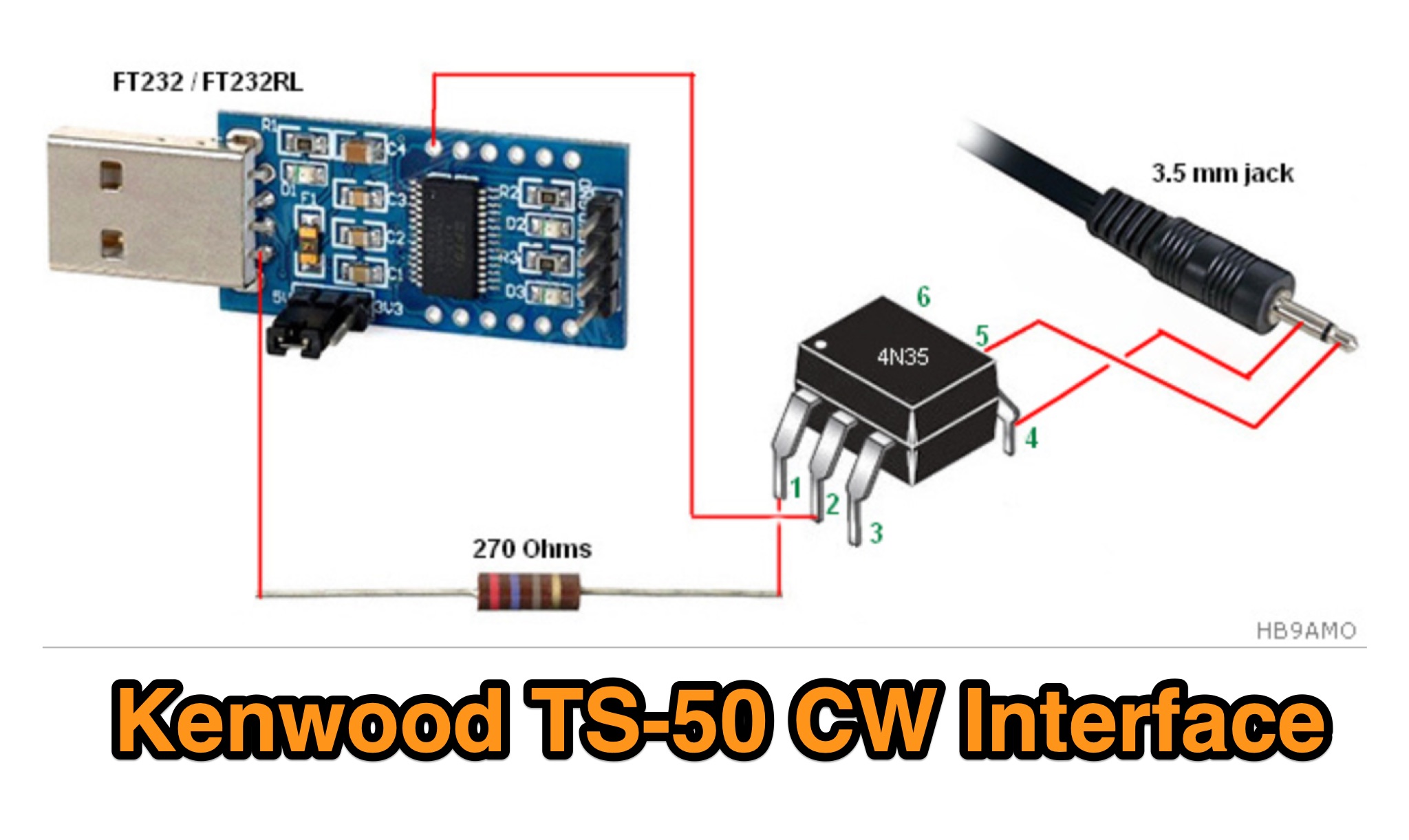 The Kenwood TS-50 is a reliable 25-year-old mobile HF radio, widely used in DX operations but lacking CAT and DATA ports for modern logging or contest software. To overcome this, a custom CW interface was built using an USB to TTL module (FT232/FT232RL) and an optocoupler (e.g., 4N25, H11A1) for galvanic isolation. This setup enables the TS-50 to connect with a computer via USB, facilitating integration with software like LOGGER32 and Win-Test. The interface is cost-effective and driver-free for Windows XP and 7, making it an accessible solution for enhancing the TS-50's functionality.
 -
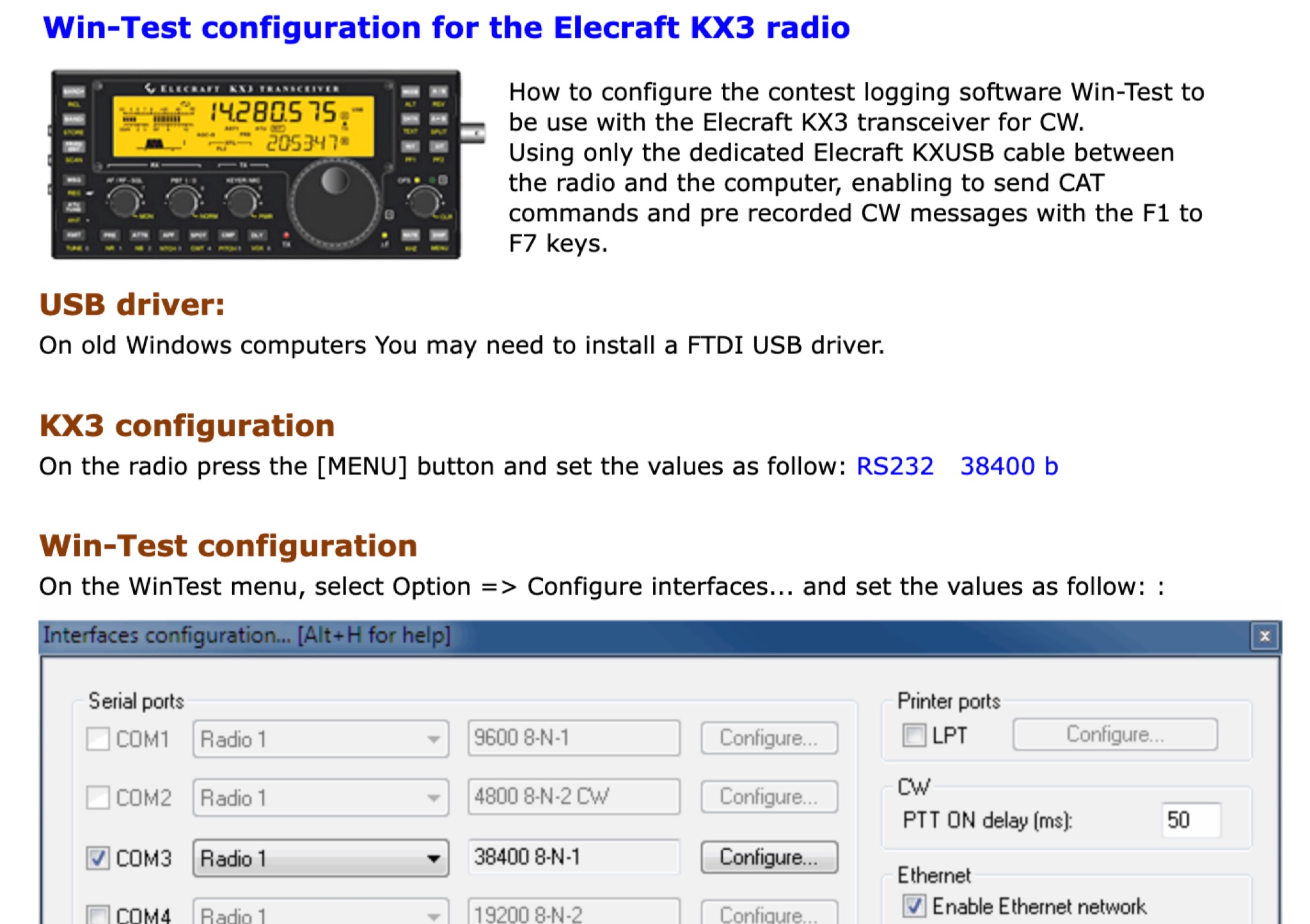 This page provides a detailed instructions on how to setup the KX3 transceiver with the Win-Test software. How to configure the contest logging software Win-Test to be use with the Elecraft KX3 transceiver for CW. Using only the dedicated Elecraft KXUSB cable between the radio and the computer, enabling to send CAT commands and pre recorded CW messages with the F1 to F7 keys.